
What happens when you restart and shut down a computer? Learn the difference between the two.
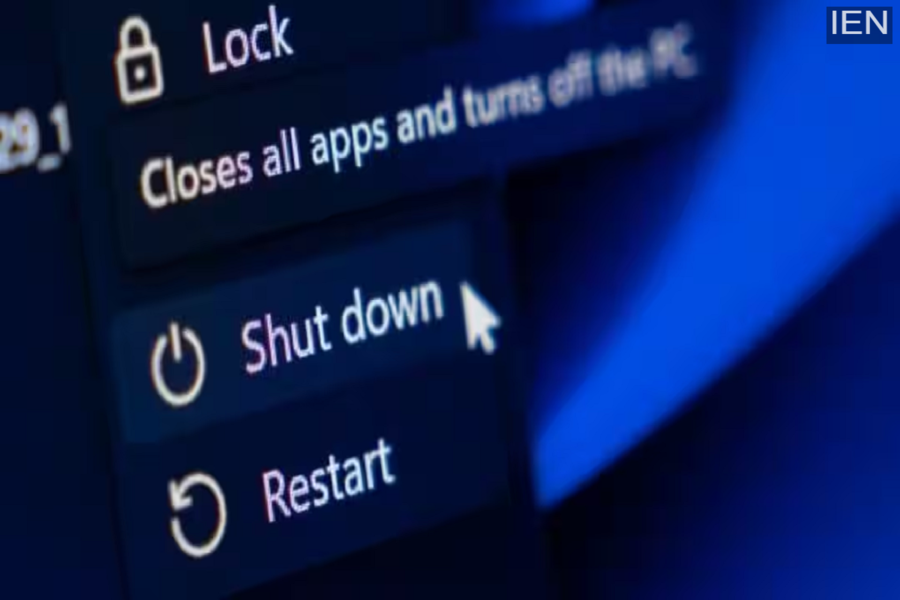
Windows computers offer two options for turning off the system. One is a system shutdown, and the other is a restart, but few people know the difference between the two.
If you are using a Windows computer, you know that it offers shutdown and restart options. Both are used to shut down the computer's operations, but there is a slight difference between them. While a shutdown turns off your computer completely, a restart briefly shuts down the computer and then restarts it. However, few people know that there is a significant difference between the two. Let's find out what other differences exist between them and when to use which option.
What happens during a shutdown?
In very old versions of Windows, shutdown and restart worked similarly, but this changed after the arrival of Windows 8. The new Windows operating systems have a new feature called Fast Startup. This is designed to reduce the long time it takes for your computer to start up. Because of this, when you shut down your computer, Windows is quickly set up for the next time it is turned on. In Windows 10, shutting down closes all your programs and files, but the most important part of the operating system, the Windows kernel, does not shut down completely. It remains saved on the disk, and the next time you turn on the system, you don't have to wait long, and it boots up instantly.
What happens during a restart?
On the other hand, when you restart the computer, it shuts down all processes, including the Windows kernel. This means that when the computer boots up again, you get a completely clean start. However, it takes a little longer to boot up. Therefore, you should restart the system when you install an update or software or want to resolve an error.
