
Waterproof Phone Check: How water-resistant is your smartphone? Learn the easiest ways to check the IP rating..
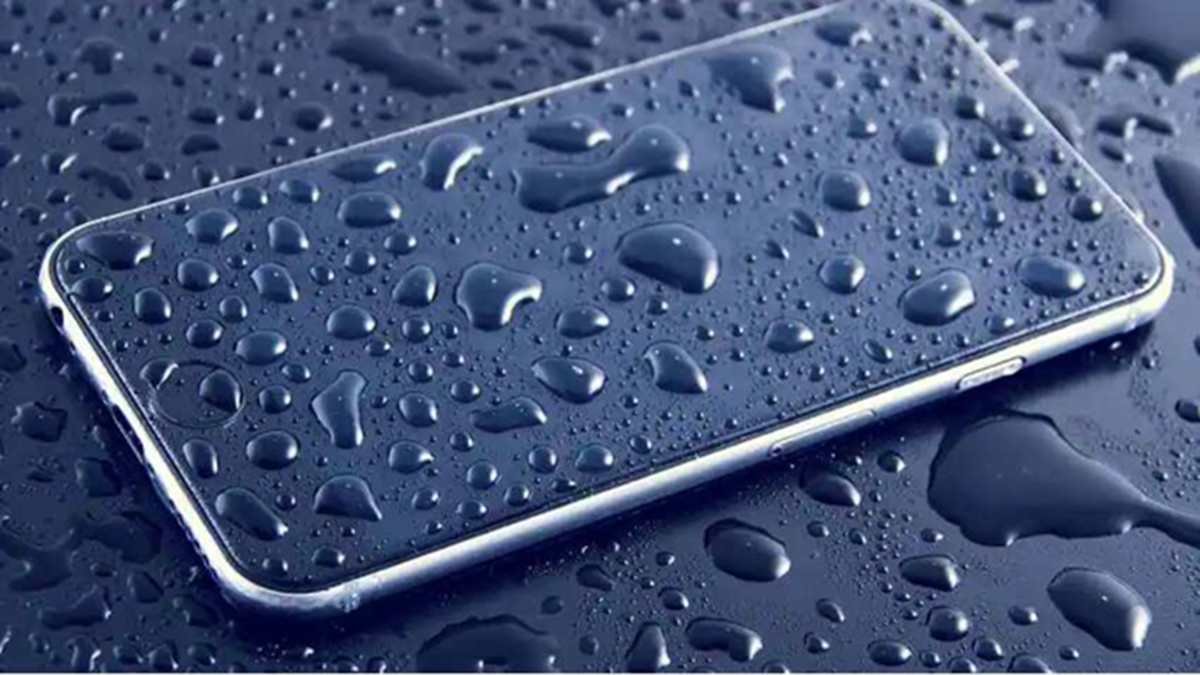
Phone IP Rating: Smartphones are most at risk of getting wet during the rainy season. Naturally, many people want to know how well-protected their phone is against water. However, most smartphones are not completely waterproof. Users can easily find this information via the IP rating. Follow the steps outlined in this article to check your mobile's IP rating.
What is the easiest way?
If you want to know your phone's water-resistance rating, first identify the exact model number.
To do this, go to your smartphone's settings.
Then, tap on 'About Phone' or 'About Device'.
You will see the model number and device name there.
Next, search on Google using your phone's model number followed by "IP rating" or "water resistance."
For example, if you have a Samsung phone, search for "Samsung Galaxy S24 IP rating," or for an iPhone, search for "iPhone 16 water resistance."
Within seconds, you will find information regarding ratings like IP67, IP68, or IP69.
You can also check the rating using these methods:
1. From the phone's box or user manual
The IP rating is often listed on the phone's original packaging and in the user manual.
2. On the company's website
You can obtain full details by searching for the model directly on the official websites of companies like Samsung, Apple, or Google.
3. In the phone's settings
On some Android smartphones, information regarding water resistance can be found in the 'About Phone' section within the settings.
4. Using Android apps
Apps like 'Water Resistance Tester' can check the phone's seal integrity using the barometer sensor. However, these apps do not provide the specific IP rating.
What does the IP rating mean?
IP68 (Common in flagship phones): IP68 means the phone is completely dust-tight and can generally remain safe in water up to 1.5 meters deep for 30 minutes. IP67: This means the phone is protected against submersion in water up to one meter deep for 30 minutes.
IP69: This rating indicates the phone can withstand high-pressure, hot water jets.
Tips to protect your phone from water:
Use a waterproof cover during the rainy season.
Do not charge the phone if the charging port is wet.
If the phone gets wet, allow it to dry completely before use.
Do not make the mistake of testing the phone in water based solely on its IP rating.
Disclaimer: This content has been sourced and edited from Amar Ujala. While we have made modifications for clarity and presentation, the original content belongs to its respective authors and website. We do not claim ownership of the content.
