
Watch out for these warning signs of an Android phone virus and prevent major damage.
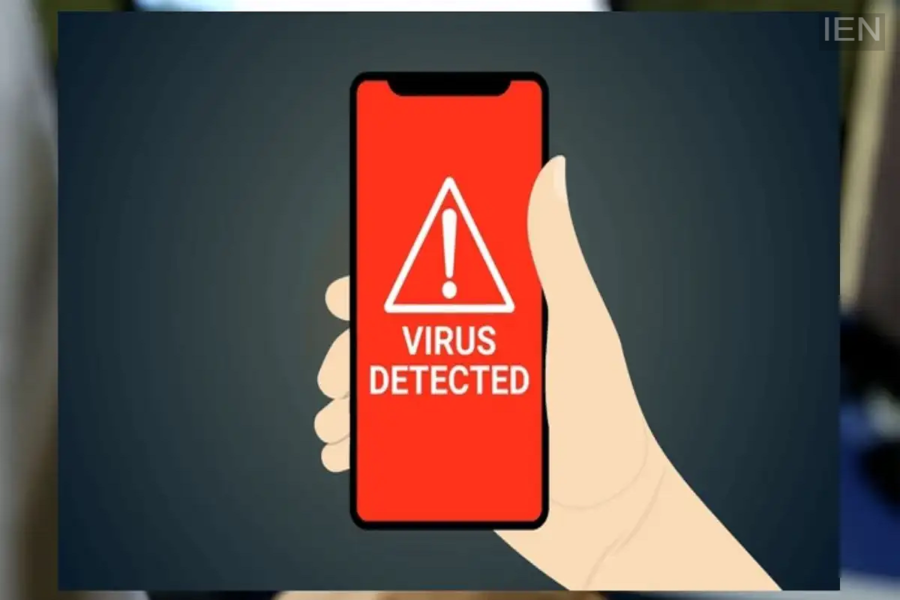
Android Phone Virus Signs: A virus infecting your phone can cause significant damage, leading to the theft of everything from personal data to financial details. Several warning signs appear when a virus infiltrates the device.
Android Phone Virus Signs: While modern Android phones come with various protections against cyberattacks, new threats constantly emerge. Constant internet connectivity keeps smartphones at risk of virus infections. Cyberattackers can install viruses to steal data and financial information. Viruses have become so sophisticated that they can be installed without the user even realizing it; often, the infection is only detected when the phone begins to exhibit specific warning signs. Today, we will explore the indicators of a virus infection and how to protect yourself from this threat.
Warning signs an Android phone shows when infected by a virus.
An infected phone displays several warning signs. If calls or messages are being sent from your number without your knowledge, it is a major red flag; you can verify this by checking your call logs and sent messages. Similarly, the appearance of an unknown app on your phone is a cause for concern. Viruses often download additional apps without user permission to carry out their malicious tasks, so keep an eye out for this. Additionally, if you start seeing unwanted pop-ups, it could be the work of adware; avoid clicking on these pop-ups and delete the app responsible for displaying them. Other warning signs include the phone overheating due to constant background activity and a noticeable drop in battery life. If you notice these signs, you need to be alert.
How to stay safe from online threats?
If you suspect your phone has been infected by a virus, immediately switch it to flight mode. This disconnects the virus from the hacker's control. Next, boot your phone into Safe Mode; this will disable third-party apps. As a precaution, avoid downloading apps from unknown sources or links to protect yourself against online threats. Keep Google Play Protect enabled on your phone. Additionally, ensure your phone's software is kept up to date, as this can help protect against cyberattacks.
