
Volume dropped in one earbud? Try these tips before buying a new one..
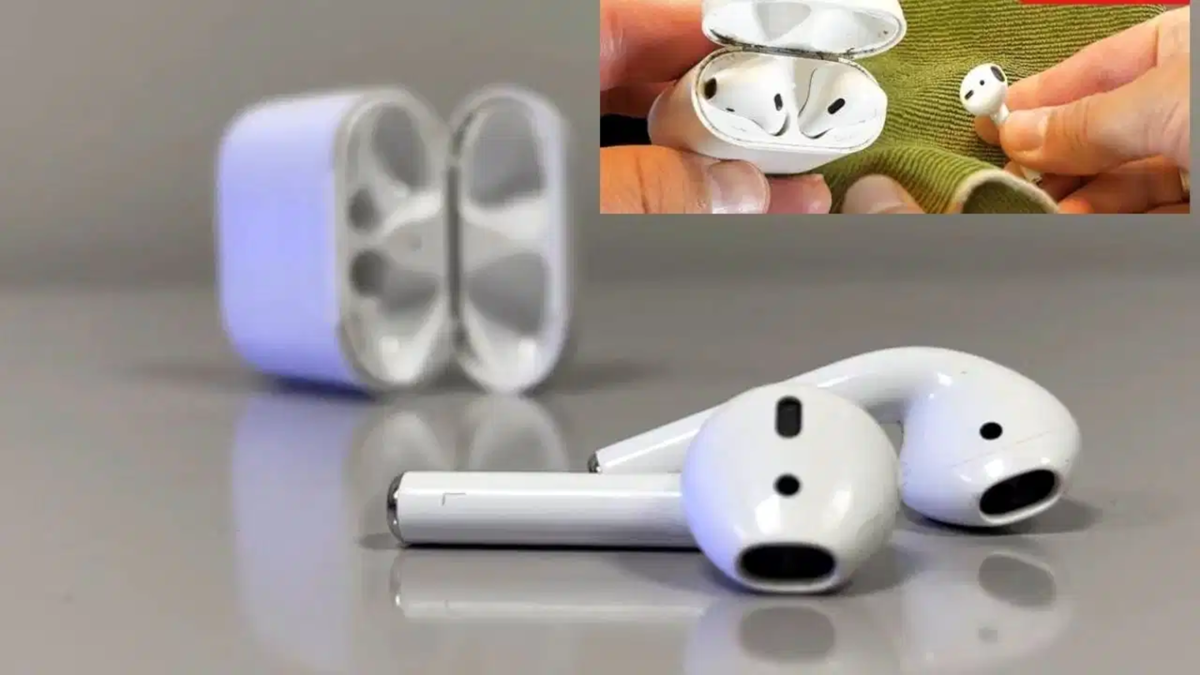
Nowadays, everyone uses wireless earbuds; they make listening to music, watching videos, and making calls very convenient. However, you may have experienced—either personally or with others around you—a situation where the sound from one earbud is significantly quieter than the other. Most people assume the device is broken, but instead of rushing to buy a new pair, it is better to try these tips first and save some money. Start by checking if the issue lies with your phone; try listening with the other ear or connect the earbuds to a different phone to verify.
**Clean out the dirt**
First, clean any accumulated dirt from inside the earbuds, as this is one of the most common causes of the problem. Dust, earwax, or other debris can build up and reduce the sound volume. Use a soft, dry cloth for cleaning. Then, gently remove any dirt from the mesh. If that doesn't work, you can use a soft brush or a cotton swab. Avoid using sharp objects during cleaning, as they could damage the earbuds. Once cleaned, reconnect the earbuds and test them; you will notice the difference immediately.
**Try changing the ear-tips**
If your TWS earbuds come with silicone ear-tips in various sizes, selecting the right size is crucial. If the earbud fits loosely in your ear, the sound may seem quieter, and you might hear more background noise. Experiment with different sizes to see which one fits comfortably and creates a good seal. Since ear shapes aren't always identical, you can use different-sized tips for each ear if necessary.
Check the phone's audio balance settings
Often, there is no actual fault with the earbuds; instead, the phone's Left-Right audio balance setting may have shifted. If the slider has moved to one side, the sound from the other earbud might seem quieter. Go to the Accessibility or Hearing-related options in your phone's settings and check the audio balance; the Left-Right slider should be positioned in the center. Afterward, put on the earbuds and check the sound again.
Where can you find this setting on Vivo and Samsung phones?
On Vivo phones, this option is usually found under Shortcut and Accessibility > Accessibility > Audio Adjustment, where you can tweak the Left-Right audio balance. On Samsung phones, navigate to Settings > Accessibility > Hearing Enhancements; here, you will find various audio-related options, including Mono Audio.
Final step: Reset the earbuds
If the sound issue persists after checking these settings, try resetting and reconnecting the earbuds. Go to your phone's Bluetooth list and select "Forget" or "Unpair" for the earbuds. Then, turn Bluetooth off and back on, and pair the earbuds again. Sometimes, an old Bluetooth connection malfunctions, and re-pairing resolves the audio issue. If the sound in one earbud remains consistently low even after this, it is advisable to have the device checked for a hardware fault.
Disclaimer: This content has been sourced and edited from TV9. While we have made modifications for clarity and presentation, the original content belongs to its respective authors and website. We do not claim ownership of the content.
