
Verification in the Aadhaar app will become easier with TOTP; here is how to use this feature instead of OTP..
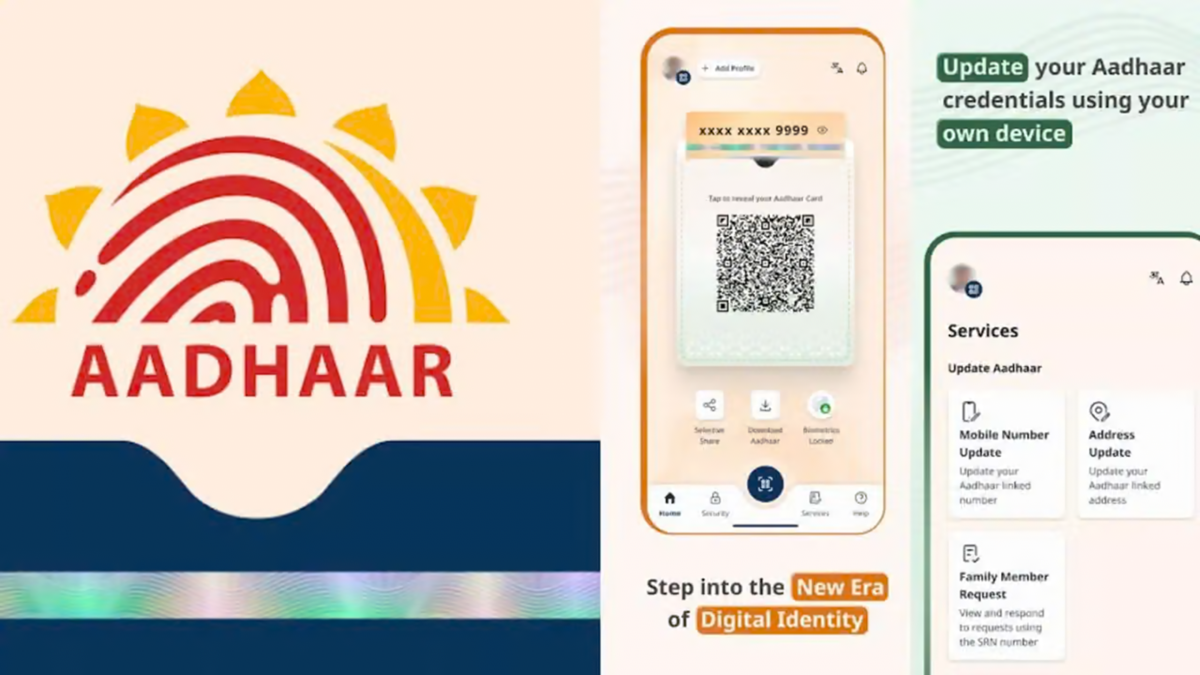
Nowadays, verifying one's identity via an OTP (One-Time Password) sent to the mobile phone is often required when using various online services linked to Aadhaar. However, the OTP sometimes fails to arrive on time due to weak network signals, SMS delays, or technical glitches, potentially stalling the task at hand. To address this issue, the UIDAI has introduced a TOTP option in the new Aadhaar app, allowing users to generate a code without waiting for an SMS.
TOTP, or Time-based One-Time Password, is a code that can be generated via the Aadhaar app. A key advantage is that it does not require an internet or mobile network connection to generate the code each time. However, the service being accessed must support the TOTP option.
What is Aadhaar TOTP and how does it work?
TOTP stands for Time-based One-Time Password. In the Aadhaar app, this is an 8-digit code that changes every 30 seconds. Unlike an SMS-based OTP, there is no need to wait for a message to receive the code. The system generates the code based on the phone's internal clock; therefore, the mobile's date and time settings must be accurate. If the phone's time is incorrect, verification issues may arise.
This feature is particularly useful when an SMS OTP for an Aadhaar-linked service is not being received. Users can simply open the Aadhaar app, generate a new code, and use it within the allotted timeframe.
What are the advantages over SMS OTP?
SMS OTPs can be affected by network issues or delivery delays. Additionally, cybercriminals might attempt to intercept messages sent to a user's number through methods like SIM swapping.
Since the TOTP is generated directly within the Aadhaar app, there is no need to wait for an SMS, which can simplify the verification process. However, it would not be entirely accurate to consider it more secure than SMS OTP in every situation. It is also important to ensure the security of your phone and the Aadhaar app.
How do you generate a TOTP in the Aadhaar app?
To use TOTP, first install the official Aadhaar app on your phone and log in. Then, follow these steps:
Open the Aadhaar app and go to the dashboard.
Tap on the 'Security' section located below.
Select the 'Generate TOTP' option.
An 8-digit code will appear on the screen.
Pay attention to the 30-second timer displayed alongside the code.
Copy the code and enter it on the relevant verification page.
Keep in mind that the website or service where you are performing the verification must support the TOTP option. If only the SMS OTP option is available, verification via TOTP will not be possible.
Points to remember when using TOTP:
First, ensure your phone's time setting is set to 'Automatic Date and Time' so that the code generates correctly. Use the code displayed on the screen within 30 seconds. Once the timer expires, a new code will be generated, and the old code will no longer work.
Additionally, do not let strangers use your phone, and keep the Aadhaar app secure. The TOTP feature can be helpful when facing network or SMS issues, but it works effectively only if you enter the code within the time limit and the relevant service supports it.
Disclaimer: This content has been sourced and edited from Money Control. While we have made modifications for clarity and presentation, the original content belongs to its respective authors and website. We do not claim ownership of the content.
