
Useful Tip: Apart from adjusting the volume, the volume button performs these 4 functions..
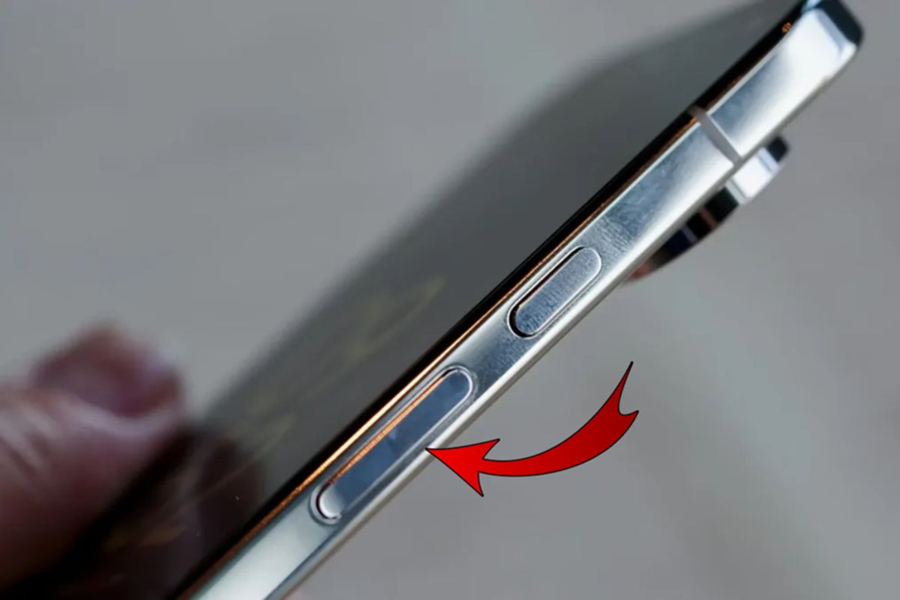
If we were to ask you what the volume button on your phone does, you would likely say it is used to increase or decrease the volume. While that is correct, do you know what else this button can do? Many people are aware of the standard functions of the volume button, but there are also many who may not know the full range of tasks it can perform on an Android smartphone.
Volume Button Usage: What can the volume button do?
Assistance with taking photos and recording videos: If you use an Android phone, you should know that when using the camera app to take photos or record videos, you can press the volume button to snap a picture or start and stop the recording.
Using the volume button for zoom: Additionally, within the camera settings, you will find an option labeled "Volume Button Function." Here, you can choose how you want to use the button—either for the timer or for zooming. If you set it to zoom, you can use the button to zoom in or out while taking photos or recording videos. However, please note that if you configure the button for zooming, it will no longer function as a shutter or record button (as mentioned earlier). The volume button can only perform one of these tasks at a time.
Easily turning off the alarm: You might set an alarm for the morning, but sometimes it goes off early even on a day off; in such cases, you can use the volume button to turn off or snooze the alarm. You can find this option in the alarm settings.
Phone hanging? Assistance with a force restart: Sometimes, a phone freezes completely and stops responding—apps won't open, and the screen becomes unresponsive. In such situations, it can be confusing to know what to do or how to restart the device. There is no need to worry; you can force-restart the phone by pressing the power button and the volume down button simultaneously for a few seconds. Do not force-restart the phone routinely; do so only in emergencies when nothing else is working.
Disclaimer: This content has been sourced and edited from TV9. While we have made modifications for clarity and presentation, the original content belongs to its respective authors and website. We do not claim ownership of the content.
