
Use Multiple WhatsApp Accounts on Desktop: Easy Ways to Set Up and Manage Them
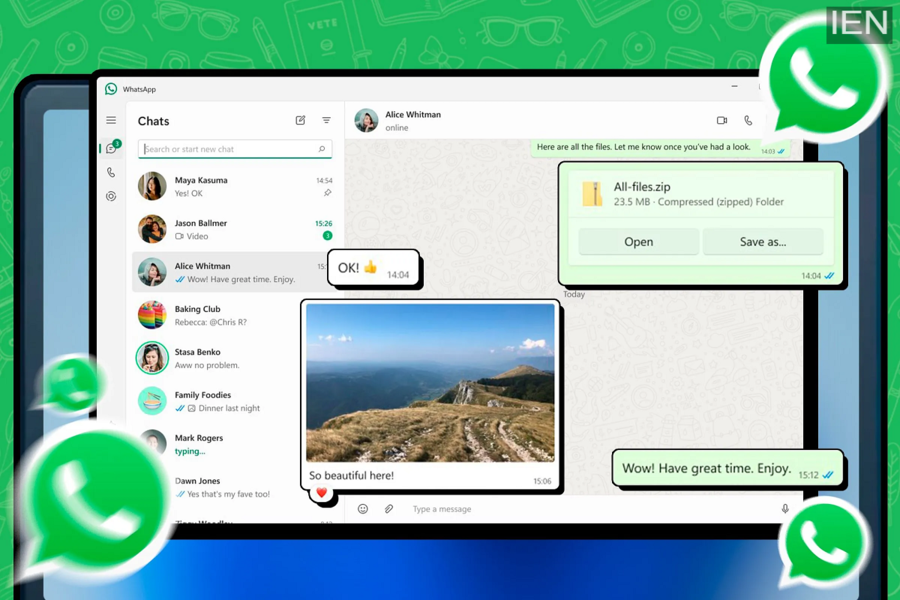
Many people today use more than one WhatsApp account—one for personal communication and another for work or business. While smartphones make it relatively easy to manage two accounts using features like app cloning or separate apps, using multiple WhatsApp accounts on a desktop computer is not as straightforward.
However, there are still several practical ways to run multiple WhatsApp accounts on a desktop or laptop. With a combination of the official desktop application and the web version of the messaging platform, users can access multiple accounts without relying on third-party tools.
Owned by Meta, WhatsApp has introduced a Linked Devices feature that allows users to connect up to four additional devices to one account. Once linked, these devices can receive messages even when the primary phone is not actively connected to the internet.
Although the feature improves flexibility, desktop operating systems like Windows and macOS still do not provide built-in tools such as “Dual Apps” or “Clone Apps.” Because of this limitation, users must rely on alternative methods to run multiple WhatsApp accounts on a computer.
Below are some of the easiest and safest ways to set up and manage multiple WhatsApp accounts on a desktop.
Method 1: WhatsApp Desktop App + WhatsApp Web
This is the simplest and most common way to use two WhatsApp accounts on a computer.
Steps to follow:
-
Download the WhatsApp Desktop app from the Microsoft Store, Apple App Store, or the official WhatsApp website.
-
Install the app and link it with your primary WhatsApp account by scanning the QR code.
-
Open a web browser and go to web.whatsapp.com.
-
Log in with another WhatsApp account using the Linked Devices feature.
Once completed, you will be able to run two different WhatsApp accounts simultaneously—one through the desktop app and the other through WhatsApp Web.
Method 2: WhatsApp Web with Multiple Browser Profiles
Another way to use multiple accounts is by creating different browser profiles.
How it works:
-
Open your browser and access WhatsApp Web.
-
Log in using one WhatsApp account.
-
Create a new browser profile by clicking the profile icon in the browser.
-
Open WhatsApp Web again using the new profile and connect another account.
Each browser profile stores its own cookies and sessions, allowing you to run separate WhatsApp accounts simultaneously.
However, creating too many browser profiles may make the browser cluttered and difficult to manage. This method works best for two or three accounts rather than many.
Method 3: WhatsApp Desktop + Web + Browser Side Panel
Some modern browsers such as Microsoft Edge or Opera offer a side panel feature that can run messaging apps directly within the browser interface.
Using this option, you can run multiple accounts by combining:
-
WhatsApp Desktop application
-
WhatsApp Web in the browser tab
-
WhatsApp Web in the browser’s side panel
This approach allows users to access several WhatsApp accounts at the same time without needing multiple browser profiles.
Important Things to Know
Before using multiple WhatsApp accounts on a desktop, there are a few important points to keep in mind:
WhatsApp Web does not support voice or video calls.
You will need the desktop app or your phone to make or receive calls.
The desktop app provides more features.
Some functions available in the mobile or desktop app may not appear in the web version.
Chats remain secure.
All conversations remain protected with end-to-end encryption regardless of whether you use the desktop app or WhatsApp Web.
Final Thoughts
Running multiple WhatsApp accounts on a desktop is possible with a few simple workarounds. By combining the official desktop application, WhatsApp Web, and browser features like profiles or side panels, users can easily manage both personal and professional conversations from one computer.
As WhatsApp continues to improve its linked devices functionality, the process of managing multiple accounts across devices is expected to become even easier in the future.
