
Uninstall these 5 apps from your Samsung smartphones immediately; they are hogging memory and draining the battery..
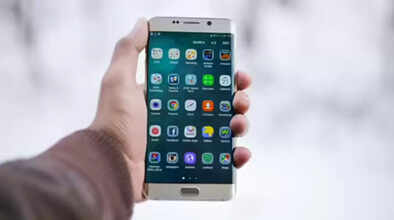
Samsung Apps: Samsung phones are very popular, especially in India, where they are liked for their easy and user-friendly interface. However, every Samsung phone comes pre-installed with several apps that most people never use. These are called bloatware. These apps consume your memory and battery even when not in use, but you can remove them from your phone. A ZDNet report (Ref.) suggests that removing or disabling them will make your phone faster and save space. Most Samsung phones come with these apps pre-installed. You can always download them again later if needed.
Samsung Free
This app is for watching free movies, TV shows, news, and games. However, most of this content is already available on Samsung TV Plus. It has separate tabs for reading and playing games, but all of this is available in other apps as well. It's best to remove it as soon as you set up your new phone.
Samsung TV Plus
This app is a free TV service with advertisements. It has over 1200 channels, but most people use Netflix, Prime Video, or Hotstar. If you don't watch TV on your phone, this app is useless. Removing it will free up a significant amount of space on your phone.
Samsung Shop
This app is for buying Samsung products and viewing offers. It features deals on new phones, TVs, etc. However, this app constantly sends annoying notifications. All the same offers can be found on the Samsung website. Therefore, this app is unnecessary, and removing it will save you memory.
Samsung Kids
This app is designed for young children. It contains games and activities for kids. If you have young children at home, this app is fine. But for those without children, it takes up unnecessary space and sometimes sends unwanted notifications. There's no harm in removing it.
Global Goals
This app is created for the United Nations' Sustainable Development Goals. By watching ads or donating money through this app, you can help make the world a better place. That's a nice idea, but not everyone wants such an app on their phone. Most people never even open it. Removing it won't cause any harm.
Do this first thing after buying a new phone:
If you want, as soon as you get your new Samsung phone, go to the settings and check all the apps. Remove or at least disable the ones you don't like or don't need. This will keep your phone clean, make it run faster, and improve battery life. After that, customize your phone to your liking, keeping only the apps that suit your needs and removing the rest.
Disclaimer: This content has been sourced and edited from Navbharat Times. While we have made modifications for clarity and presentation, the original content belongs to its respective authors and website. We do not claim ownership of the content.
