
Unable to book an LPG cylinder after your old phone number became inactive? Here is how to update it—learn the simple method..
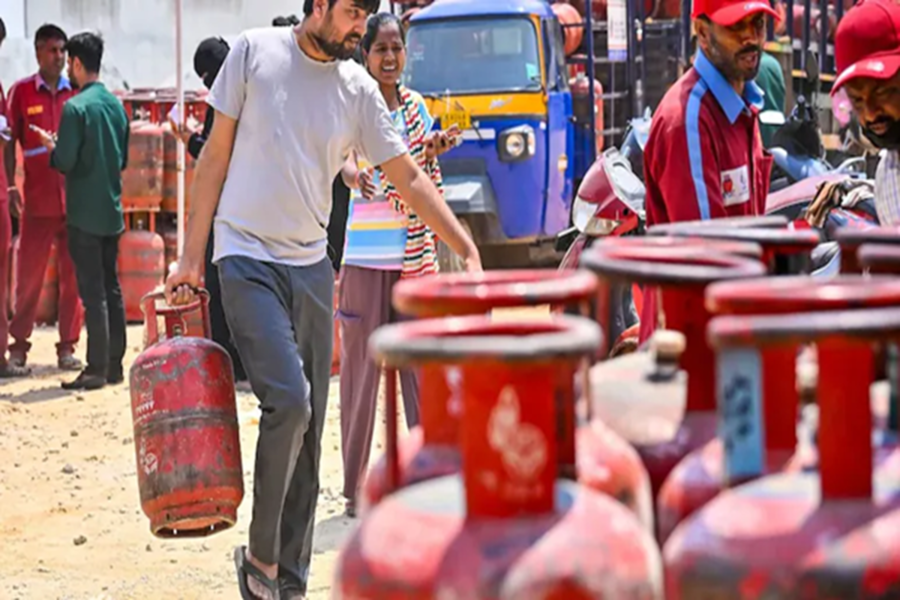
LPG Cylinder Phone Number Update: The ongoing tension in the Middle East has had a noticeable impact on India as well. Reports of LPG gas cylinder shortages have emerged from various parts of the country. In many places, people are unable to book cylinders, while in others, cylinders remain unavailable even after a booking has been made. Amidst this situation, some consumers have also complained that their old phone numbers have become inactive, and they are unable to book cylinders using their new numbers.
If you are facing a similar issue, this information could prove beneficial for you. Today, we will guide you through a simple method to update your old phone number with a new one via the online portal. The best part is that you will not need to visit your agency in person; you can update your number from the comfort of your home in just a few minutes.
**Update Your Number via the MyLPG.in Portal**
You can update your old phone number using MyLPG.in. To do so, follow the steps outlined below:
Visit the official website of MyLPG.in the portal at https://pmuy.gov.in/mylpg.html.
Next, from the three cylinder icons displayed on the left side of the screen, select and click on the cylinder corresponding to your specific agency's company.
Upon clicking the cylinder, you will be redirected to that company's official portal.
Log in to the official portal using your personal details.
Now, navigate to the 'Profile' section and click on 'Change Mobile Number'.
Enter your new mobile number and verify it by entering the One-Time Password (OTP) you receive. This will successfully update your number.
**You Can Also Update Your Number via WhatsApp**
You can also easily update your mobile number from home using WhatsApp. To do this, follow the steps provided below:
Open WhatsApp on your mobile phone and send a "Hi" message to your agency's official WhatsApp number.
From the menu that appears, select the 'Other Services' option.
Next, click on 'Change Mobile Number'.
Then, enter your new mobile number and verify it using the OTP.
Once the verification process is complete, your new mobile number will be successfully updated.
Disclaimer: This content has been sourced and edited from NDTV India. While we have made modifications for clarity and presentation, the original content belongs to its respective authors and website. We do not claim ownership of the content.
