
Typing 'NO' on WhatsApp could lead to your bank account being emptied: Police issue alert regarding the scam..
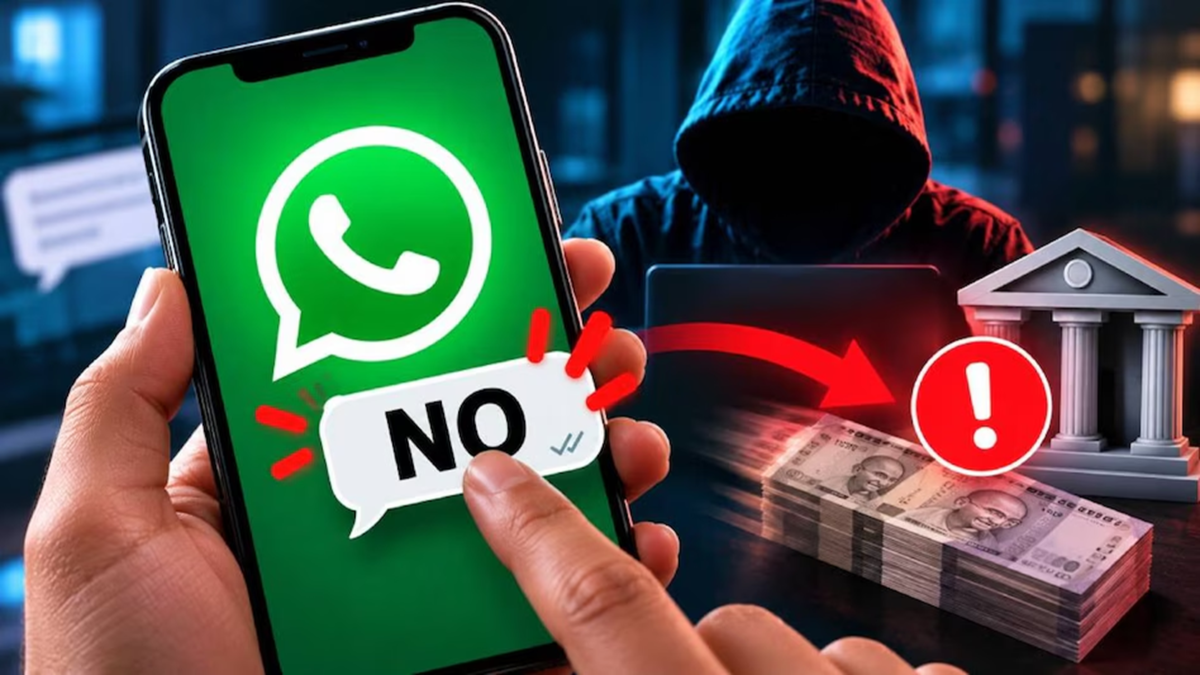
WhatsApp is no longer used solely for personal communication; it is now also a common medium for sharing important information and documents. Cybercriminals are exploiting this trend to target individuals. While you may have previously heard of online scams involving requests for OTPs or the distribution of malicious links, a new tactic has emerged: scammers are now trapping victims by creating the fear that money has been deducted from their bank accounts.
In this scheme, a message is sent via WhatsApp from an unknown number, claiming that a sum of money has been deducted from the recipient's bank account. The message instructs the user to reply with "NO" if they did not authorize the transaction. Upon seeing a claim that money has been withdrawn from their account, individuals may panic and respond without verifying the information. According to a report by *Digit*, the Hyderabad Police Commissioner has issued a warning regarding this alleged WhatsApp banking scam, citing a case where a chartered accountant was defrauded of lakhs of rupees.
How does this new WhatsApp scam operate?
In this scam, cybercriminals send a WhatsApp message from an unknown or international number, alleging that a transaction has occurred and funds have been deducted from the recipient's bank account. The message then prompts the user to reply with "NO" if they did not initiate the payment.
The intent behind such messages is to instill fear and a sense of urgency. Anyone hearing that money has been withdrawn from their account would naturally want to respond immediately; scammers exploit this panic. While the Hyderabad Police Commissioner has referred to this method as an "auto-execution file attack," there is a technical distinction between simply replying to a message and the automatic execution of malware on a device. Therefore, the claim that replying with "NO" could lead to one's phone being hacked should not be taken as an established technical fact. Regardless, it is essential to verify the authenticity of any banking-related message received from an unknown number, rather than responding to it.
Does replying with "NO" lead to your phone being hacked?
An alert issued by the police suggests that responding to such messages could potentially allow cybercriminals to gain access to your phone or bank account. However, the technical specifics of how this occurs remain unclear in available reports. Meanwhile, the Indian Cyber Crime Coordination Centre (I4C) has issued an official warning regarding cyberattacks carried out by sending suspicious files via WhatsApp, SMS, or email.
According to information provided by the Ministry of Home Affairs, fraudsters may send files with names such as "Statement of Account.zip," "RBI.zip," or "MCA.zip." These ZIP files may contain malicious EXE or DLL files. Downloading, opening, or executing these files can install malware on a Windows computer, which could then be used to compromise accounts linked to WhatsApp Web.
Therefore, it is important to distinguish between two separate issues: first, one should not trust banking-related messages from unknown numbers; and second, downloading and opening suspicious files—or running programs contained within them—poses a serious cybersecurity risk.
What should you do if you receive such a message on WhatsApp?
Do not respond: If you receive a message from an unknown number claiming that money has been deducted from your bank account, do not panic and reply with "YES" or "NO." Instead, first verify the status of your account.
Use your bank’s official app: Check your account balance and recent transactions through your bank’s official mobile app or internet banking portal. Avoid accessing your bank’s website via links provided in such messages.
Block and report the suspicious number: If a message appears fake or suspicious, you can block and report the sender’s number on WhatsApp.
Keep a screenshot of the message: Save a screenshot that includes the sender’s number, the message content, and the timestamp. This information can be useful when filing a formal complaint. Do not download or open unknown files: Do not download or open ZIP, EXE, or DLL files sent by unknown individuals. Be especially cautious regarding files purportedly containing bank statements or government documents. The I4C (Indian Cyber Crime Coordination Centre) has advised against interacting with such suspicious files.
What to do if money is deducted from your account?
If you discover that money has been deducted from your account without your knowledge, immediately contact your bank’s official customer care number and report the transaction. You can also report cyber fraud by calling the national cybercrime helpline number 1930. Additionally, complaints can be filed through the government portal: www.cybercrime.gov.in.
Keep in mind that a message stating that money has been deducted from your bank account is not, in itself, proof that a transaction has actually taken place. Therefore, rather than taking hasty action based on an alert received via WhatsApp, verify the transaction through your bank’s official app or internet banking platform.
Disclaimer: This content has been sourced and edited from Amar Ujala. While we modified it for clarity and presentation, the original content belongs to its respective authors and website. We do not claim ownership of the content.
