
TV Hacks: Do you only use your Smart TV to watch OTT content? Discover its hidden features..
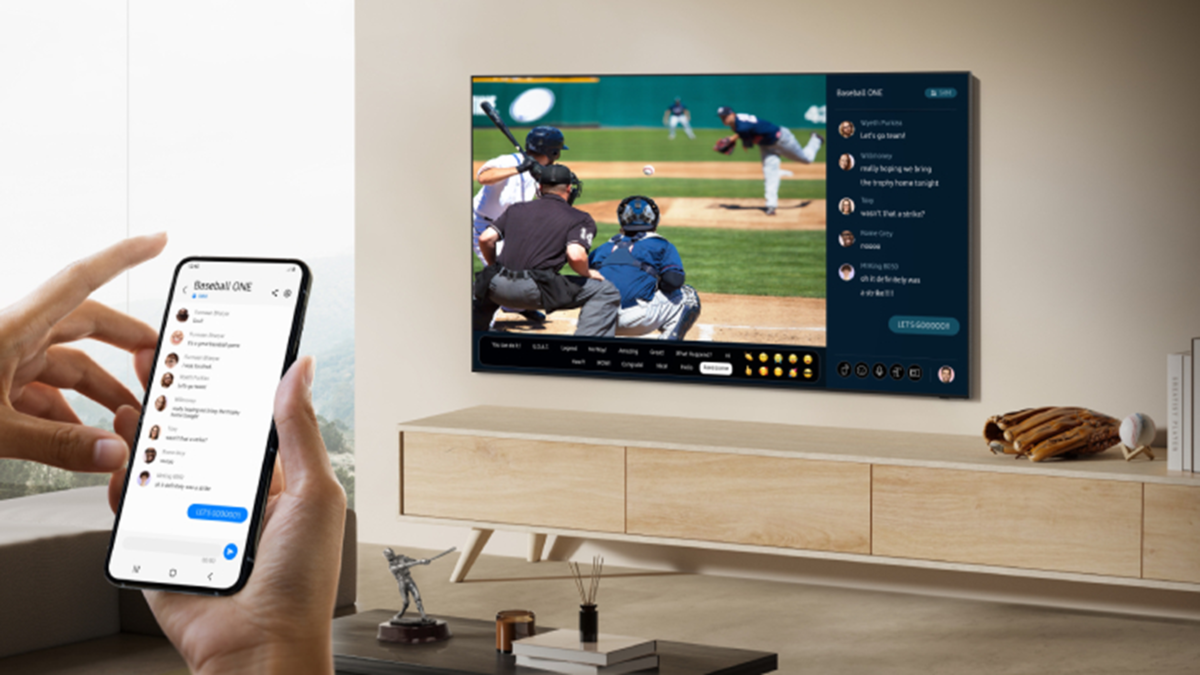
Nowadays, most people limit their use of smart TVs to simply watching movies, web series, or YouTube videos via OTT apps; however, your smart TV is far more than just an entertainment device—it is a powerful and highly versatile gadget.
If you haven't explored your smart TV's advanced options yet, you might be missing out on its best features. Let’s take a look at some of these hidden features that can transform your TV into a much smarter, multitasking device in minutes.
1. Screen Mirroring: Beyond Just Viewing Photos and Videos
Office and College Presentations: Mirror your smartphone or laptop screen to the TV to display PowerPoint presentations or Google Slides directly on the large screen. This eliminates the need for an expensive projector.
Enhanced Gaming: Connect a Bluetooth gaming controller to your phone and play games on the TV screen. This offers an immersive experience comparable to a dedicated gaming console.
Video Calling and Editing: Video calls via apps like Zoom, Google Meet, or FaceTime are much more comfortable on a large display. Additionally, you can multitask easily by using the TV as a secondary screen for your laptop while editing photos or videos.
2. Smart Voice Assistant: Beyond Just Changing Channels or Apps
Unified Search: If you ask to see "action movies," the TV will search across various OTT platforms and display the available content all in one place.
Daily Updates: You can ask the TV for weather forecasts, traffic updates, the latest news, and calendar reminders.
Smart Home Control: If you have smart devices at home, voice commands on your TV make it incredibly easy to turn lights on or off, adjust the AC temperature, or control smart locks.
3. Picture and Sound Settings: Transform Your Experience Instantly
AI Upscaling: If your TV supports AI upscaling, enabling it makes even low-quality HD videos appear significantly sharper and as detailed as 4K content.
Cinematic Sound: If you own a soundbar or home theater system that supports Dolby Atmos or DTS:X, select the appropriate audio format in the TV's audio settings for a truly immersive sound experience.
4. TV USB Port:
It’s not just for plugging in a pen drive.
Offline Entertainment: Store your favorite movies, songs, or photos on a pen drive or external hard drive and play them on your TV without needing an internet connection.
PVR (Personal Video Recorder): Many TVs offer a live TV recording feature. By connecting a USB hard drive, you can record your favorite cricket matches, news programs, or TV shows and watch them at your convenience.
Digital Photo Frame: Save your cherished memories and photos on a pen drive and run a slideshow on the TV screen to make your living room look visually appealing.
5. Web Browser, Productivity, and Cloud Gaming
Web Browser & Workspace: Use the built-in web browser to read the news or look up recipes. Additionally, by connecting a Bluetooth keyboard and mouse, you can use your TV like a computer to access Microsoft Office or Google Workspace apps.
Fitness Apps: Following fitness apps and YouTube workout videos on a large display makes exercising at home much easier.
Cloud Gaming: Services like Xbox Cloud Gaming and NVIDIA GeForce Now allow you to play high-end games directly on your TV using just a fast internet connection and a controller—no expensive console required.
6. Whole-Home Smart Control System
Smart Dashboard: TVs that support platforms like Samsung SmartThings, Apple HomeKit, and Google Home feature a comprehensive smart home dashboard. Live Camera Feed: You can dim the lights and adjust the room temperature while watching TV, as well as view the live feed from your smart doorbell or security camera directly on the TV screen.
Use an Ethernet Cable: Use a LAN (Ethernet) cable instead of Wi-Fi for stable streaming and uninterrupted 4K video playback.
Clear Cache: To maintain TV performance, periodically remove unwanted apps and clear the app cache.
