
Trouble strikes without warning: Enable these 5 emergency settings on your Android phone immediately—they could save your life in a crisis..
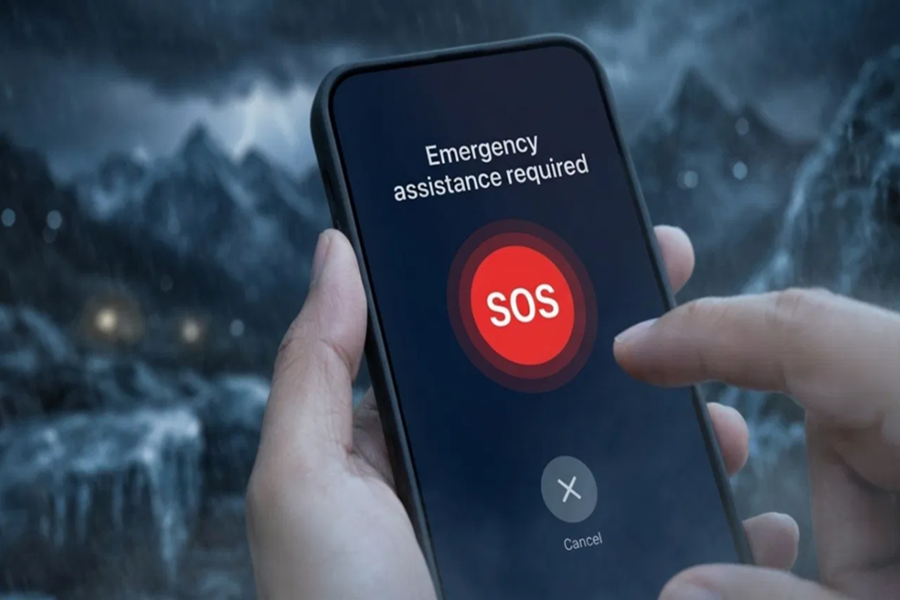
Nowadays, smartphones are no longer just for making calls or using social media. They can be your biggest help in case of an accident, medical emergency, or natural disaster. Google offers many advanced safety features in its Android phones that can save your life in times of danger. Most people are unaware of these settings. Let's explain these five essential settings in simple terms that you should enable today.
5 Essential Safety Features
Setting Name Main Function
Personal Safety App saves safety checks and medical details
Emergency SOS: Press the power button to immediately seek help
Wireless Alerts provide warnings before a disaster (flood, storm)
Earthquake Alerts provides early alerts before an earthquake
ELS (Location Service) sends precise location to rescue teams
Personal Safety App
This app is pre-installed on smartphones running Android 12 or newer (if not, download it for free from the Play Store). It is the control center for your digital security.
Medical Details: You can save your blood type, allergies, and medical conditions, which can be very useful for doctors in case of an accident.
Safety Check: Suppose you're traveling in a cab at night, you can set a timer. When the time is up, your phone will ask you if you're safe. If you don't answer, it will immediately send your location to your family.
Emergency SOS
Sometimes, in times of danger, there's no time to unlock your phone and dial someone's number. This feature is ideal for such times.
How it works: You simply press the phone's power button 3 to 5 times in a row.
What happens: It immediately calls the emergency number, sends your location to your family, and can even start video recording with the phone's camera.
Where to find it: Settings > Safety & Emergency > Emergency SOS
Wireless Emergency Alerts
Sometimes, even a few minutes' warning can avert a major accident. This feature alerts you to major events happening around you in advance.
How it works: It sends alerts to your phone about natural disasters like floods, cyclones, or heavy rains through notifications, based on data from government agencies and the weather department.
Where to find it: Settings > Safety & Emergency > Wireless Emergency Alerts
Earthquake Early Alert
In a disaster like an earthquake, even a few seconds' warning can be enough to save lives.
How it works: It uses your phone's sensors and Google's network to alert you with a loud alarm a few seconds before an earthquake strikes. Instructions for staying safe are also displayed on the screen.
Where to find it: Settings > Safety & Emergency > Earthquake Alerts
Emergency Location Service (ELS)
In any emergency, knowing your exact location is crucial for rescuers.
How it works: When you call the emergency number, ELS automatically retrieves your exact location using GPS and Wi-Fi and sends it to the emergency response team.
Privacy: According to Google, this location is only accessible to authorized emergency services and is not shared with anyone else.
Why is it important to prepare today?
Always remember, emergencies never come with a warning, and you may not have time to look for your phone's settings at that time. So, take a few minutes and go to your phone's Settings > Safety & Emergency section to enable all these features today and save the numbers of your loved ones as emergency contacts. Your smartphone isn't just a gadget; it can be your emergency contact when needed.
Disclaimer: This content has been sourced and edited from Amar Ujala. While we have made modifications for clarity and presentation, the original content belongs to its respective authors and website. We do not claim ownership of the content.
