
Tips: Keep your smartphone 100% safe during the monsoon! 5 foolproof ways to protect your phone from rain damage..
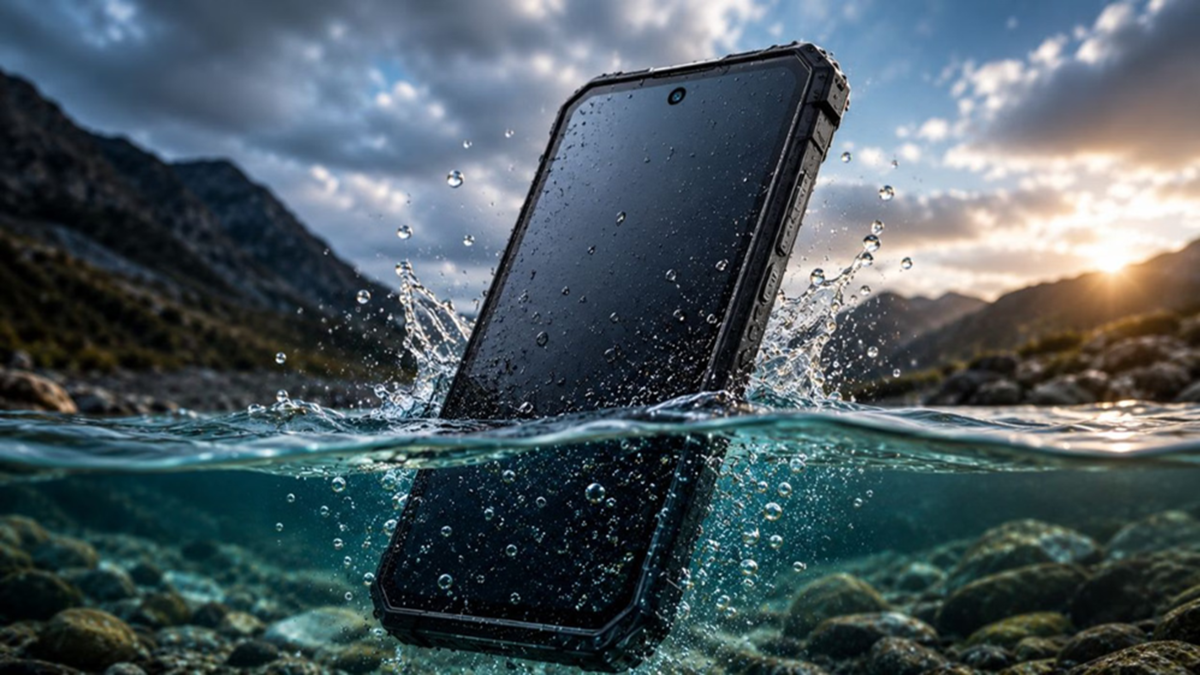
While the rainy season offers relief from the scorching heat, this pleasant weather also brings a host of problems for our expensive electronic gadgets, especially smartphones. A sudden downpour while walking outdoors or water dripping from an umbrella can permanently damage your phone's motherboard. Instead of spending thousands on repairs, it is far better to exercise a little caution. Here are some smart and simple ways to keep your phone safe from every drop of water this monsoon.
1. Don't rely solely on the phone's IP rating
Many smartphones today come with IP67 or IP68 ratings, and companies often claim they are waterproof. However, the reality is that while these phones are water-resistant, they are not entirely waterproof. Over time, the internal rubber seals can weaken. Therefore, even if you own an expensive phone, avoid the mistake of intentionally taking it out in the rain or using it to take photos.
2. Use a waterproof zip-lock bag
When stepping out during the monsoon, always carry a high-quality waterproof pouch or a transparent zip-lock bag in your bag. These are easily available in the market for ₹100 to ₹200. If it starts raining suddenly, simply place your phone inside the pouch. The advantage is that, being transparent, the pouch allows you to view the screen and use the phone even while it is raining.
3. Use Bluetooth earbuds or a smartwatch
Repeatedly taking your phone out of your pocket or bag during the rain is a major mistake. If you need to attend calls while on the go, use wireless earbuds (TWS) or a smartwatch. This keeps your phone safe inside your bag, ensuring you don't miss important calls even while getting wet.
4. Keep silica gel packets in your bag
We often place our phones in bags to protect them from getting wet, but the moisture inside the bag can cause fogging on the camera lens or screen. To prevent this, place 3-4 small silica gel packets in the specific pocket where you keep your phone. These packets absorb moisture from the air and keep your gadgets dry.
5. Avoid charging during the rain
If your phone gets wet, do not plug it in to charge immediately. Let it dry thoroughly first. If necessary, wipe the port and the body with a dry cloth. Avoid using the phone with wet hands or plugging in the charger if there is moisture in the charging port.
What to do if the phone gets wet?
If water has entered the phone, switch it off immediately. Remove the SIM tray and allow the phone to air-dry naturally. Do not use a hair dryer or blast it with hot air, as this can damage internal components. If the problem persists, have it inspected at an authorized service center.
By following these simple precautions, you can keep your smartphone safe during the monsoon and avoid unnecessary repair costs.
Disclaimer: This content has been sourced and edited from Amar Ujala. While we have made modifications for clarity and presentation, the original content belongs to its respective authors and website. We do not claim ownership of the content.
