
Tips: How to add your Aadhaar card to Google Wallet? Here is the easiest way to add it..
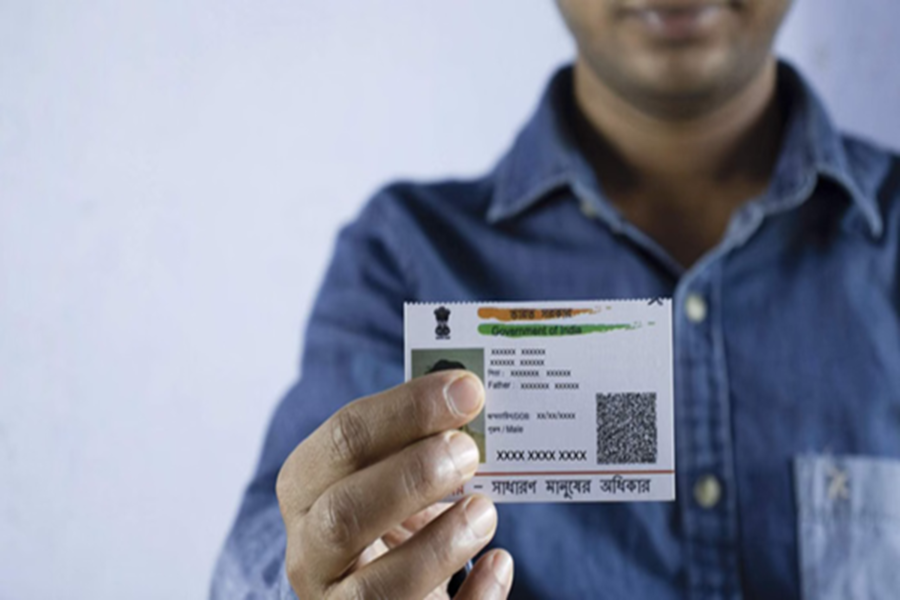
Tech giant Google launched its 'Google Wallet' in India in May 2024. Through this app, Android users can securely store their ID cards, flight boarding passes, and tickets for local travel. Now, you can also save your Aadhaar card in the Google Wallet app. Google has partnered with the Unique Identification Authority of India (UIDAI) for this specific feature.
Additionally, the company has collaborated with various other platforms where you will be able to present your Aadhaar directly from Google Wallet to verify your age and identity. Let’s look at how you can add your Aadhaar card to Google Wallet.
How to add Aadhaar to Google Wallet via the mAadhaar app?
If you wish to add your Aadhaar card to Google Wallet on your smartphone, follow the steps below:
Step 1: First, download the Aadhaar app on your phone from the Google Play Store.
Step 2: Open the app and sign in by entering your Aadhaar number.
Step 3: You will receive an OTP on your registered mobile number; enter it to complete the login process.
Step 4: Now, tap the 'Add to Wallet' button visible on the screen and select Google Wallet.
Step 5: Next, click on the 'Continue' button.
Step 6: Follow the on-screen instructions, and your Aadhaar will be securely added to Google Wallet.
How to add an Aadhaar Card to Google Wallet?
Step 1: Download and open the Google Wallet app from the Play Store.
Step 2: Click on the '+' (plus) button located at the bottom right of the screen.
Step 3: You will see an option for 'Aadhaar'; tap on it. This will redirect you to the Aadhaar app.
Step 4: Complete the process by entering your Aadhaar number and OTP, just as described in the method above.
Frequently Asked Questions (FAQs)
Question 1: Is it mandatory to download the Aadhaar app (mAadhaar) to add Aadhaar to Google Wallet?
Answer: Yes, you will need the Aadhaar app to securely verify your Aadhaar. However, you can also initiate this process directly from Google Wallet.
Question 2: Is there a fee for adding an Aadhaar card to Google Wallet?
Answer: No, this service is completely free. Google does not charge any additional fees for it.
Question 3: Where can I download the Google Wallet app?
Answer: If you use an Android smartphone, you can download it for free from the Google Play Store.
Question 4: Where can I use the Aadhaar card stored in Google Wallet?
Answer: Currently, Google has partnered with PVR Inox, Bharat Matrimony, and Atlys. You can easily use it there to verify your age and identity. More platforms will be added in the future.
Disclaimer: This content has been sourced and edited from Amar Ujala. While we have made modifications for clarity and presentation, the original content belongs to its respective authors and website. We do not claim ownership of the content.
