
Tip: Your smart TV at home listens to your conversations! If the microphone is always left on, change this setting today..
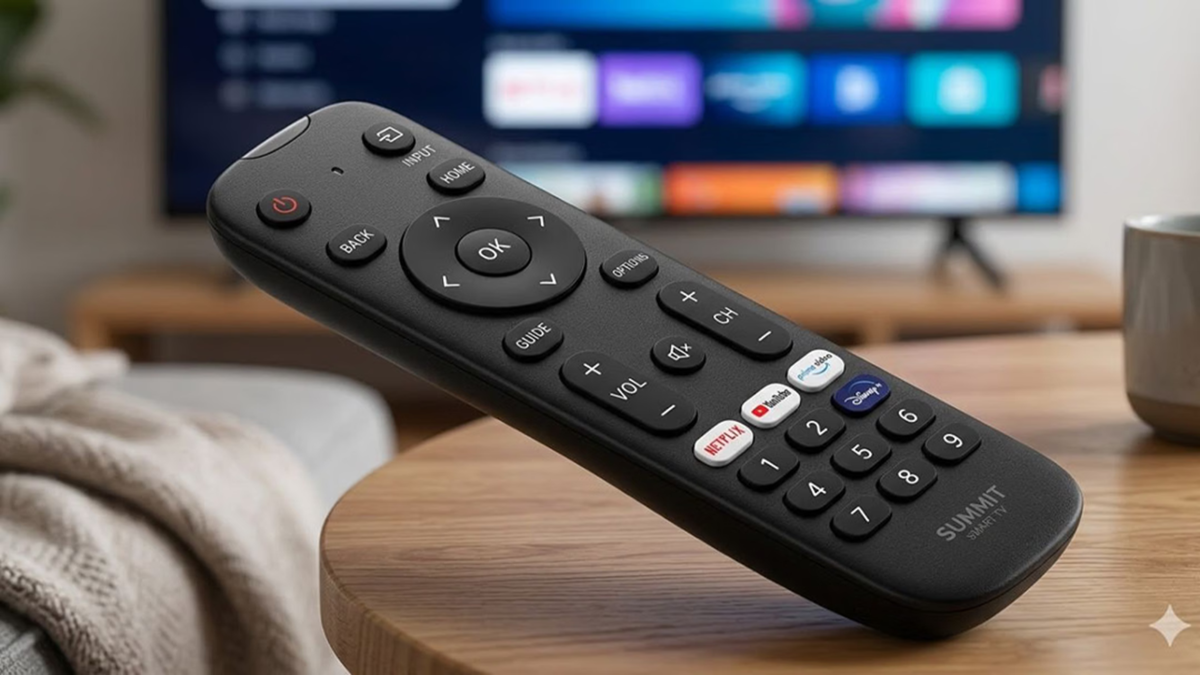
In today’s world, smart TVs are no longer limited to just watching movies or web series. They come equipped with apps like YouTube, Netflix, and Amazon Prime, as well as built-in voice assistants (such as Google Assistant or Alexa). To avoid the hassle of typing using a remote, we often issue commands by speaking. You can even control other smart home devices through these TVs. While this is highly convenient, have you ever considered how safe it is for your privacy to keep the TV’s microphone on at all times?
The microphone remains constantly active
The microphone on your smart TV stays active in the background, waiting to hear a "wake word" like "Hey Google" or "Alexa." This means that even when you aren't watching TV, your private conversations taking place in the room remain within range of the TV’s microphone. Often, companies do not clearly explain how audio recordings captured by voice assistants are used. In the name of improving voice recognition, your data might even be sent to third-party servers.
Risks of hacking and cybersecurity
Since a smart TV is always connected to the internet (via Wi-Fi), it can easily become a target for hackers. If there is a vulnerability in the software, cybercriminals could gain access to your TV. Once they have access, they could potentially use the TV’s camera and microphone to spy on you.
Turn it off if you don’t use it
If you rarely use voice commands, or if you find it more convenient to type using the remote, there is no reason to keep the microphone on all the time. Turning it off does not affect the TV’s core functions—such as running apps or watching videos—it simply disables the hands-free voice command feature.
How do you turn off the microphone on a smart TV?
Go to your TV’s settings. Click on the privacy option.
Open the Google Assistant settings.
Turn off 'Hands-free mic' and 'Voice control' here.
On Samsung, LG, or Fire TV devices, these options might have different names, but the process remains largely the same.
Disable the ACR feature as well.
Turning off the microphone alone is not enough to ensure privacy. TVs include an ACR (Automatic Content Recognition) feature that tracks the content being displayed on the screen. On Samsung TVs, this is referred to as 'Viewing Information Services,' while on LG TVs, it is called 'Live Plus.' If you are particularly concerned about your privacy, go into the settings and disable this tracking feature immediately.
Disclaimer: This content has been sourced and edited from Amar Ujala. While we modified it for clarity and presentation, the original content belongs to its respective authors and website. We do not claim ownership of the content.
