
Tip: Whether in a crowd or wearing headphones, your iPhone will alert you if it hears your name being called..
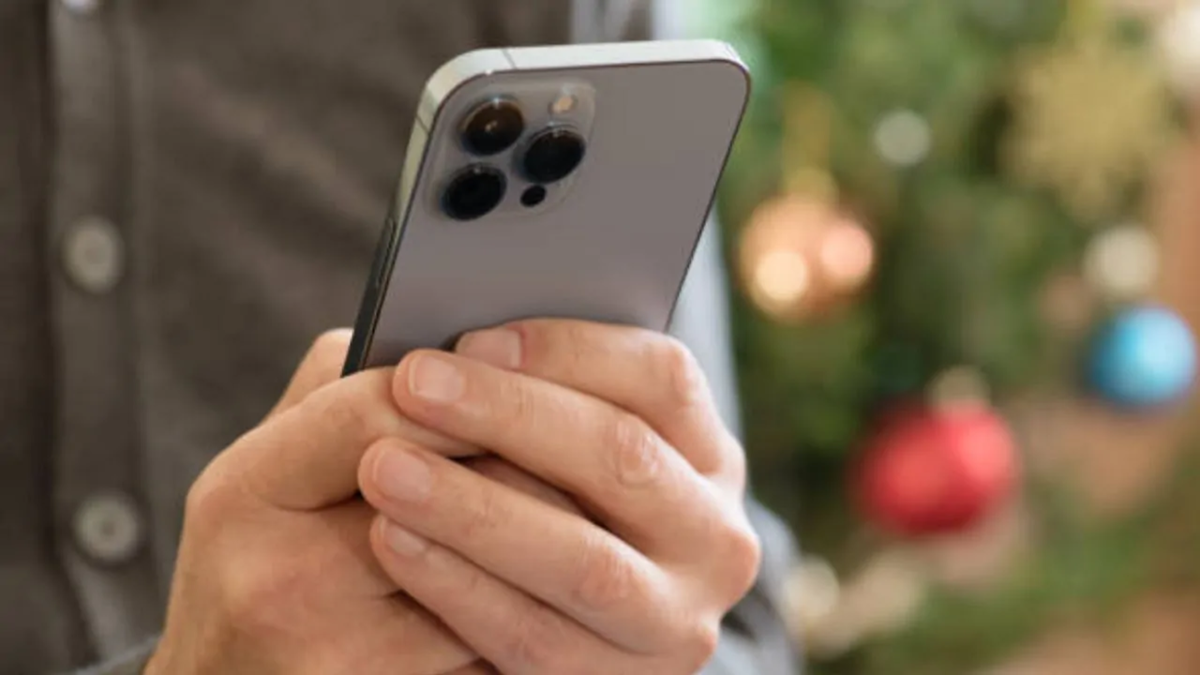
Has it ever happened that you were listening to music with headphones on, busy with work, or distracted for some reason, and someone called out to you without you realizing it? If so, Apple has introduced a very useful feature for you. In iOS 26 and subsequent updates, Apple has launched a new accessibility feature called "Name Recognition." This feature enables your iPhone to constantly listen for your name; the moment someone calls out your name, the phone immediately alerts you with a notification.
How does the Name Recognition feature work?
Custom Voice Recording: You can record your name yourself or use a recording of someone else's voice to teach the iPhone what your name sounds like when spoken.
Multiple Name Support: If people call you by different nicknames or multiple names, this feature is capable of recognizing more than one name.
How to set up the Name Recognition feature on your iPhone:
First, open the Settings app on your iPhone.
Next, tap on Accessibility.
Then, look for the "Sound & Name Recognition" option and select it.
Now, tap on "Name Recognition" and select "Set Up Name Recognition."
Follow the on-screen instructions to complete the setup.
Once the setup is complete, the iPhone will attempt to recognize your recorded name and can send a notification when it detects that name.
How to add more than one name:
First, go to Settings and tap on Accessibility.
Navigate to "Sound & Name Recognition" and tap on "Name Recognition."
After that, tap on "Add Name" and follow the on-screen instructions to add another name.
This way, you can set multiple names in the feature, allowing the iPhone to recognize them even when you are addressed by different names.
Disclaimer: This content has been sourced and edited from Amar Ujala. While we modified it for clarity and presentation, the original content belongs to its respective authors and website. We do not claim ownership of the content.
