
This special government portal will turn your lost phone into a 'useless brick'! Here’s how to block its IMEI number..
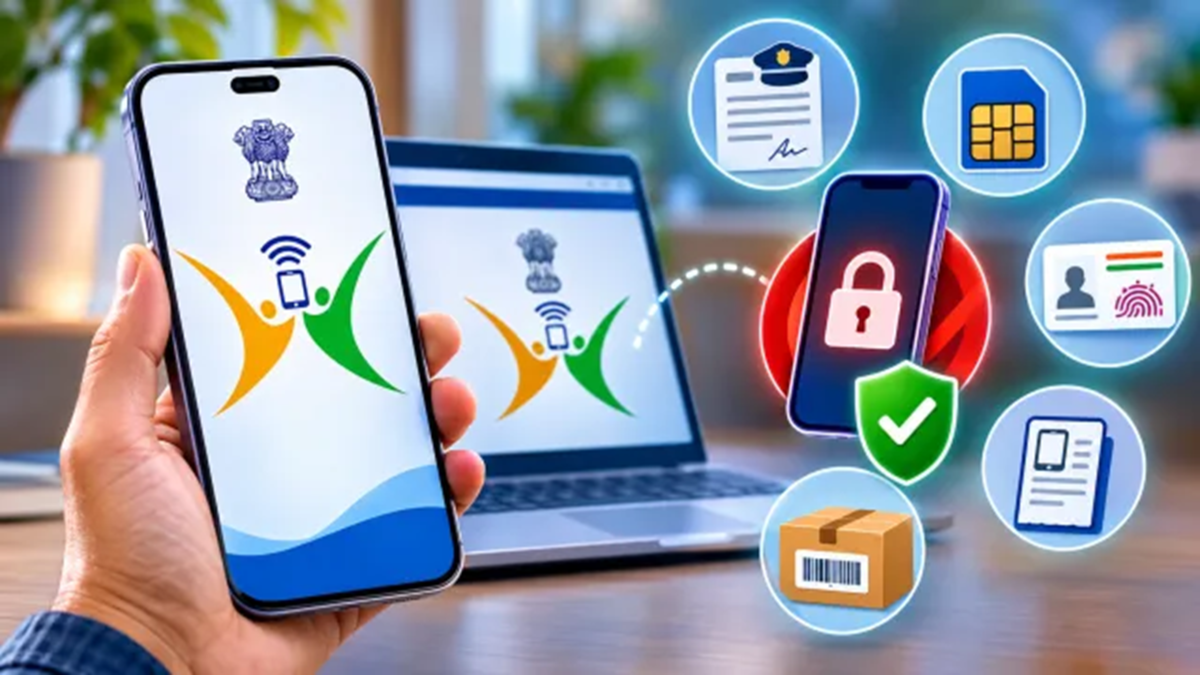
The Government of India launched 'Sanchar Saathi' in 2023. This portal provides access to Central Equipment Identity Register (CEIR) citizen services, allowing users to report suspicious fraudulent or spam calls, check phone connections registered in their name, view details of their internet service provider, report international calls received on Indian phone numbers, and verify the authenticity of their handsets. Perhaps most importantly, it offers the ability to remotely block stolen or lost handsets. To prevent any potential misuse, you can easily block or unblock your phone by visiting the portal or downloading the Sanchar Saathi mobile app.
We have prepared a step-by-step guide to help you remotely block your phone using its IMEI number via the Sanchar Saathi app or web portal.
Requirements for requesting to block a phone's IMEI via Sanchar Saathi:
Before submitting a request to block your phone using its IMEI number through the Sanchar Saathi mobile app or portal, there are several prerequisites you must fulfill. First, you must file a police report and obtain a copy of the FIR for your lost or stolen mobile handset. You will also need to obtain a duplicate or re-issued SIM card for the mobile number associated with the lost device, as this will be required for OTP verification.
Additionally, you will need a valid identity document—such as an Aadhaar card—along with its corresponding ID number to complete the form. To submit a request to remotely block your phone, you must also have the original purchase invoice for the device, as well as a digital copy of it. Finally, you will need the IMEI number(s) of the lost handset, which are typically printed on the purchase invoice or on the back of the phone's original packaging.
How to block a phone's IMEI using the Sanchar Saathi mobile app?
Download the Sanchar Saathi app on your smartphone from Apple’s App Store or the Google Play Store.
Open the Sanchar Saathi app on your device.
Select your preferred language and tap 'Proceed'.
You can either click 'Explore Services' to view other available services or tap 'Skip' to proceed directly to registration.
Follow the on-screen instructions for registration and tap 'Proceed'. An SMS will be sent to register your phone number.
Once this is complete, click on 'Block Your Lost/Stolen Mobile Handset', located in the top-right corner of the screen.
Tap on 'Block Lost/Stolen Mobile'.
Fill out the 'Device Information' form, which includes your phone number, IMEI number, device brand, model, and price. You will also need to upload the invoice for your handset.
Next, fill out the 'Lost Information' form, providing details such as the location where the device was lost, the State/Union Territory, the police station, the date the phone was lost, the district, and the police complaint number. You must also upload a copy of the police complaint.
Then, fill out the 'Mobile Owner Personal Information' form, which requires the owner's name, the type of ID being submitted, a copy of the identity proof, your address, email ID, the identity proof number, and a mobile number to receive an OTP.
Enter the captcha and click 'Get OTP'.
Check the box next to the 'Declaration' and proceed.
How to block a phone's IMEI using the Sanchar Saathi portal?
Visit the Sanchar Saathi portal.
Click on 'Block lost/stolen mobile handset'.
Read the specified requirements and ensure that you have all the necessary documents ready for upload. Once done, click on Close.
Now, fill in the three forms and provide the details mentioned above for the Sanchar Saathi mobile app.
Follow steps 8 through 12 mentioned above.
You will receive a confirmation message on your phone number stating that your request has been registered.
Disclaimer: This content has been sourced and edited from Dainik Jagran. While we have made modifications for clarity and presentation, the original content belongs to its respective authors and website. We do not claim ownership of the content.
