
This One Auto-Pay Mistake Could Drain Your Bank Account! Know These 5 Essential Points Before Paying Bills..
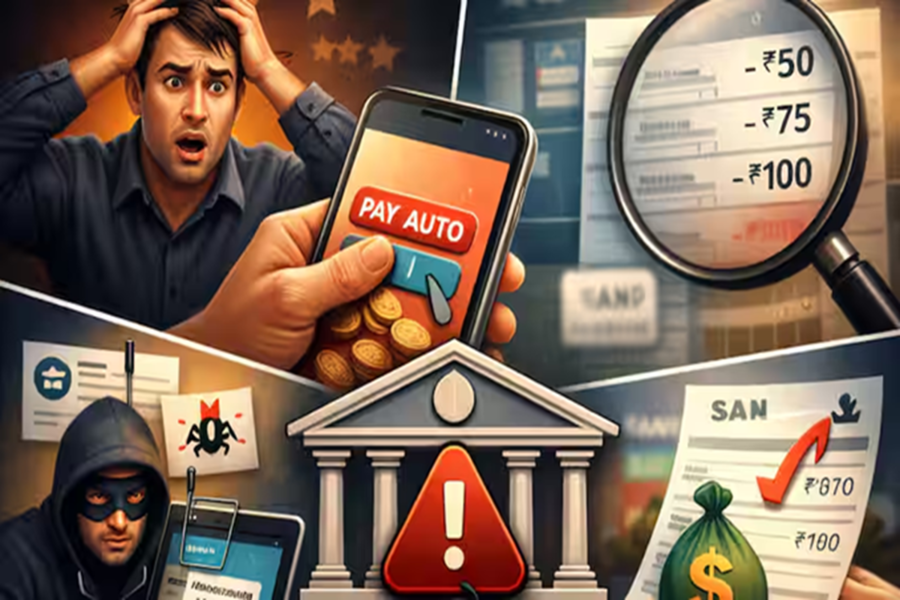
In today's digital era, everything—from EMIs, electricity and water bills, and mobile recharges to OTT subscriptions and insurance premiums—is being handled via 'Auto Pay.' Once set up, the job is done. However, this very convenience can turn into a financial liability if you forget about the settings and money continues to be deducted automatically. In reality, many people fail to even notice for months that small amounts are being siphoned off from their accounts. Therefore, understanding how Auto Pay works is just as crucial as actually using it.
**Understand the Concept in 4 Key Points:**
* Paying bills via Auto Pay is easy, but it carries risks.
* Incorrect settings = The danger of repeated deductions.
* Vigilance over every transaction is essential.
* The Right Platform + The Right Controls = Safety.
**Why Can Mistakes in Auto Payments Be So Dangerous?**
Essentially, your explicit approval is not sought for every single transaction.
Once set up = Repeated automatic debits.
This means that incorrect settings or negligence can lead to continuous financial losses.
**5 Major Mistakes Associated with Auto Pay—and Their Solutions:**
**1. Is Setting It Up in a Rush the Biggest Mistake?**
Setting up Auto Pay in haste is the most common error.
When you configure an Auto Pay mandate, always verify the following details:
* What is the exact amount that will be deducted?
* Is the amount fixed or variable?
* On which specific date will the deduction occur?
**Special Note:** Payments such as credit card bills and electricity bills fluctuate every month.
If you haven't set a maximum limit, a significantly higher amount could potentially be deducted.
**2. Is It Safe to Set Up Auto Pay Through Just Any App?**
Absolutely not! You should only choose official banking apps or trusted, reputable platforms.
Unfamiliar websites or links pose a significant risk of fraud.
Nowadays, fraudsters are siphoning off money by tricking users into setting up auto-debit mandates via fake apps and phishing links.
**3. Is It Necessary to Check Your Account After Setting Up Auto Pay?**
Yes—in fact, it is essential.
Review your bank statement at least once a month, and make sure to read all SMS and email alerts.
Remember: Even small deductions of ₹50 or ₹100 could be early warning signs of a major financial scam.
**4. What Should You Do If You Spot an Unrecognized Transaction?**
If you spot an unrecognized transaction, take immediate action:
Contact your bank's customer care.
Cancel any Auto Pay or Standing Instructions.
Block your card if necessary.
Any delay will only increase your financial loss.
5. Is Auto Pay suitable for every expense?
Auto Pay is not appropriate for every type of expense.
Decide wisely:
EMIs — Suitable
Essential Bills — Suitable
OTT/Unnecessary Subscriptions — Unsuitable
In short, More Auto Pay means Higher Risk.
What exactly is Auto Pay?
It is an automated payment system set up via your bank or a mobile app.
Funds are deducted automatically on a scheduled date.
It is most commonly used for EMIs, utility bills, and subscriptions.
Why does this matter?
Essentially, money can be deducted from your account without explicit permission.
It increases the risk of fraud.
A small oversight can lead to recurring financial losses.
**Issue** | **Risk** | **Action**
**Auto Pay Settings** | Incorrect settings = Repeated deductions |
Always verify the amount, date, and transaction limits.
**Unknown Apps/Websites** | Risk of fraud |
Use only official and trusted platforms.
**Failure to Check Account** | Unrecognized deductions may go unnoticed |
Review your account statement every month.
**Unrecognized Transactions** | Potential for significant financial loss |
Notify your bank immediately.
**Excessive Auto Pay Usage** | Higher risk |
Restrict Auto Pay to essential bills and EMIs only.
What changes can we expect in the future?
Digital payments will continue to grow.
Auto Pay will become increasingly commonplace.
Cyber fraud tactics will become more sophisticated.
What steps should you take moving forward?
Set specific transaction limits for every Auto Pay mandate.
Cancel any unused subscriptions.
Keep SMS and Email alerts enabled.
Review your account statement every month.
What does this mean for you?
Auto Pay is a convenience, but it also comes with a responsibility.
A "smart user" maintains full control over their finances.
A little caution can prevent significant financial losses.
Useful Advice:
While Auto Pay certainly makes your life easier, if you are not in "alert mode," this very convenience can pose a threat to your money. Therefore, using the correct settings, performing regular checks, and exercising a little common sense can effectively protect you from major financial losses.
Disclaimer: This content has been sourced and edited from Zee Business. While we have made modifications for clarity and presentation, the original content belongs to its respective authors and website. We do not claim ownership of the content.
