
These mistakes can damage your phone's USB Type-C port, leading to charging issues..
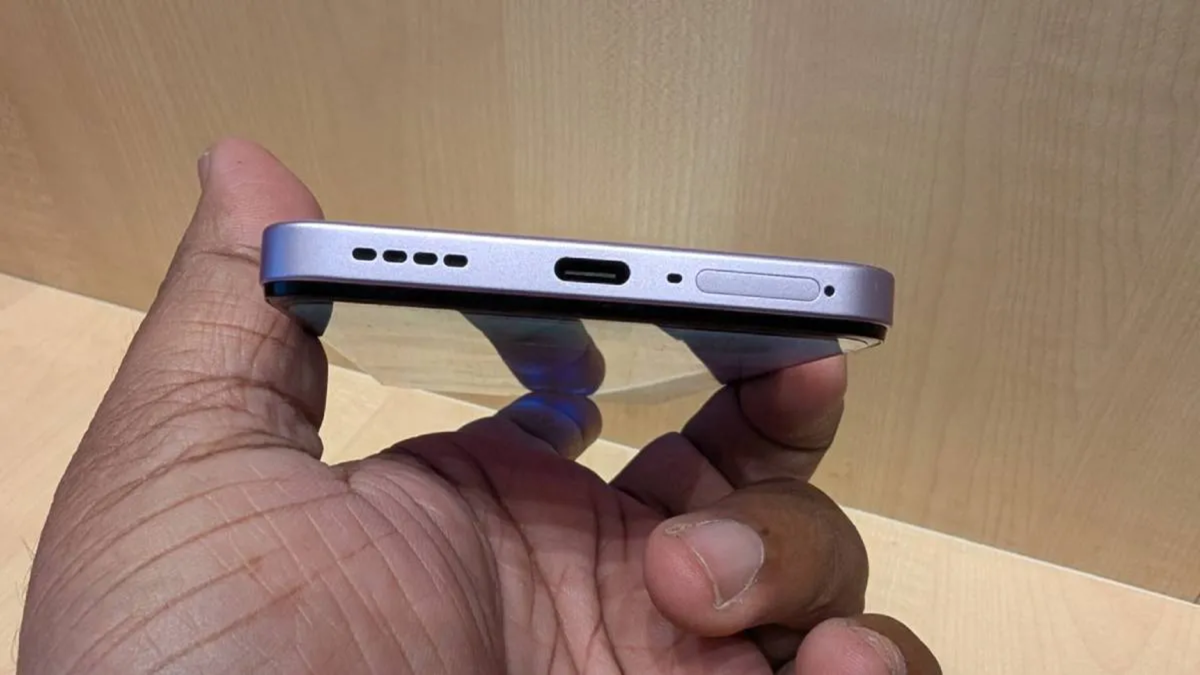
Nowadays, as soon as a smartphone's battery drops to 20% or below, we quickly plug it in to charge. However, in the process, we often make mistakes that can damage the phone's USB Type-C port. Most smartphones today come equipped with a USB Type-C port for charging.
This port is used not only for charging the phone but also for data transfer and various other tasks. If this port gets damaged, it can cause issues with charging, potentially requiring a visit to a service center for repairs. Let’s look at some common mistakes that can damage a device's charging port.
Inserting the cable with excessive force
Inserting the charging cable incorrectly or using too much force when connecting it can damage the internal connectors. Since a USB Type-C connector can be inserted into the phone in either orientation, there is no need to force it. If the cable doesn't connect, unplug it and try again, ensuring it is aligned correctly.
Dust and debris in the port
Keeping your phone in a pocket, bag, or dusty environment can cause dust and small particles to accumulate inside the USB Type-C port. This prevents the charging cable from connecting properly, which may cause the phone to repeatedly disconnect from the charger. Never use sharp metal objects to clean the port; if cleaning is necessary, have it done by a professional.
Using the phone while it is charging
Using your phone while it is charging can put strain on the cable—especially if the phone is frequently moved around or the cable is kept in a bent position. This can damage both the port and the cable connection. Try to keep the cable straight while charging and ensure that no pressure is applied to the connector.
Charger in a Wet Port
Connecting a charging cable when there is moisture or water inside your mobile device can be harmful. It significantly increases the risk of corrosion or electrical damage. If the mobile's charging port gets wet, do not plug in a charger.
Disclaimer: This content has been sourced and edited from Dainik Jagran. While we have made modifications for clarity and presentation, the original content belongs to its respective authors and website. We do not claim ownership of the content.
