
There has been a major change in the rules for obtaining an EWS certificate; find out how to apply now via the e-District portal..
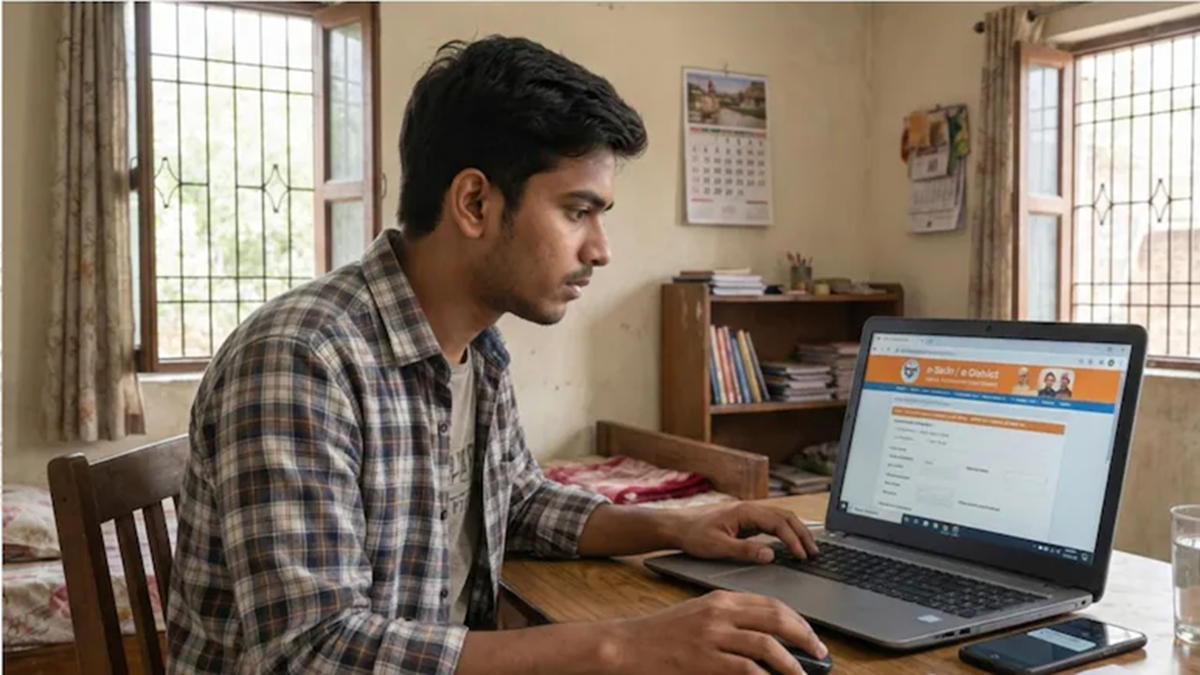
Apply for an EWS Certificate Online: A significant change has been introduced in the process of obtaining an Economically Weaker Section (EWS) certificate in Uttar Pradesh. The offline application process at the Tehsil level has been discontinued, and an online application procedure has now been made mandatory. While the option to apply online for an EWS certificate existed previously, it is now being implemented effectively. By prioritizing applications submitted through the 'e-District' portal, this system spares applicants from long queues and the need for repeated visits to government offices.
Under the new system, the required documentation is determined based on the applicant's family status. Both unmarried and married applicants are required to upload documents pertaining to their identity, income, and assets during the application process.
Required documents include: a passport-sized photograph of the applicant; identity documents for the applicant, their parents, and siblings; an income certificate; a copy of the land/property record (*khatouni*); a clear photograph of the residence or building; and, for married applicants, identity documents of their spouse along with a self-attested declaration.
How to apply via the e-District portal or a Public Service Centre (*Jan Seva Kendra*):
Applicants can now apply from the comfort of their homes using the e-District portal. Those who encounter technical difficulties while filling out the online form may seek assistance from their nearest Public Service Centre (*Jan Seva Kendra*). Once an application is submitted online, all documents and records will be verified by the Revenue Department. Upon confirmation of the applicant's eligibility, the EWS certificate will be issued digitally. You can apply online through the e-District portal by following the steps outlined below.
How to apply online:
Visit the official UP e-District website and click on the 'Citizen Login' option to access the 'eSathi' portal. If you do not already have an account, click on 'New User Registration' to create one. Enter your basic information to create a login ID (6–8 characters long) and complete the registration using an OTP sent to your mobile number. Log in using your new user ID and password. Upon your first login, complete the Aadhaar eKYC process using your Aadhaar number and an OTP.
On the dashboard, navigate to 'Apply for Services' and select the service for an EWS (Economically Weaker Section) or 'Income and Asset Certificate' under the Revenue Department. Please note that a general Income Certificate and an EWS Certificate are distinct services; therefore, ensure you select the correct option. Accurately provide your personal details, information about family members, total annual income from all sources, and details regarding any land or property. Upload clear, scanned copies of your photograph, self-declaration form, and other required documents in the designated spaces. Review all the entered information, submit the form, and pay the prescribed application fee via online methods such as UPI, net banking, or a card.
What to do after submitting the application?
Keep the acknowledgment receipt and the Application Number (or ARN) received after payment safe, as these will be required to track the status of your application. The application is verified at the Tehsildar level, with the process facilitated by the concerned *Lekhpal* (revenue official) or Revenue Inspector. Once approved, you can download the certificate from your 'eSathi' account or DigiLocker, typically within 7 to 15 working days.
Disclaimer: This content has been sourced and edited from NDTV India. While we have made modifications for clarity and presentation, the original content belongs to its respective authors and website. We do not claim ownership of the content.
