
The 'Emergency Location Service' feature can save lives; learn how to activate it on your phone and its benefits..
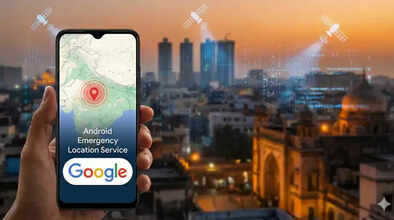
How to Activate Emergency Location Service?: Today's smartphones are not just tools for making calls or using social media. Knowing about their essential features can even save lives in times of trouble. We are talking about the Emergency Location Service feature, which Google launched in India some time ago. If this feature is enabled on your phone, your location details will be automatically sent to emergency services when you call the emergency number. Therefore, this safety feature must be enabled on everyone's phone. Let's understand this in detail today and learn how you can enable this service on your phone.
What is the Emergency Location Service feature?
This Google feature is available for Android smartphones. This feature is activated when the user calls the 112 emergency number. When the Emergency Location Service feature is enabled, emergency services automatically receive your location details. This feature uses GPS, Wi-Fi, and mobile networks to determine your location. Therefore, if you are in trouble and need help from emergency services, you won't need to provide your exact location.
How to enable the Emergency Location Service feature?
To enable this feature, you need an Android smartphone. Since this feature is provided by Google, it is not available on iPhones. To enable this feature, you need to:
First, go to your phone's Settings.
Then, search for the Safety and Emergency option and click on it.
In the menu that opens, tap on Emergency Location Service and turn it on.
Now, the Emergency Location Service is enabled on your phone, and if you call 112, your location will be automatically sent to emergency services.
Currently active in this state
This service is currently available in Uttar Pradesh, and work is underway to make it available throughout India. It has been linked to the 112 emergency system with the help of the Uttar Pradesh Police and Pert Telecom Solutions. During the testing of this service, a key finding was that even if a call made to 112 was suddenly disconnected, the emergency services still received the caller's location details.
Important things to keep in mind:
If you enable this feature on your phone for safety reasons, please ensure that your phone's location services are turned on for it to function properly. Additionally, you may need to grant permission for your device to access your location the first time you use it. Therefore, if you are prompted to grant location access when calling 112, please grant all necessary permissions.
Disclaimer: This content has been sourced and edited from Navbharat Times. While we have made modifications for clarity and presentation, the original content belongs to its respective authors and website. We do not claim ownership of the content.
