
The easiest way to update your mobile number in your Aadhaar card; the fee is just 75 rupees..
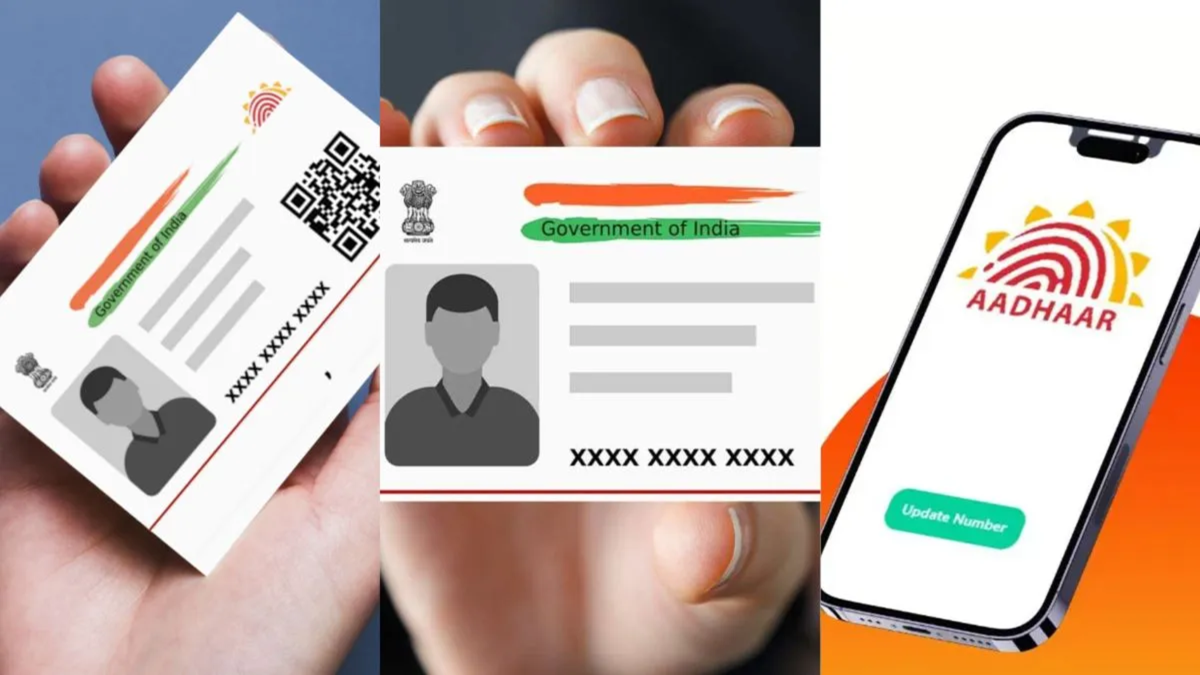
Do you want to change the mobile number linked to your Aadhaar card without having to visit an Aadhaar Seva Kendra? You now have another option. Yes, the new Aadhaar app from the UIDAI includes a feature to update your mobile number. The app offers several functionalities, making it easy to change the mobile number currently linked to your Aadhaar. Let’s explore this in detail...
Where can you find the option to change your mobile number in the app?
In the latest version of the UIDAI’s Aadhaar app, the option to change your mobile number is not displayed directly on the home screen; instead, it can be found under the 'Services' section. From there, users can enter a new mobile number and initiate the update process. You will need to complete the verification and authentication steps as instructed within the app.
Beyond changing your mobile number, the new app offers access to various other Aadhaar-related services. These include the ability to verify someone else's Aadhaar and the option to lock or unlock your own biometric data. Let’s look at how you can change your registered mobile number using the Aadhaar app.
How to change your registered mobile number using the Aadhaar app?
To add a new mobile number to your Aadhaar, first open the Aadhaar app on your smartphone. If you have an older version of the app, please update it via the Play Store or App Store. Then, follow the steps below:
After opening the app, navigate to the 'Services' section.
Select the 'Mobile Number Update' option.
Click on 'Continue to Update Mobile Number'.
Enter the new mobile number you wish to link to your Aadhaar.
Complete the OTP verification by following the on-screen instructions.
Finish any additional authentication steps required by the app.
Once all the steps are complete, submit your request to update the mobile number.
What is the fee, and how long will it take for the update to be processed? However, you will have to pay a fee of Rs 75 to update your mobile number. Once the request is submitted, it may take 10 to 15 days for the number to be updated. During this period, users can also track the status of their request via the app.
Disclaimer: This content has been sourced and edited from Dainik Jagran. While we have made modifications for clarity and presentation, the original content belongs to its respective authors and website. We do not claim ownership of the content.
