
Tech: Your phone will be a lifesaver in an emergency; configure these essential settings now..
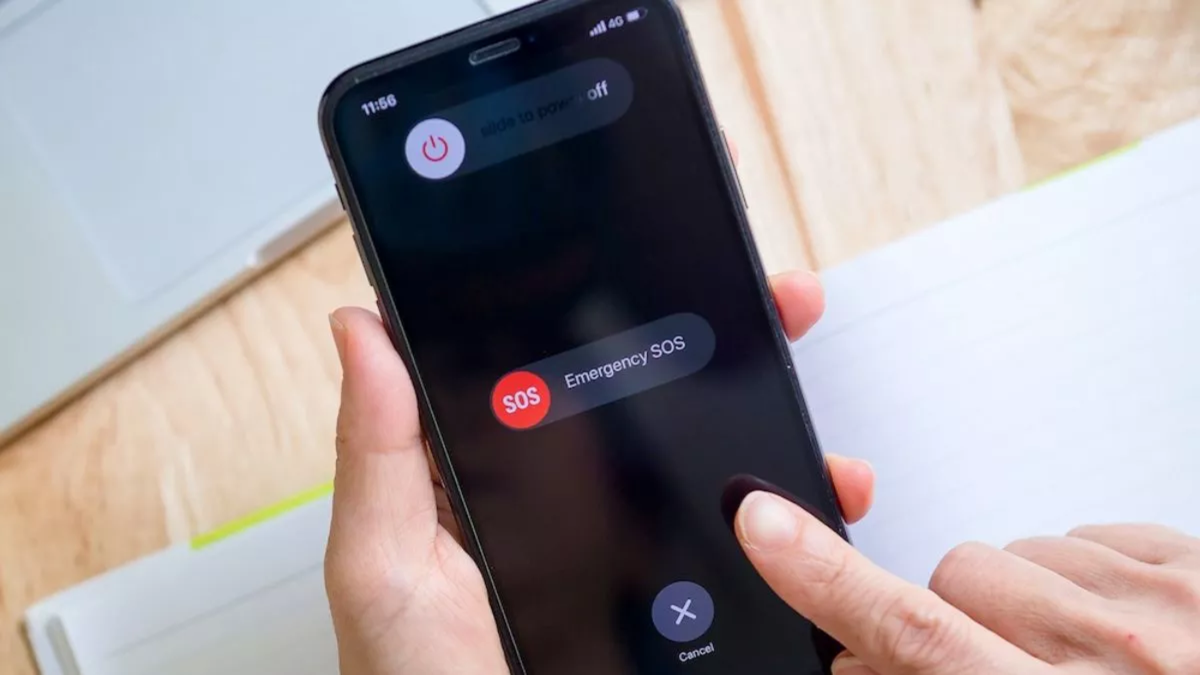
Some modern smartphones are capable of detecting car accidents. Accelerometers and other sensors within the phone can help identify patterns associated with sudden, violent impacts or crashes. If the phone detects a severe car accident, some devices may display an option to contact emergency services. If the user does not respond, the phone may attempt to contact emergency services automatically, depending on the available features.
Car crash detection is available on certain Google Pixel models. If your phone has this feature, you can check it by navigating to the 'Safety & Emergency' section in the settings. On iPhones, this feature is available on the iPhone 14 and newer models; it can be checked under 'Emergency SOS' followed by the 'Crash Detection' option in the settings.
**Requesting help via satellite**
If you are in an area without mobile network coverage but have a clear view of the sky—and your phone supports satellite connectivity—some newer smartphones allow you to request emergency assistance via satellite. Apple introduced the 'Emergency SOS via satellite' feature with the iPhone 14 series.
If you cannot contact emergency services via standard calls or messages, the iPhone can connect to a satellite to help you request assistance via text message. Google has also introduced 'Pixel Satellite SOS' on some recent Pixel phones; this can be viewed and configured in the 'Safety & Emergency' section of the phone's settings.
Samsung is also adding satellite connectivity features to some Galaxy phones. However, the availability of these features may vary depending on the phone model, country, and network service provider.
**Configure these essential settings now**
Emergency features will only work if you have set them up beforehand. Therefore, open the 'Safety & Emergency' section on your phone right now. First, add emergency contacts. Next, update your medical information and configure the Emergency SOS settings. If features like car crash detection, earthquake alerts, crisis alerts, or emergency location services are available on your phone, check their settings as well. It is also advisable to set up satellite emergency communication if your phone supports it.
While these smartphone features may not be noticeable during everyday use, they can become crucial in difficult situations. In scenarios such as natural disasters, earthquakes, severe weather, road accidents, or when you are out of network coverage, your phone can help by providing warnings, sharing your location, and connecting you to emergency services.
Disclaimer: This content has been sourced and edited from Dainik Jagran. While we have made modifications for clarity and presentation, the original content belongs to its respective authors and website. We do not claim ownership of the content.
