
Tech: Who is using your internet without you sharing the password? Here’s how to check in minutes..
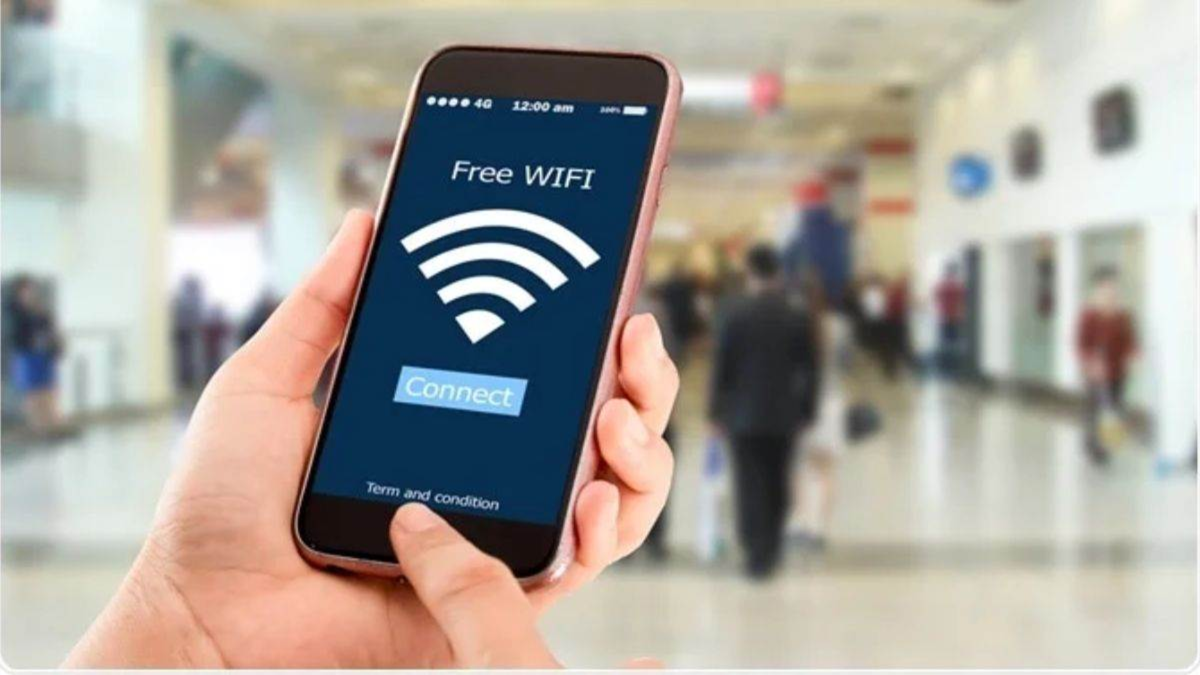
Wi-Fi has become essential for keeping laptops, smartphones, smart TVs, and various other smart gadgets connected to the internet. It is now widely used in most homes and offices; however, you may sometimes find that your Wi-Fi suddenly becomes very slow or frequently disconnects. A common reason for this could be that someone has discovered your Wi-Fi password and is using your internet for free without your knowledge. If you are facing this issue, there are a few simple ways to identify who is connected to your Wi-Fi network.
How to check connected devices?
Connect to the router: First, connect your phone or laptop to the Wi-Fi network in question.
Enter the IP address: Open a web browser on your device and enter the admin address (found on the back of the router) or the IP address provided in the router's manual. Most routers use addresses like 192.168.1.1 or 192.168.0.1.
Log in: Log in to the portal using the router's admin username and password.
Check the client list: Look for an option labeled "Connected Devices," "Device List," or "Client List."
Identify the devices: Here, you will see details of all the gadgets currently connected to your Wi-Fi. You can view the names of the devices—such as mobile phones, laptops, or smart TVs—along with their MAC addresses.
Block unknown devices: If you spot a device in the list that you do not recognize, you can block it directly from there.
How to identify devices using a mobile app? If you find it difficult to navigate browser or router settings, you can use the official mobile app provided by your Internet Service Provider (ISP)—such as Airtel, Jio, BSNL, ACT, etc. Most companies now include this feature within their official apps, sparing users the hassle of searching through complex settings. Through these apps, you can see—with just a single click—which devices are connected to your Wi-Fi and manage them accordingly.
Why is Wi-Fi security important?
Improved Internet Speed: Removing unauthorized users saves your bandwidth, helping to maintain better internet speeds.
Data Security: The presence of unknown users on your network can pose a risk to the security of your home network; therefore, it is wise to periodically check the list of connected devices.
Disclaimer: This content has been sourced and edited from Amar Ujala. While we modified it for clarity and presentation, the original content belongs to its respective authors and website. We do not claim ownership of the content.
