
Tech Tips: You can lock your phone if it's stolen or lost, Learn how...
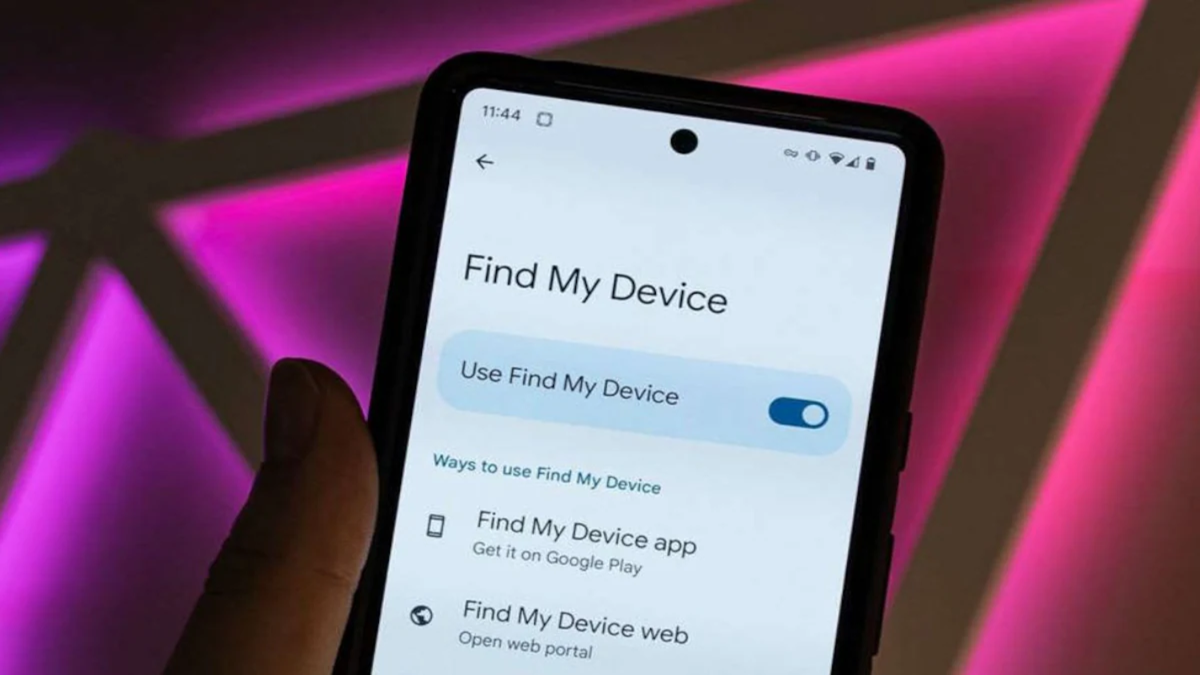
Nowadays, a phone is more than just a tool for making calls; it holds our photos, banking apps, passwords, and important chats. Naturally, it is distressing if your phone is lost or stolen. However, instead of panicking, it is more effective to take immediate action. Both Android and iPhone devices offer the option to lock your phone remotely. In India, a government portal is also available to assist with this. Let’s look at how you can lock your phone in such a situation.
How to lock an Android phone?
If your phone is lost or stolen, access Google’s 'Find My Device' service (google.com/android/find) from another phone or computer. Log in using the same Google account that was active on the lost device. Select your phone and mark it as 'lost'—this will lock the device. You can also choose to display a message or an alternative contact number on the screen, allowing whoever finds the phone to reach out to you.
Don't worry if the phone is currently offline; the command will be executed automatically as soon as it connects to the internet. Some Android phones also feature a 'remote lock' option, which allows you to lock the screen simply by entering the phone number. Note, however, that this feature must be enabled beforehand; it cannot be activated after the phone has already been lost.
How can you lock an iPhone remotely?
If you have an iPhone, visit icloud.com/find or use the 'Find My' app on another Apple device. Select your lost phone and enable 'Lost Mode.' This locks the device, and you can also display a contact number on the lock screen.
In this case, too, the 'Find My' feature must have been enabled before the phone was lost. If the device is offline, 'Lost Mode' will remain pending until the phone reconnects to the internet. Apple advises against removing a lost iPhone from your Apple account or the 'Find My' service. Doing so could disable security features designed to prevent misuse of the device after it has been stolen.
How to block an IMEI in India?
Locking a phone and blocking its IMEI are two different things. An IMEI is a unique identification number for a phone. You can request to have it blocked via the government’s 'Sanchar Saathi' portal (sancharsaathi.gov.in). To do this, first file a police complaint and obtain a new SIM card from your telecom operator.
Keep your identification documents, the phone’s purchase bill (if available), and a copy of the police complaint handy. Fill out the blocking form on the portal and save the request ID provided. Once the IMEI is blocked, the phone will no longer function on any Indian network, regardless of which SIM card is inserted. However, please note that this does not remotely lock the screen or erase the data on the device.
Take these additional steps:
Deactivate your SIM: Contact your service provider to have your SIM card blocked to prevent any misuse.
Secure your accounts: Change important passwords and sign out of any sessions that may be active on unfamiliar devices or locations.
Notify your bank: If you suspect that your banking apps have been compromised, contact your bank immediately.
Consider erasing your data: If the chances of recovering the phone are slim, you may choose the 'remote erase' option. Keep in mind, however, that this may make it difficult to track the device thereafter.
Disclaimer: This content has been sourced and edited from Amar Ujala. While we modified it for clarity and presentation, the original content belongs to its respective authors and website. We do not claim ownership of the content.
