
Tech Tips: Transfer photos, contacts, and chats from iPhone to Android in minutes..
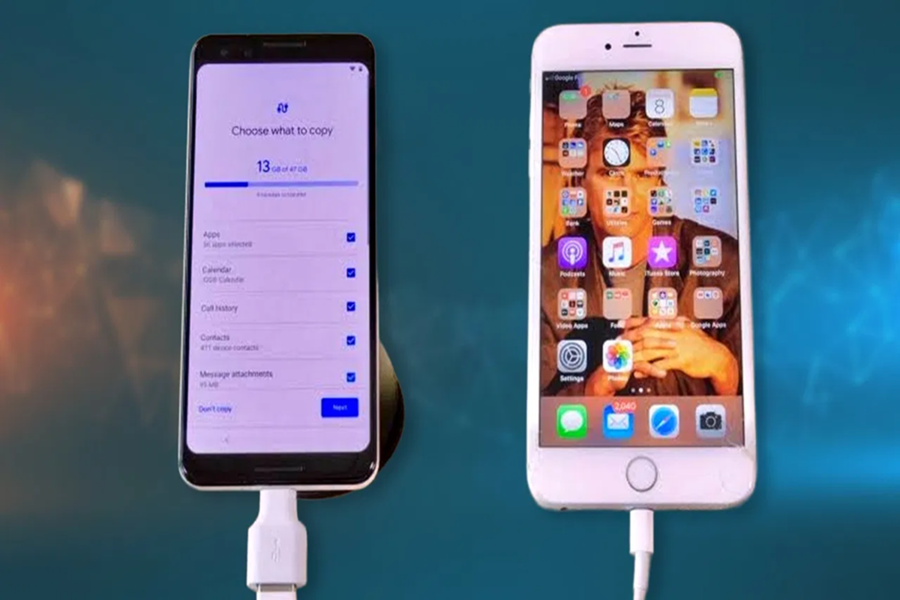
Switching from an iPhone to an Android phone has become much easier than before. Apple's new iOS 26.3 update introduces a feature called "Transfer to Android," allowing users to move their data to a new Android device without significant hassle. This feature enables the easy transfer of messages, photos, videos, and various important files between phones.
**Backing up to iCloud or a computer is essential**
However, before initiating the transfer, it is crucial to properly prepare both devices to avoid any issues or data loss. The iPhone must be updated to iOS 26.3, and the Android phone should be running Android 16 or the latest available version. Both devices should have at least 80% battery charge; keeping them plugged into a charger is recommended. Additionally, both phones must be connected to the same Wi-Fi network with Bluetooth enabled. Backing up data to iCloud or a computer is also considered essential for data safety.
**Data moves to the new phone**
To transfer data, open Settings on the iPhone, go to the "General" section, and select "Transfer or Reset iPhone." Here, you will see the "Transfer to Android" option; tap on it. Next, turn on the Android device and complete the initial setup. Select the "iPhone or iPad" option on the setup screen to begin the connection process.
Scan the QR code displayed on the Android phone using the iPhone to connect the two devices. In some cases, a Session ID and pairing code may be used instead. Once connected, the user selects the data they wish to transfer and proceeds with the process. All selected data is transferred to the new phone shortly thereafter.
**eSIM transfer facility is also provided**
This new system allows iMessage and SMS chats to be converted into Android's RCS or Google Messages format. Additionally, photos, videos, and Live Photos are transferred and appear in motion format on Android. Passwords stored in iCloud Keychain can also be securely exported to Google Password Manager or other vaults. Some carriers also offer an eSIM transfer feature, eliminating the need to get a new SIM card.
Manual setup required
However, certain items—such as health data, locked notes, and Bluetooth devices—do not transfer automatically and must be set up manually. Once the transfer is complete, it is essential to turn off iMessage on the iPhone to ensure messages are delivered to the correct device. Additionally, apps need to be reinstalled from the Play Store on the Android device, and cards must be added to Google Wallet manually.
Disclaimer: This content has been sourced and edited from TV9. While we have made modifications for clarity and presentation, the original content belongs to its respective authors and website. We do not claim ownership of the content.
