
Tech Tips: Smartphone fingerprint sensor not working? Learn the reasons and easy solutions..
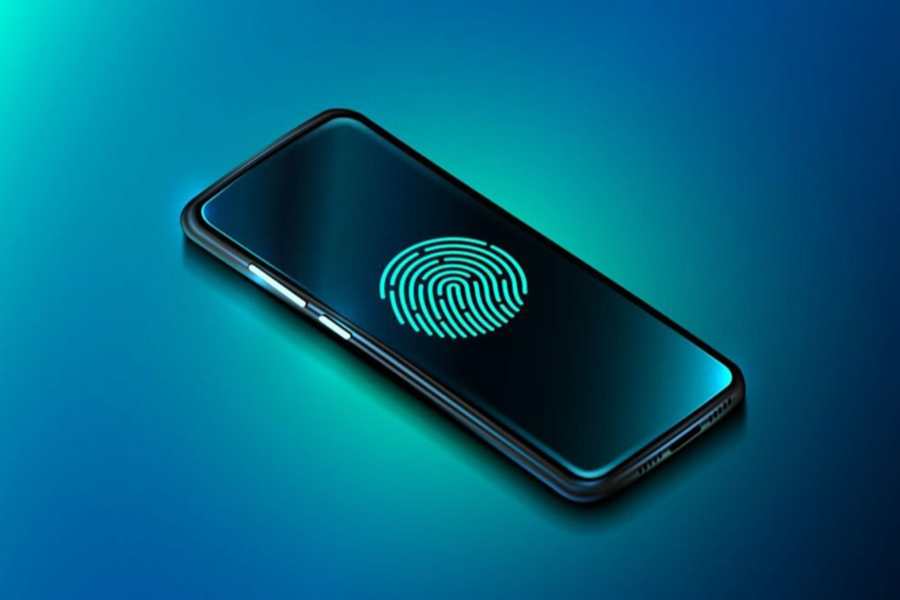
The fingerprint sensor in a smartphone is crucial for safety and security. It allows users to quickly unlock their phone. Additionally, smartphones are now equipped with fingerprint sensors for safety and privacy. Sometimes, this sensor fails. If you're experiencing this problem, we'll explain why it doesn't work and how to fix it.
Why doesn't the fingerprint sensor work?
Most smartphone manufacturers now include under-display ultrasonic fingerprint sensors. These sensors read fingerprints using sound waves. They provide fast biometric security along with quick phone unlocking. Sometimes, they don't work properly. Here, we'll explain some of the reasons why this sensor may not work properly.
Screen protectors from unauthorized stores can prevent the ultrasonic waves from reaching the sensor properly, making it ineffective.
Sometimes, a dirty, wet, or overly dry finger can prevent a clear fingerprint from reaching the sensor.
Due to software settings or outdated software, the device and sensor are not optimized, and the fingerprint may not work properly.
Smartphone manufacturer Vivo says that hardware faults are rarely the cause of fingerprint malfunction. Sometimes, it's due to usage or environmental factors that the fingerprint doesn't respond properly.
How can it be fixed?
If your smartphone's fingerprint occasionally doesn't respond properly, we're telling you some ways to fix the problem.
Always use a compatible screen protector or a company-authorized screen protector on your smartphone. Smartphones today come with durable displays, and many companies often provide a protective film. In this case, a third-party screen protector is not necessary. If they don't fit snugly against the screen surface, the fingerprint sensor can't function to its full potential.
Dirty displays and fingers can also cause the fingerprint sensor to malfunction. Oil, water, or dust can also impair the fingerprint sensor's ability to read prints. Therefore, keep your screen clean and your hands clean.
Fingerprints can also be caused by unupdated phone software. Outdated software can also cause the device and hardware to be unoptimized, leading to poor fingerprint sensor performance. Temporary glitches can also cause the sensor to malfunction. Restart your device regularly.
If your phone's fingerprint sensor isn't working properly, you should re-register your fingerprint. When registering, ensure you capture fingerprints from every possible angle.
If your phone's fingerprint still isn't working properly, you can visit an authorized service center to have it fixed.
Disclaimer: This content has been sourced and edited from Dainik Jagran. While we have made modifications for clarity and presentation, the original content belongs to its respective authors and website. We do not claim ownership of the content.
