
Tech Tips: Office work will be easier, every professional should have these 5 free apps on their phone..
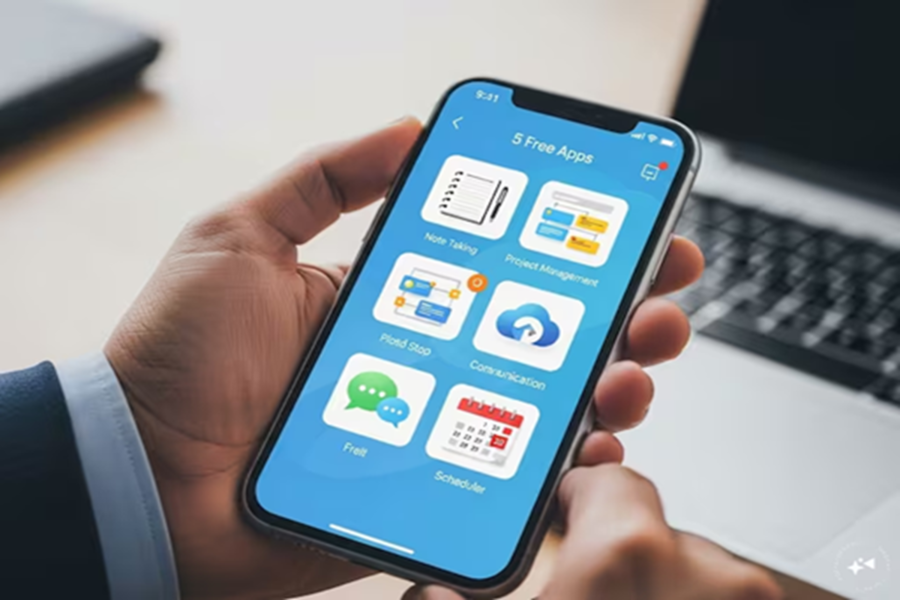
Nowadays, office work isn't just done on your desk, but also on your phone. Whether it's meetings, task management, or note-taking, everything is done on your mobile phone. But sometimes, using too many apps can become confusing. Fortunately, some free apps truly simplify your work. If you're a professional—whether you're employed, freelancing, or running a business—these five apps are a must-have on your phone. They're completely free (or very powerful in the free version) and are used by millions of people every day.
Todoist - Task Management's Best Friend: First, the task list. Todoist lets you easily create to-do lists. Divide tasks into projects, set deadlines, prioritize, and set reminders. The free version includes unlimited tasks, projects, and even allows you to share them with your team.
Did your boss give you a new task at work? Just add it to the app and forget it—it'll automatically remind you. It has a simple interface, loads quickly, and consumes less battery power.
Notion - Everything in One Place: Notion is known as an all-in-one workspace. Take notes, create tables, track projects, and build databases. The free version offers unlimited pages for personal use. For example, if you're a marketing professional, you can create campaign plans, meeting notes, and idea lists all in one app. You can even share them with your team. It takes a little learning curve initially, but once you get used to it, it's life-changing.
Google Keep - Quick Notes and Checklists: Sometimes you need to remember small things, like meeting points or a shopping list. Google Keep is the easiest. You can take voice notes, color-code notes, create checklists, and it syncs with your Google account. It also opens on your computer. Got a quick idea at the office? Just speak and record it, and it'll be converted to text. It's completely free and simple.
Trello - Manage projects visually: Trello works with boards, lists, and cards. The free version has unlimited boards. Divide office projects into stages—' To Do', 'In Progress', and 'Done'. Assign team members, set deadlines, and attach files. It's perfect for marketing, software, or event planning. Drag-and-drop moves tasks, making it a visual pleasure.
Microsoft To Do - A simple and powerful task app: If you find Todoist a bit complicated, try Microsoft To Do. It's just as simple. The 'My Day' feature creates daily plans. This app connects to your Outlook or Microsoft account. It offers unlimited lists, reminders, and file attachments for free. If you use Microsoft 365 for work, it works even better. It runs in the background and provides notifications.
Installing these five apps on your phone will make your office work twice as fast and easy. No more worrying about forgetting tasks, notes are available everywhere, and project tracking is a breeze. Best of all, they're all free.
Just download them from the Play Store or App Store and start using them. Whether you commute to the office daily or work from home, these apps will become the most useful part of your phone. Try them out – your work will be twice as enjoyable.
Disclaimer: This content has been sourced and edited from News18 Hindi. While we have made modifications for clarity and presentation, the original content belongs to its respective authors and website. We do not claim ownership of the content.
