
Tech Tips: Meta AI saves your WhatsApp chats on its servers! Here's how to delete your personal data..
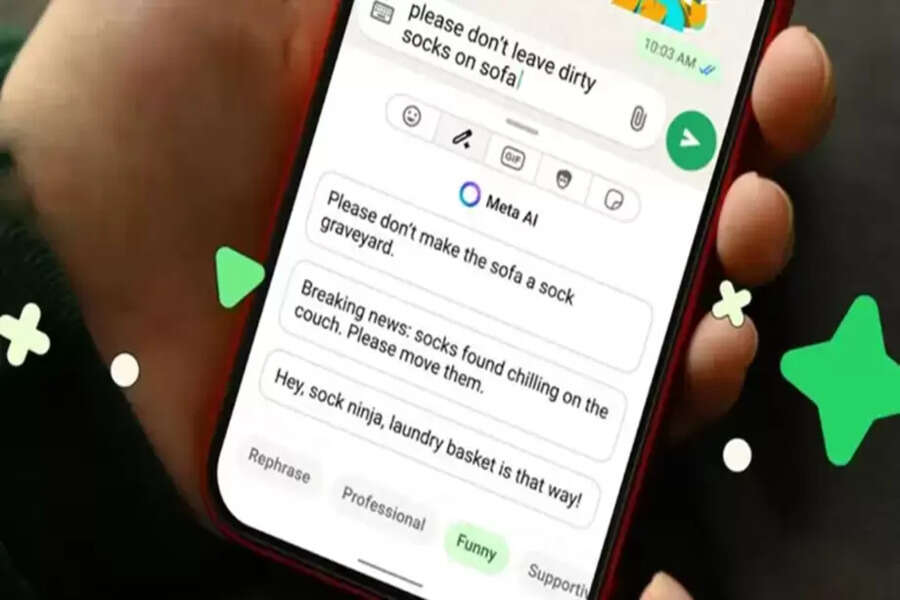
Meta AI is now integrated into platforms like Facebook, Instagram, and WhatsApp. People are asking it questions, seeking information, and sometimes even sharing personal or sensitive details. This raises a common question: Does the AI remember our past conversations, and if so, how can we clear that history? Recognizing this need, Meta has introduced a Reset command, allowing users to instantly clear the context of their AI chat.
What does the Reset command do?
The Reset command clears the context of your current conversation with Meta AI. This means the AI will not consider your previous chats in future interactions. If you've asked a sensitive question or simply don't want the AI to remember your past conversations, Reset is a quick and easy solution. It doesn't delete your account, but permanently erases the conversation from Meta's servers. This conversation data is actually used by Meta to train its AI models.
How to use the Meta AI Reset command?
Using the Reset command is very simple. Open the Meta AI chat and simply type "/reset" in the message box and send it. In some cases, just typing "reset" might also work. Once the command is sent, you'll receive a confirmation from the AI that the conversation context has been cleared. After this, the AI will interact with you as if it's the first time you're talking to it.
What is the difference between Reset and Memory Delete?
It's important to understand that Reset and Delete are not the same. The Reset command completely removes the data saved at the server level, which is used for training and learning. On the other hand, deleting your memory through the Privacy Center removes suggestions saved at the account level.
Disclaimer: This content has been sourced and edited from NDTV India. While we have made modifications for clarity and presentation, the original content belongs to its respective authors and website. We do not claim ownership of the content.
