
Tech Tips: Lost your TV remote? Here’s how to turn your Android phone into a controller—discover the easiest way..
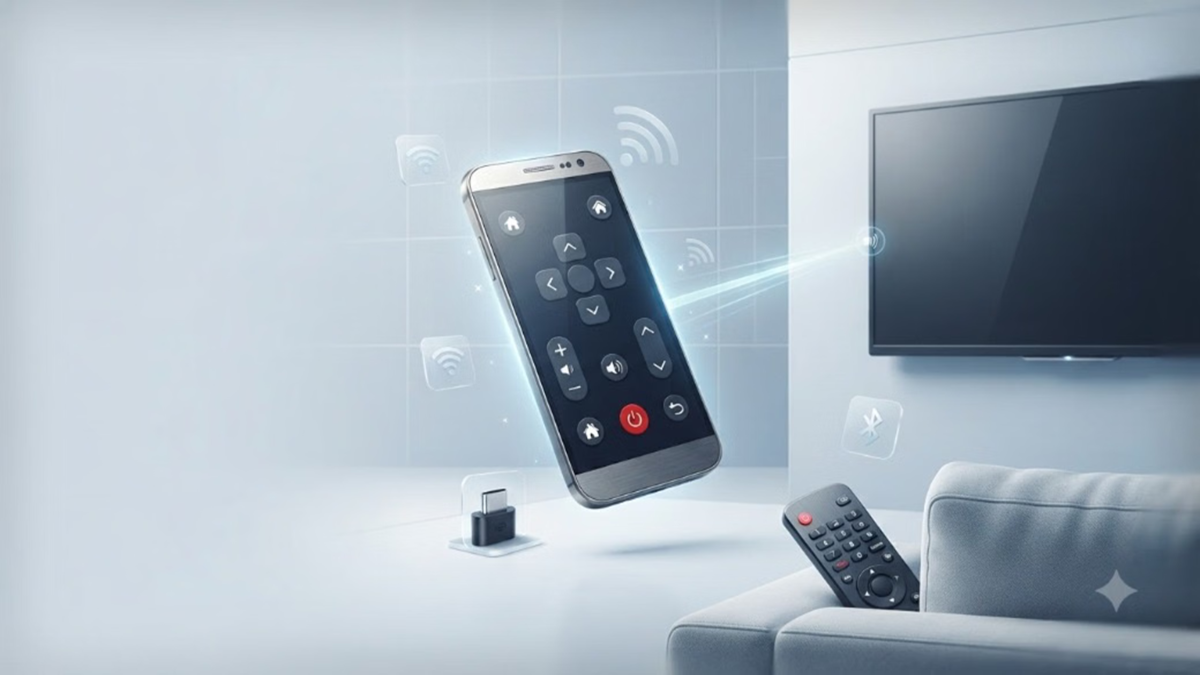
If your TV remote is lost or broken, you don't need to spend money immediately on a new one. Your old Android phone or tablet can function as a TV remote for free. There are several easy ways to control your TV using your phone, ranging from Wi-Fi app pairing to using a USB-C IR blaster. Did you know your phone can act as a TV remote even without Wi-Fi? Here is the complete setup process.
Which setup is required for which TV?
The method for using your phone as a remote depends on your TV's brand and platform.
A Roku app is available to control Roku devices and TVs, while Samsung SmartThings can be used for Samsung TVs.
Amazon provides a dedicated remote app for Fire TV devices, and Google TV devices also offer mobile control features.
If the TV manufacturer doesn't provide an official app, there are many third-party apps—such as "Universal TV Remote"—available on the Google Play Store. However, it is important to check the app's compatibility with your TV.
How to turn your Android phone into a TV remote?
First, you need to connect both your Android phone and your TV to the same Wi-Fi network.
Next, open a compatible remote app for your TV on your phone and pair it with the TV.
Once connected, you can perform various essential TV functions using your phone, such as changing channels, adjusting the volume, and navigating the TV interface.
Additionally, third-party remote apps can also be used with compatible televisions.
Connection via Bluetooth is also possible, in addition to Wi-Fi.
Not all TVs and remote apps operate the same way; some support Bluetooth connectivity instead of Wi-Fi.
You can connect your phone directly to the TV using Bluetooth. However, this feature depends on the TV and the app being used; both the device and the app must be compatible with each other.
Therefore, if your TV supports Bluetooth-based mobile control, you can use your phone as a remote without needing a Wi-Fi network.
What if Wi-Fi and Bluetooth don't work?
If your TV does not support mobile control via Bluetooth or Wi-Fi, a USB Type-C infrared (IR) blaster can be an alternative.
It is a small device that connects to your phone's USB Type-C port and sends infrared signals to compatible TVs.
To use an IR blaster, the phone and TV do not need to be connected to the same Wi-Fi network; like a traditional remote, it sends commands directly to the TV's infrared receiver.
Where can a USB-C IR blaster be useful?
USB-C IR blasters are available from various retailers and work with compatible remote-control apps.
Some IR blaster models are not limited to just TVs; they can also control other infrared-enabled devices, such as media players and air conditioners.
However, before purchasing, it is important to check whether your phone, TV, and the app you intend to use support that specific IR blaster.
Which method is better for you?
If your TV and phone support mobile control via Wi-Fi or Bluetooth, you won't need any additional hardware; you can simply use a compatible app to turn your phone into a remote.
On the other hand, if wireless TV control isn't available, a USB-C IR blaster is a useful option. While it requires purchasing a separate device, it allows you to use your phone just like a traditional infrared remote.
So, if you lose your TV remote, there is no immediate need to buy a new one. First, check whether your old Android phone or tablet can work as a mobile remote for the TV.
Disclaimer: This content has been sourced and edited from Amar Ujala. While we have made modifications for clarity and presentation, the original content belongs to its respective authors and website. We do not claim ownership of the content.
