
Tech Tips: Laptop has a USB-C port but still won't charge? 90% of people don't know why this happens..
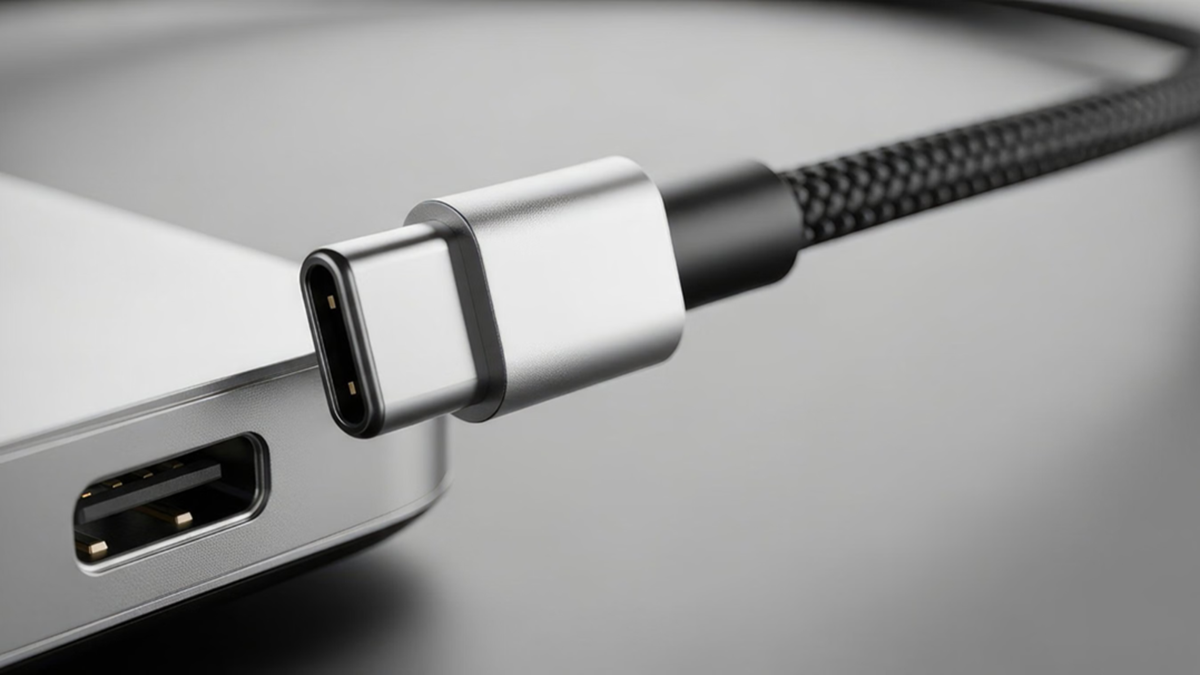
The USB-C port has made charging easier than ever in the world of smartphones, tablets, and laptops. Since the same type of port is now found on many devices, most people assume that if a laptop has a USB-C port, it will easily charge using any USB-C charger.
However, the reality is different. Users are often baffled when their laptop fails to charge even after purchasing a new charger. They tend to blame the charger, but the actual reason lies elsewhere. In fact, not every Type-C port is designed for charging. Let’s take an expert look at the full story behind USB Type-C ports.
Not all USB-C ports are the same
You can think of the USB-C connector as the 'Swiss Army Knife' (multi-tool) of the tech world. A single port can handle data transfer, video output, audio playback, and device charging.
But here’s the catch! Your laptop's port may not necessarily support all these features. Many budget and mid-range laptops include a USB-C port solely for data transfer (such as files or photos), while on other laptops, a port might be dedicated only to connecting a display. Therefore, assuming a port supports charging simply based on its appearance is a major mistake.
USB-C Power Delivery compatibility is essential
For a laptop to charge via a USB-C port, the port must support a technology called USB Power Delivery (PD). This is the technology that enables a USB-C port to support charging and determines the safe amount of power to deliver to the laptop.
Don't confuse Thunderbolt with USB-C
Many users mistake Thunderbolt and USB-C for the same technology, but there are significant differences between the two. Thunderbolt also uses the USB-C connector, but it offers several additional features compared to standard USB-C.
Thunderbolt 4 and Thunderbolt 5 ports provide faster data transfer speeds, support for high-resolution displays, and superior charging capabilities. Therefore, while every Thunderbolt port is a USB-C port, not every USB-C port is a Thunderbolt port.
How can you tell if your USB-C port supports charging?
If you are unsure about the capabilities of your laptop's USB-C port, the easiest method is to check the official specifications. Some manufacturers place a power, battery, or Thunderbolt logo next to the USB-C port to make identification easier; however, not all companies do this.
On some laptops, only one USB-C port supports charging, while the others are intended solely for data transfer. Consequently, if you want to know whether your laptop's USB-C port supports charging, you should consult the manufacturer's website or the user manual.
Disclaimer: This content has been sourced and edited from Amar Ujala. While we have made modifications for clarity and presentation, the original content belongs to its respective authors and website. We do not claim ownership of the content.
