
Tech Tips: Is your mobile number linked to Aadhaar? Here’s how to check online in 2 minutes from the comfort of your home..
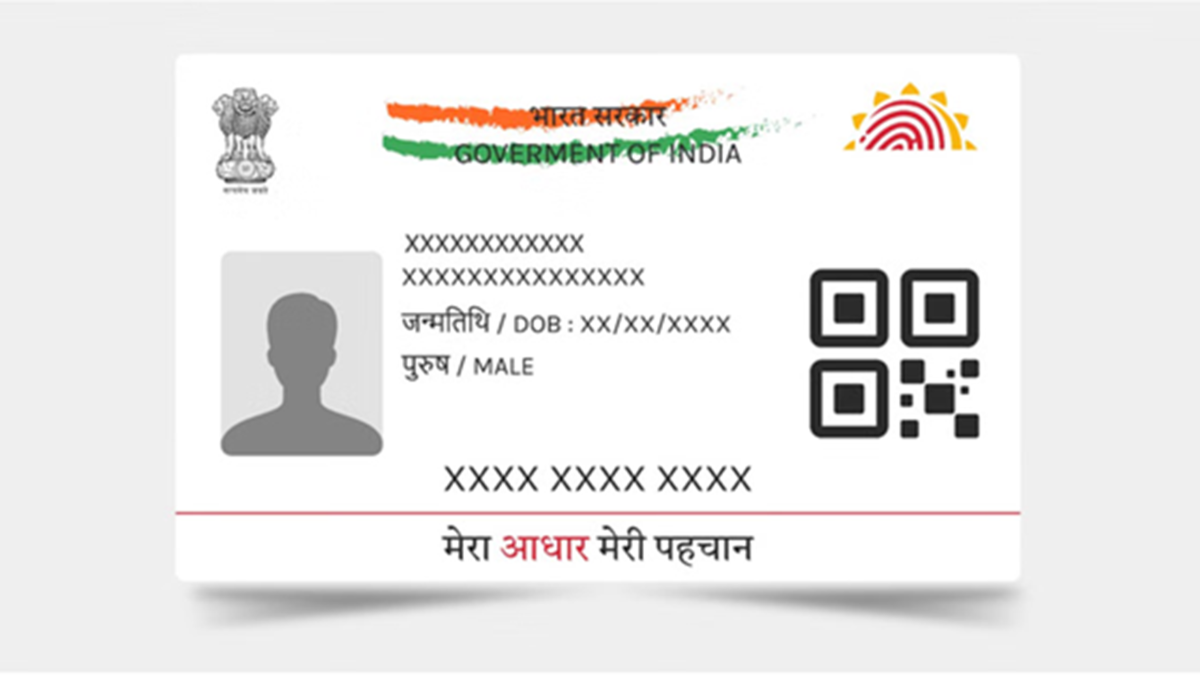
In today's times, Aadhaar is not merely an identity document; it has become the key to accessing numerous government and digital services. From downloading e-Aadhaar to using DigiLocker, online identity verification, and OTP-based services, linking the correct mobile number to your Aadhaar is essential for almost every facility.
If you have recently changed your mobile number or do not recall which number is registered with your Aadhaar, there is no need to worry. You can find this out in just a few minutes via the UIDAI website.
Why is it important to link your mobile number with Aadhaar?
Linking your mobile number to Aadhaar offers several important benefits, such as:
Securely receiving the OTP required for Aadhaar verification.
Easily downloading your digital e-Aadhaar.
Updating Aadhaar details (such as your address) online from the comfort of your home.
Seamlessly availing benefits from various government schemes, subsidies, and digital services.
Easily completing e-KYC (electronic identity verification) for banking and other services.
If your mobile number is not linked, you will be unable to use many of UIDAI's online services.
How to check if your mobile number is linked to Aadhaar
You can obtain this information online from the comfort of your home by following these simple steps:
Step 1: Open the official UIDAI website.
Step 2: Go to the 'Aadhaar Services' section and select the 'Verify Email/Mobile Number' option.
Step 3: Enter your 12-digit Aadhaar number.
Step 4: Enter the mobile number you wish to verify.
Step 5: Enter the captcha code displayed on the screen.
Step 6: Click on the 'Send OTP' or 'Verify' button.
If the entered number is already linked to your Aadhaar, the portal will confirm it. Conversely, if the number is not linked, the screen will display a notification to that effect.
What to do if your mobile number is not linked? If your new mobile number is not linked to your Aadhaar, or if you have changed your old number, you can get it updated.
Keep these points in mind:
Always keep your current mobile number linked to your Aadhaar.
Ensure the registered mobile number is active and accessible to you for OTP-based services.
Do not share your Aadhaar OTP with anyone.
Use only official UIDAI platforms for all Aadhaar-related services.
Disclaimer: This content has been sourced and edited from Amar Ujala. While we have made modifications for clarity and presentation, the original content belongs to its respective authors and website. We do not claim ownership of the content.
