
Tech Tips: How to transfer files without a USB drive? Here are 5 easy ways to share even large files in minutes..
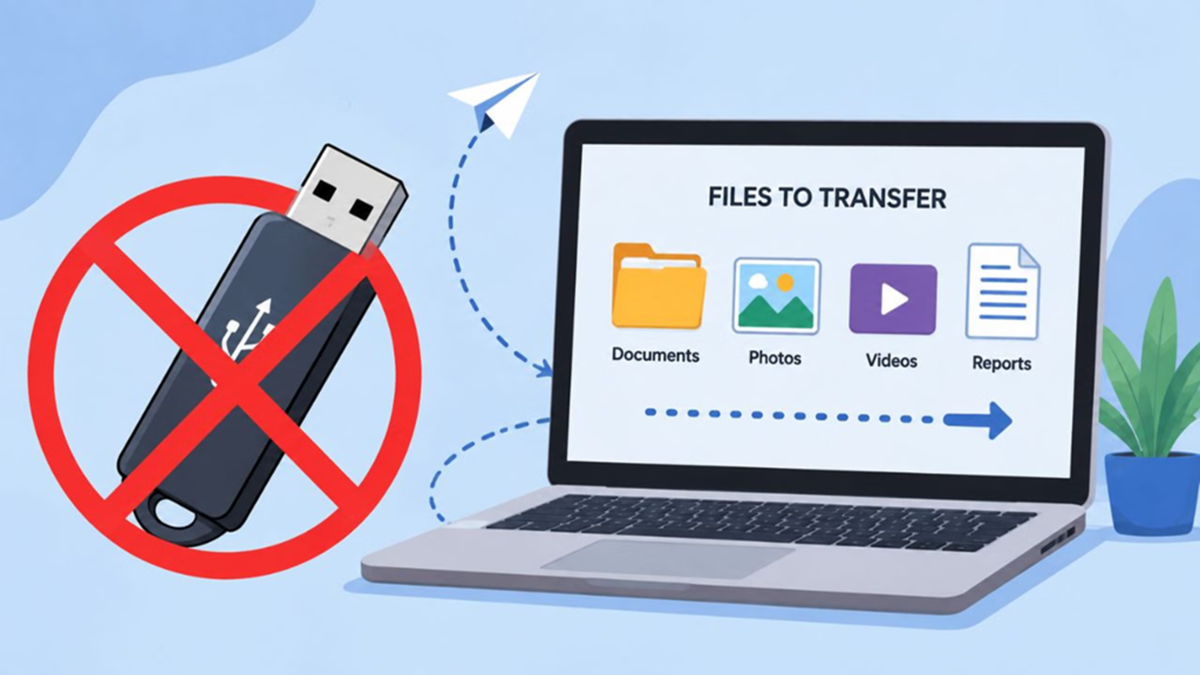
There was a time when transferring data from one computer to another—or to a mobile device—required a floppy disk, CD, or pen drive (USB drive). If you happened to leave your pen drive at home, your office presentation or college project would come to a complete standstill. However, in today's smart era, technology has advanced to the point where the need for physical storage devices is virtually disappearing.
Now, even without a USB drive or data cable, you can transfer large files instantly and securely. Let’s explore four of the best and most modern ways to transfer files without a USB drive.
1. Cloud Storage: Your Virtual Pen Drive
Cloud services like Google Drive, OneDrive, and Dropbox are among the best and most secure options available today. You simply need to upload a file from your smartphone or computer to these platforms. Then, generate a secure link for the file and share it with the intended recipient. The biggest advantage is that your data remains safe from corruption, and you can access it from anywhere in the world.
2. AirDrop and Quick Share: Best for Nearby Transfers
If you need to transfer 10–15 GB of data between two devices located close to each other, wireless transfer technology works wonders. For Apple users, AirDrop is nothing short of a boon. Meanwhile, Android and Windows users now have access to the Quick Share feature. This technology utilizes your phone or laptop's Wi-Fi and Bluetooth to transfer data at super-fast speeds, even without an internet connection.
3. Messaging Apps Are Also Convenient
Nowadays, apps like WhatsApp and Telegram are no longer limited to just chatting. If you need to send a video or file up to 2 GB in size, Telegram is an excellent platform. Additionally, you can easily send photos, PDFs, and videos in their original quality using WhatsApp's 'document sharing' feature.
4. Third-party file-sharing websites
If you need to send a large amount of data to a client or friend located far away, websites like WeTransfer are extremely useful. Their free version allows you to send files up to 2GB in size at once. You do not need to create an account or download an app; simply upload the file and send the download link to the recipient.
Disclaimer: This content has been sourced and edited from Amar Ujala. While we have made modifications for clarity and presentation, the original content belongs to its respective authors and website. We do not claim ownership of the content.
