
Tech Tips: How to Hide Your Payment History on Paytm? Learn the Complete Method in Just 2 Minutes...
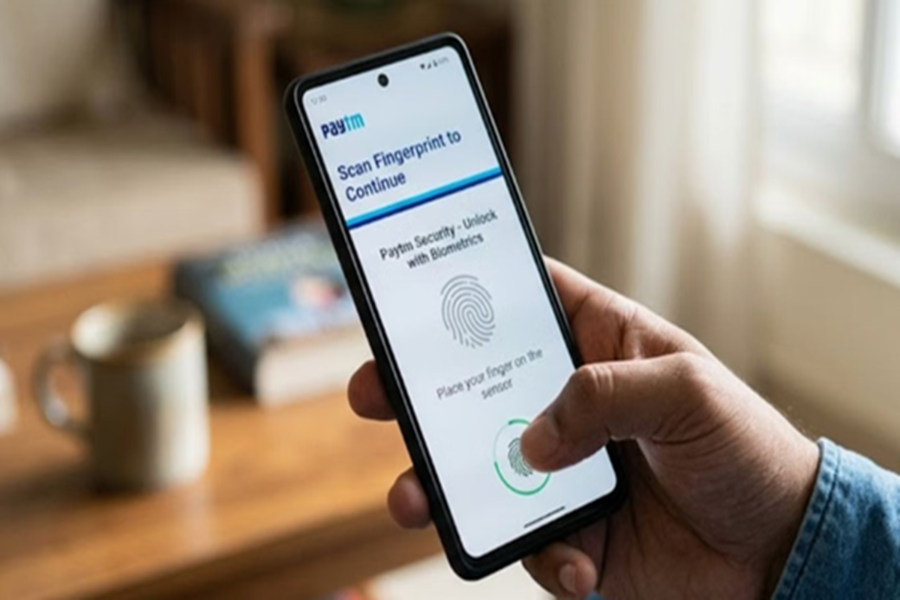
Paytm is one of the most widely used digital payment apps in India. People use it for almost every type of payment, whether small or large. Your entire transaction history is saved on the app, making it easy to keep a record of your expenses. However, there are times when users wish to keep certain payments private. For such instances, Paytm offers a special "Hide Payment" feature. With its help, you can conceal specific transactions from your main history.
This feature is particularly useful for individuals who share a mobile device or simply wish to keep their financial activities more private. Let's explore how you can use this feature to hide your payment history.
**What is Paytm's 'Hide Payment' Feature?**
It is a very smart way to keep your digital payments private. This feature empowers you to remove selected payments from your 'Primary View' (main history). Please note: when you hide a payment, it is neither deleted nor altered. It is simply moved to a separate, secure section. Paytm assures that this information remains completely secure. You can access and view it again whenever you wish.
**How to Hide Transactions on Paytm?**
If you wish to remove a specific payment from your main history, follow these simple steps:
First, open the Paytm app on your phone.
Now, navigate to the 'Balance & History' tab.
Swipe left on the specific transaction you wish to hide.
Tap on the 'Hide' option that appears on the screen.
Next, confirm your choice by tapping on 'Yes, Hide Payment'.
Your selected transaction will now be hidden from your main payment history.
**How to View Hidden Transactions?**
If you need to view your hidden transactions at a later time, there is a simple method for that as well:
First, go to the 'Balance & History' section.
Tap on the three-dot menu icon located at the top right corner of the screen.
Select the 'View Hidden Payments' option from the menu.
Now, enter your PIN or complete the biometric verification process. After this, all your hidden transactions will appear on the screen.
Now, swipe left on that transaction. Then, tap on the 'Unhide' option.
Subsequently, that transaction will once again appear in your regular payment history.
Disclaimer: This content has been sourced and edited from Amar Ujala. While we have made modifications for clarity and presentation, the original content belongs to its respective authors and website. We do not claim ownership of the content.
