
Tech Tips: Does your phone charge too slowly? Learn why and how to speed up charging...
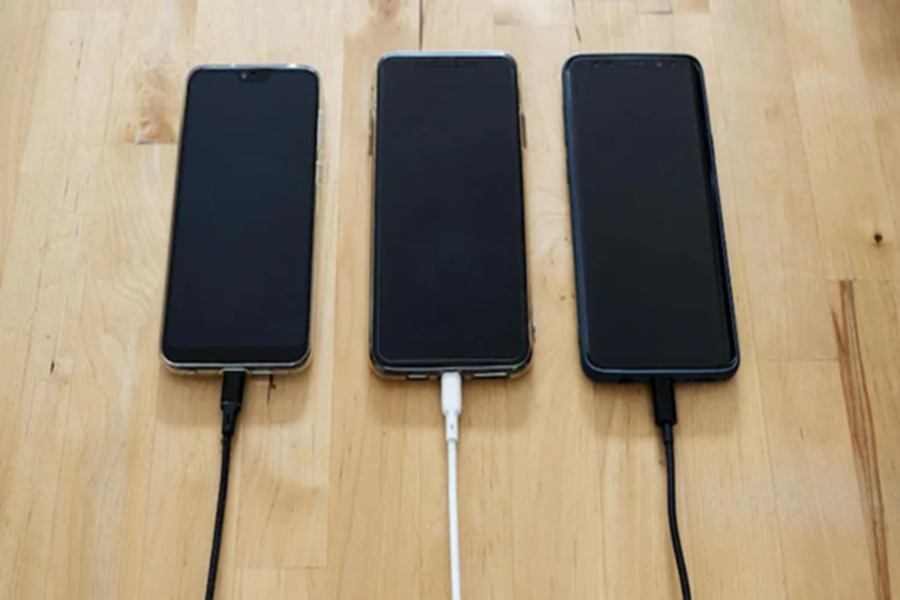
Mobile Phone Tips: In today's times, phones have become a necessity. Therefore, it's natural to feel frustrated when your phone charges too slowly. Often, we're at a loss to figure out what the problem is. Fortunately, some common causes can be easily fixed once you understand them. Now, if you're also experiencing this problem—your phone charging too slowly—we're sharing some common reasons. We'll also explain how to fix it.
Why Does Your Phone Charge Slowly?
Number 1: A Bad Charging Cable or Adapter
The first cause could be a bad charging cable or adapter. If the cable is bent, broken, or the adapter isn't delivering the proper power, your phone will charge slowly. Therefore, it's always best to use a good-quality or original charger.
Number 2: Background Apps
Another reason is that too many apps are running in the background. When multiple apps are running simultaneously, they consume battery power, slowing down charging speed. In such a situation, close unnecessary apps while charging the phone.
Number 3 - Old Battery
An old phone battery can also cause slow charging. Over time, the battery capacity decreases, making it take longer to fully charge. If the phone is several years old, replacing the battery may be the right option.
Number 4 - Incorrect Temperature
Temperature also affects charging. The phone may not charge properly in extremely hot or cold environments. In heat, the phone reduces charging speed to protect itself. Therefore, always charge the phone in a cool and moderate area.
Number 5 - Using the phone while charging
Using the phone while charging is also a major cause. Playing games, watching videos, or talking on calls can increase battery consumption, which can slow charging. Try to use the phone less while charging.
These factors can also be responsible.
Sometimes, dust accumulated in the charging port can also cause problems. Dirt in the port can cause the cable to not connect properly, slowing charging. Additionally, charging from a computer or a low-power outlet can also slow down the speed.
Also, keep these things in mind:
Try to always keep your phone's battery between 20% and 80%.
Regularly update your phone's software, as updates improve battery management.
Apart from all this, if you're considering a new phone, choose a device with fast charging support and a good battery capacity.
By identifying the underlying cause and taking simple precautions, you can easily get rid of this problem.
Disclaimer: This content has been sourced and edited from NDTV India. While we have made modifications for clarity and presentation, the original content belongs to its respective authors and website. We do not claim ownership of the content.
