
Tech Tips: Does a phone really charge faster in flight mode? If you do this too, learn about the pros and cons..
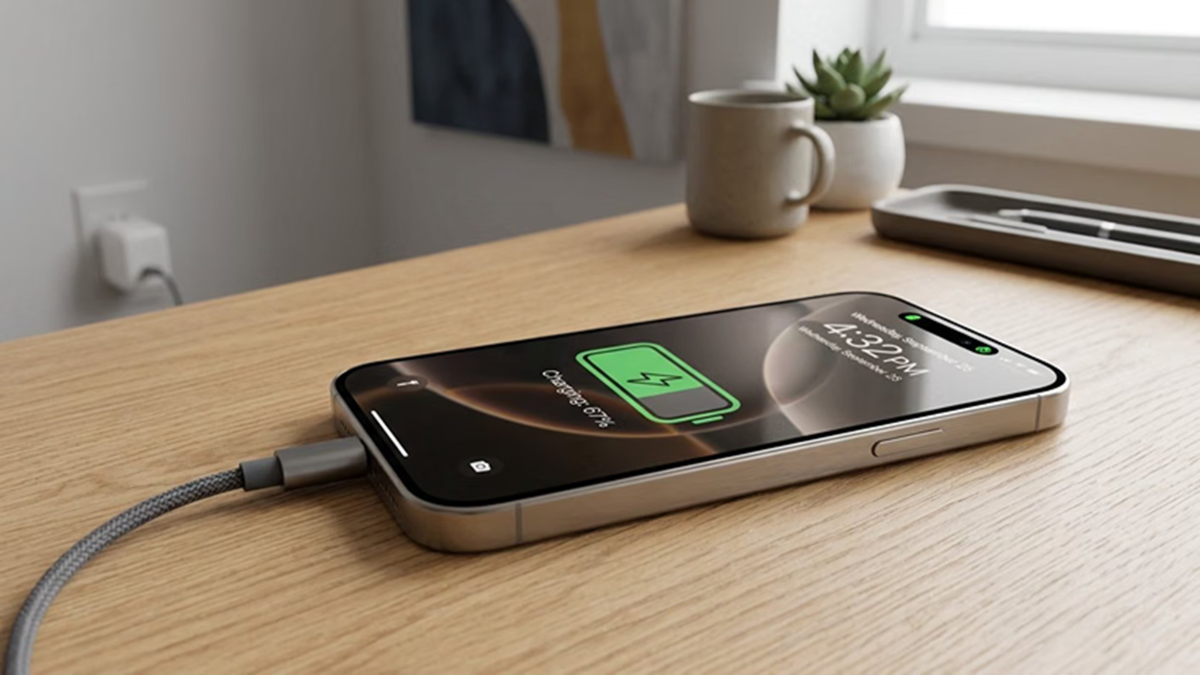
Rapid battery drain in smartphones is a common issue these days. Often, a phone’s battery runs low during important tasks, leaving no time to charge it. You may have heard the advice that switching your phone to 'Flight Mode' while charging helps it charge faster. But is this actually true? The answer is yes, though the impact is not very significant. Enabling Flight Mode turns off certain wireless connectivity features, which reduces battery consumption and eases the load on the phone while it charges.
Why does a phone charge faster in Flight Mode?
When a phone is in normal mode, it remains constantly connected to a mobile network. Additionally, features like Wi-Fi, Bluetooth, and background apps consume battery power. In areas with weak network coverage, the phone may repeatedly search for a signal, which further increases battery drain.
Turning on Flight Mode disables mobile network connectivity. On most smartphones, this also turns off Wi-Fi and Bluetooth (though these can be re-enabled individually). This reduces the phone's power consumption, allowing more energy to be stored in the battery during the charging process.
However, the overall impact on charging speed is not substantial.
How much faster does the battery charge?
While using Flight Mode does offer a benefit, it certainly won't cut your charging time in half. Tests conducted on various smartphones show a difference of only about 4 to 11 minutes to reach a full charge compared to normal mode. This variation depends on factors such as the phone model, network signal strength, the charger used, and how the device is being utilized.
What are the downsides of charging in Flight Mode?
The primary drawback of this method is that it limits the phone's connectivity. While Flight Mode is active, you will not receive mobile calls or SMS messages, and mobile data will be disabled. Consequently, you might miss important calls, banking OTPs, or other critical notifications. However, features like alarms, the camera, and apps that do not require an internet connection can still be used. Furthermore, if you are expecting an important call or message while your phone is charging, using flight mode might prove inconvenient.
What is a better way to charge your phone faster?
If you want to charge your phone quickly, use the charger recommended by the manufacturer along with a high-quality cable. Avoid playing games, watching videos, or running resource-intensive apps while the phone is charging, as these activities can place extra strain on the device and cause it to heat up. It is also best to charge your phone in a cool, well-ventilated area.
Frequently Asked Questions (FAQs)
1. Does charging a phone with flight mode enabled make it charge faster?
Yes, enabling flight mode disables the phone's mobile network connectivity. This reduces battery consumption, allowing the phone to charge slightly faster than it would in normal mode.
2. How much time can be saved by charging a phone in flight mode?
This depends on the phone model, network signal strength, and the charger being used. In some cases, you might notice a difference of about 4 to 11 minutes compared to standard charging.
3. Does charging a phone in flight mode damage the battery?
No, charging a phone in flight mode does not harm the battery. It simply limits the phone's wireless connectivity, which helps reduce battery drain.
4. Can you receive calls and messages while the phone is in flight mode?
When flight mode is enabled, you cannot receive standard mobile calls or SMS messages. However, if Wi-Fi is enabled separately—and provided the phone and network support it—you can still use Wi-Fi calling and internet-based messaging services.
5. What is the best way to charge a phone faster?
To charge your phone faster, use the charger and cable recommended by the manufacturer. Avoid gaming, video streaming, or running resource-intensive apps while the phone is charging. Also, do not charge the phone in a hot place.
Disclaimer: This content has been sourced and edited from Amar Ujala. While we modified it for clarity and presentation, the original content belongs to its respective authors and website. We do not claim ownership of the content.
