
Tech Tips: Are your WhatsApp statuses and stories blurry? Just change one setting and everything will be visible in HD...
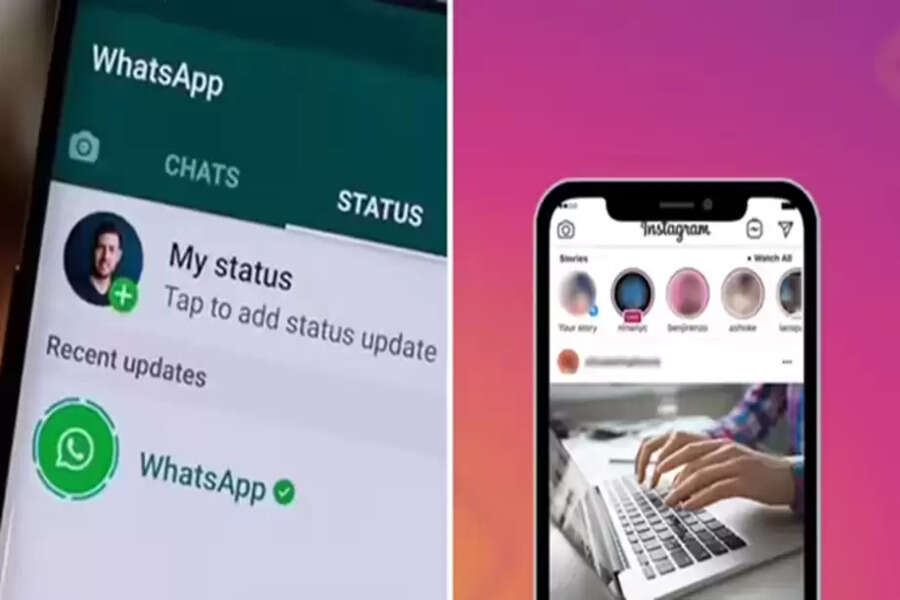
Does it happen to you that when you upload a WhatsApp status, a story, or a post on Instagram, it appears blurry instead of in HD quality? This is due to some default settings. Apps like WhatsApp and Instagram set their default settings to low for a smoother experience. Therefore, when you upload a WhatsApp status or an Instagram story, it doesn't appear in the best quality. Let's take a closer look at the settings you can change to make your WhatsApp status and Instagram stories look better.
Change these settings in WhatsApp.
If you want to upload a higher-quality status on WhatsApp,
Go to WhatsApp Settings.
Then tap Storage & Data.
Then set the Upload Quality to HD and save.
After this, any WhatsApp status you upload will appear in higher quality.
Change these settings in Instagram.
To share stories and posts in the best quality on Instagram, tap your profile picture.
Then, tap the three lines (hamburger menu) in the upper right corner.
Then scroll down and select Media Quality.
Then turn on Upload at highest quality.
Changing Camera Settings
After changing the two settings mentioned above, it's important to ensure you're shooting with the best settings on your phone's camera. To do this, go to your phone's camera settings. To take good photos, set the image size to a 16:9 ratio. When clicking photos, use the maximum megapixel count available for your phone. Similarly, choose 4K 30fps or 4K 60fps for video. Also, turn on video stabilization. By enabling grid lines in the camera settings, you'll be able to accurately position the subject in your photo or video. These settings allow you to shoot at the best quality.
Disclaimer: This content has been sourced and edited from Navbharat Times. While we have made modifications for clarity and presentation, the original content belongs to its respective authors and website. We do not claim ownership of the content.
