
Tech Tips: A Pen Drive Stores More Than Just Files—99% of People Are Unaware of These 5 Benefits..
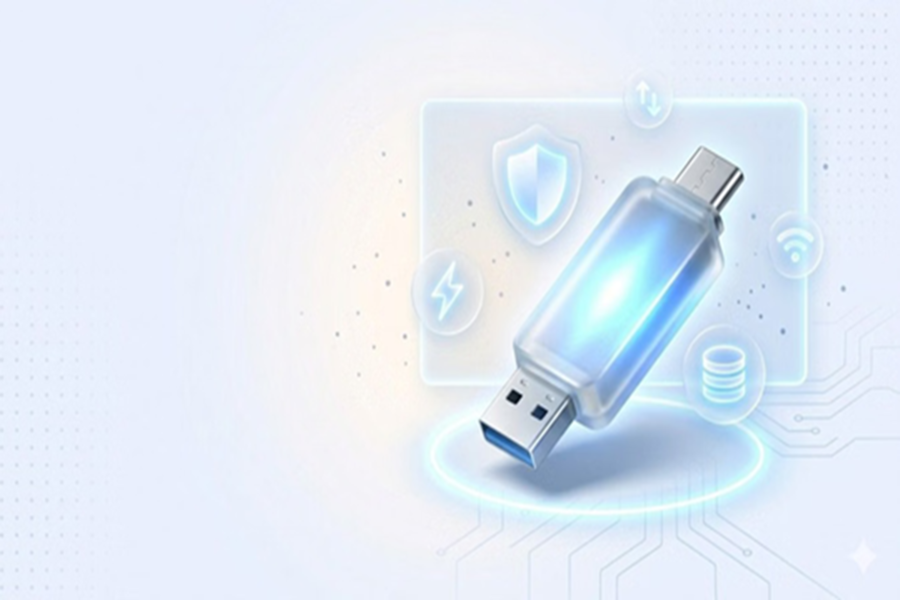
USB Drive Tricks: Most people view a pen drive merely as a simple storage device, useful only for transferring data from one place to another. They have no idea that this gadget is capable of performing many other significant tasks. If you understand how to utilize it correctly, it can easily accomplish a range of impressive feats—from speeding up your computer to serving as a digital key for your laptop.
**Your Pen Drive Can Become Your Computer's Digital Key**
Not every laptop or computer comes equipped with a fingerprint scanner. Consequently, users are often forced to unlock their devices by repeatedly entering a password. If the hassle of constantly typing in passwords is becoming a nuisance for you, a pen drive can make this process much easier.
With the help of tools like USB Raptor, you can transform your pen drive into a digital key. The moment you insert the pen drive into the system, the computer will automatically unlock; conversely, as soon as you remove it, the system will lock itself. This not only saves time during the login process but also significantly enhances the security of your system.
**Always Carry Portable Apps with You**
If you frequently use different computers, your pen drive can effectively serve as a "mini-computer" for you. You won't need to go through the trouble of reinstalling various applications—such as Chrome, Firefox, TeamViewer, and GIMP—every time you switch devices.
**Run a Different Operating System**
Very few people are aware that a pen drive can actually be used to run an entire operating system. With the help of tools like Rufus, you can make your pen drive "bootable."
Once configured, operating systems like Linux or Chrome OS can be launched and run directly from the USB drive.
Furthermore, if your Windows system ever crashes, this very same pen drive can prove invaluable for backing up your data and helping you recover your system.
**Useful for Automatic Backups, Too**
Windows features a utility called "File History," which allows you to configure your pen drive to function as an automatic backup device. If the pen drive remains connected to your system, Windows will automatically and continuously save backup copies of your documents, photos, and other essential files. If a file is accidentally deleted or becomes corrupted, an earlier version of it can be easily recovered.
**It Can Also Serve as an Offline Password Manager**
The risk of online password leaks is constantly on the rise these days. In such a scenario, a pen drive can prove to be a much safer alternative. You can store all your passwords within it in an encrypted database file—one that can only be unlocked using a master password. Since this data does not reside on the internet, it becomes extremely difficult to hack it online.
**Small Device, Big Capabilities**
A pen drive is not merely a device for storing files; it is also a versatile multitasking tech tool. When utilized correctly, it can enhance your digital security, productivity, and data management—all three simultaneously. If you happen to own an old pen drive, do not limit its utility to simply copying data anymore.
Disclaimer: This content has been sourced and edited from Amar Ujala. While we have made modifications for clarity and presentation, the original content belongs to its respective authors and website. We do not claim ownership of the content.
