
Tech: The phone's look will change the moment you use your fingerprint, appearing completely different to others..
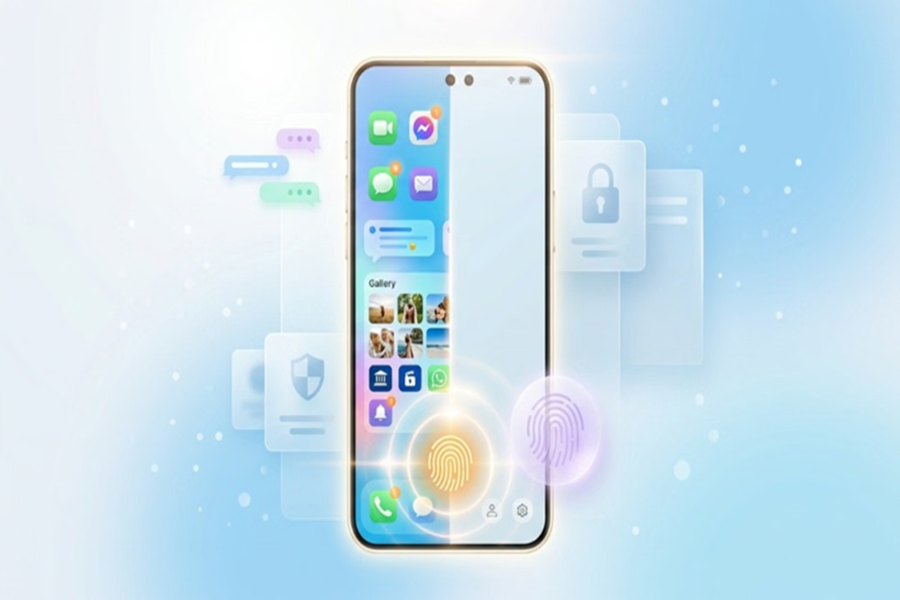
Smartphone Hidden Feature: Smartphones have become repositories for users' private lives, housing everything from photos and videos to personal chats. Naturally, privacy concerns arise when a friend or relative asks to borrow the phone. However, did you know your phone has a hidden feature that allows you to unlock it using a different fingerprint, instantly making the device appear brand new and empty to the other person?
What is this privacy feature?
It goes by different names depending on the phone model—such as "Private Space," "Second Space," or even "Hidden Profile." Its purpose is to create a separate, secure profile within the phone where your personal information remains completely safe.
How does this system work?
This feature allows you to set up two distinct unlock options for the phone.
One password, PIN, or fingerprint is assigned to your main profile, while the other is for the secondary profile.
When you use your own PIN or fingerprint, the phone unlocks normally, displaying all your apps, photos, chats, and other data.
However, if someone else unlocks the phone using the alternative PIN or fingerprint, they see only the apps and information you have specifically included in that profile. The phone appears just like a brand-new device.
Why is it beneficial for users?
This feature helps maintain your privacy whenever you need to hand over your phone to a friend, relative, or colleague.
It keeps banking apps, social media, private chats, photos, and other sensitive information completely hidden; the other person sees only a limited set of apps.
Once you get the phone back, you can switch to your main profile and access all your apps and data just as before.
Who is this most useful for?
This hidden feature is highly beneficial for users who frequently need to let others use their phones. Then, you can use this feature.
No privacy leaks: When friends, children, or colleagues borrow your phone for a while, the risk of them tampering with your personal chats, gallery photos and videos, or sensitive banking apps is eliminated.
Control over specific apps: You can configure the guest profile to include only basic apps like YouTube, Chrome, or games.
Instant switch-back: As soon as the other person returns the phone, simply unlock it using your primary password or fingerprint, and your smartphone will revert to its original state, with all your apps functioning exactly as before.
How to set it up?
If you wish to use this feature, follow these steps:
First, go to your phone's settings.
Scroll down and navigate to 'Features' or 'Security and Privacy'. On some phones, this might be listed under 'Special Features'.
Here, you will see an option for 'Second Space' or 'Private Space'; tap on it.
Now, tap on 'Turn on Second Space'.
Next, the phone will prompt you to set a password. Keep in mind that you will need to set two separate passwords or fingerprints:
First lock: For your primary profile.
Second lock: For your secondary (guest) profile.
Once the setup is complete, your phone will appear brand new and empty.
Disclaimer: This content has been sourced and edited from Amar Ujala. While we have made modifications for clarity and presentation, the original content belongs to its respective authors and website. We do not claim ownership of the content
