
Tech: Only smart people know these 5 volume button tricks—the last one is the most amazing..
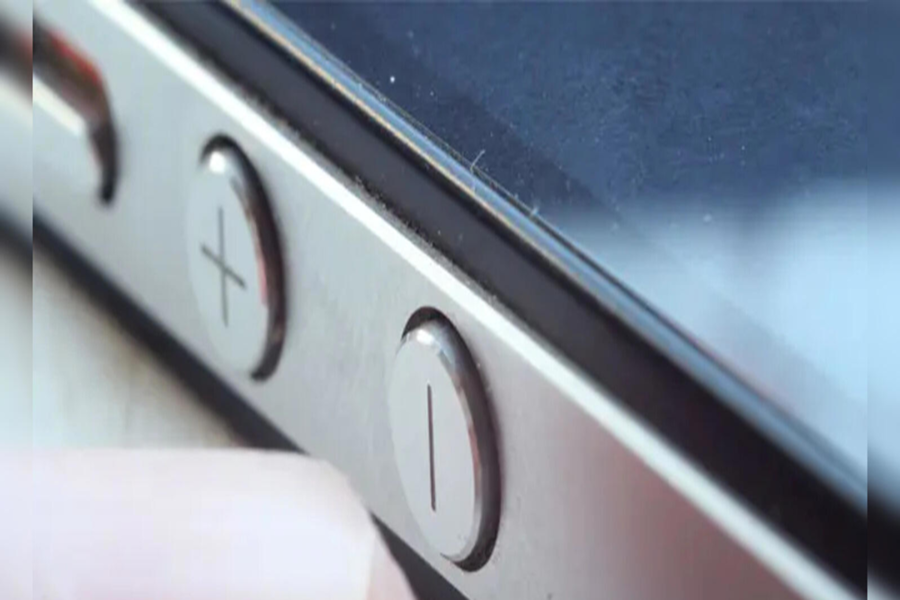
Even today, many people use their smartphones' volume buttons solely to adjust the volume. However, did you know that on Android smartphones, these buttons can perform several other functions you might not be aware of? Yes, when used correctly, the volume buttons can simplify many of your daily tasks. Let’s take a look at five of the most useful tricks...
**Open the Camera from the Lock Screen**
Many modern Android smartphones offer an option to launch the camera directly from the lock screen using the volume buttons. For instance, some Redmi smartphones feature a "double-press volume button" option. Once enabled, the camera opens in seconds, allowing you to instantly capture spontaneous, special moments.
**Taking Photos and Recording Videos**
If the camera app is already open, you can snap a photo using the volume button instead of tapping the on-screen shutter button. Many smartphones also allow you to start video recording using this same button. This feature is particularly helpful when taking selfies, as it reduces the risk of the phone slipping out of your hand.
**Silence Calls with a Single Tap**
If your phone rings while you are in a meeting, a class, or occupied with important work, you can quickly use the volume button instead of rejecting the call. Pressing the volume button once silences the incoming call's ringtone. You can also configure this button to reject the call entirely.
**Fix a Frozen Phone**
That’s not all; the volume buttons can also help fix a frozen phone. Sometimes, a smartphone freezes completely and the screen stops responding to touch. In such situations—especially on Android devices like Samsung phones—pressing the power button and the volume-down button simultaneously for a few seconds forces the phone to restart.
Open Your Favorite Apps Using Volume Buttons
Additionally, if you frequently use a particular app, the volume buttons can serve as a shortcut for it. By using apps like 'Accessibility Shortcut' or 'Button Mapper,' you can quickly launch WhatsApp, UPI apps, the flashlight, or any other favorite app simply by pressing both volume buttons simultaneously. This eliminates the need to repeatedly return to the home screen to open an app.
Disclaimer: This content has been sourced and edited from Dainik Jagran. While we have made modifications for clarity and presentation, the original content belongs to its respective authors and website. We do not claim ownership of the content.
