
Tech: Now operate Instagram Reels hands-free; this easy trick gets the job done—here’s how to activate it..
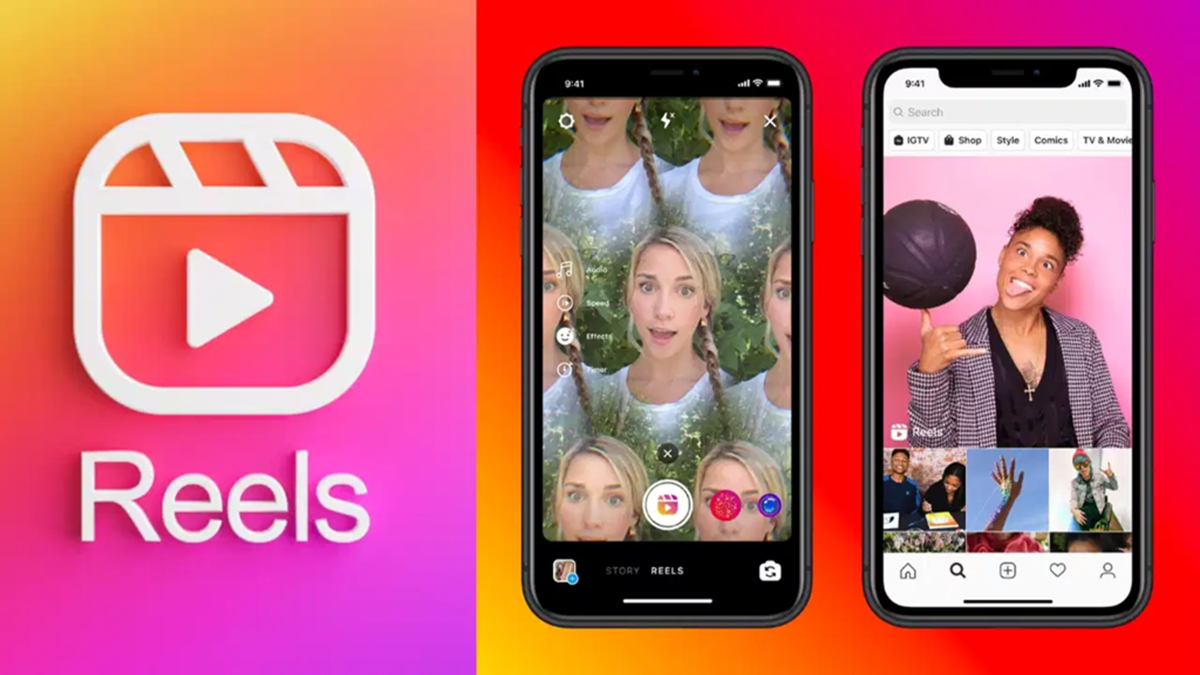
Nowadays, Instagram Reels have become a major source of entertainment. Many people start watching Reels in their spare time, and before they know it, a significant amount of time has passed. The craze for them is particularly high among the youth and children. However, holding the phone for extended periods while scrolling through Reels can lead to hand pain or fatigue.
In such situations, certain features of Instagram and smartphones can prove very useful for users. With their help, it is often possible to watch Reels without repeatedly touching the screen. However, this facility is not available on every phone or for every user.
**The 'Auto Scroll' feature makes things easier**
Features like 'Auto Scroll' or 'Auto Play' are found in some smartphones and newer versions of Instagram. If this option is available on your phone or within the app, Reels can advance automatically.
Once this feature is activated, the user does not need to touch the screen to switch to the next video. The Reels scroll automatically, making the viewing experience more convenient.
If you do not see this feature in your Instagram app, you can try updating the app first. However, keep in mind that this feature is not available on all accounts or devices, and the company may make changes to it over time.
**'Voice Control' feature for iPhone users**
iPhone users have another option to operate their phones hands-free. The 'Voice Control' feature available in iOS can prove to be very useful. To activate it, one needs to go to the phone's Settings and then to the Accessibility option. After that, various phone features can be controlled using voice commands. This allows for easier navigation of Instagram and watching Reels through simple voice commands. This feature is also beneficial for those who prefer a more relaxed way of using their phones.
**Using Voice Commands on Android**
On Android smartphones, many tasks can be performed using voice commands with the help of Google Assistant. Users can activate Google Assistant to open Instagram and perform basic tasks without touching the screen. Additionally, some Android devices offer a 'Voice Access' feature. This feature allows users to control the phone using voice commands. This allows you to select on-screen options and makes general navigation easier. However, these features do not work the same way on all phones; it depends on your device, operating system, and the version of the Instagram app.
Disclaimer: This content has been sourced and edited from News18 Hindi. While we have made modifications for clarity and presentation, the original content belongs to its respective authors and website. We do not claim ownership of the content.
