
Tech Hacks: Where Do Photos Saved in Google Photos Go? Understand the Full Scope of Cloud Storage
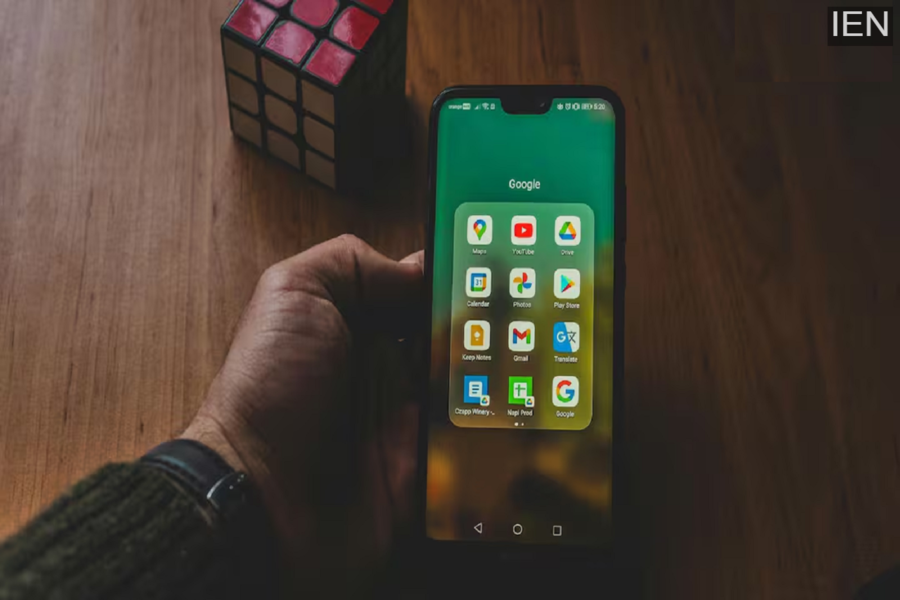
Tech Hacks: You likely use the Google Photos app to cherish your memories. However, a question often crosses your mind: where exactly do the photos saved in Google Photos end up? Find out the answer here.
Tech Hacks: Whenever you receive a notification on your phone stating that your storage is full and asking you to delete some photos, your immediate reaction might be, "Oh no, I have to delete some of my favorite photos again!" In such situations, we all blindly trust Google Photos to preserve our precious memories. Since smartphone memory tends to fill up frequently, and in the event that a phone is stolen or damaged, it is through Google Photos that we are able to retrieve these images.
The Best Technology for Preserving Memories
All of this is made possible thanks to the backup option provided within Google Photos. The moment you hit the backup button, your photos vanish from your phone and become securely stored somewhere within the vast realm of the internet. But have you ever wondered—where exactly do these photos go after disappearing with just a single click? Is there a virtual "cupboard" inside the internet where they are stored? Or is there a massive, secretive technological network operating behind the scenes? Let's unravel the full mechanics of Google Photos and cloud storage so you can preserve your precious memories even more effectively.
How Does Cloud Storage Work?
1. Cloud Storage: The term "Cloud" here doesn't refer to the sky, but rather to a massive computer network (known as a data center) hosted on the internet. When you use Google Photos, your images are transferred from your phone's internal memory and saved onto these large servers owned by Google.
2. Syncing and Backup: Furthermore, the moment you open the Google Photos app on your phone and initiate the backup process, your photos are uploaded (or "synced") to Google's servers using either Wi-Fi or your mobile data connection. Subsequently, you can view your photos from any corner of the world by logging into your Gmail account on any device—be it a laptop, tablet, or another phone.
3. Storage Limits and Plans—Google provides every account with 15 GB of free cloud storage. This 15 GB of space is shared across your Google Photos, Google Drive files, and Gmail. If this storage capacity is exhausted, you can purchase additional space through Google's Google One plans.
4. Photo Storage Location—Although your photos may physically reside on a server located anywhere in the world, to you, they appear as a systematically organized gallery within the Google Photos app. Furthermore, Google's Artificial Intelligence automatically sorts and saves your photos based on faces, locations, and dates.
Photo Security and Privacy Matters
Google Cloud employs robust encryption, meaning that your photos remain completely secure and private. If you wish, you can also view your entire photo album by visiting the Google Photos website.
