
Tech: Do you forget to turn off your Wi-Fi when leaving home? It could impact your privacy..
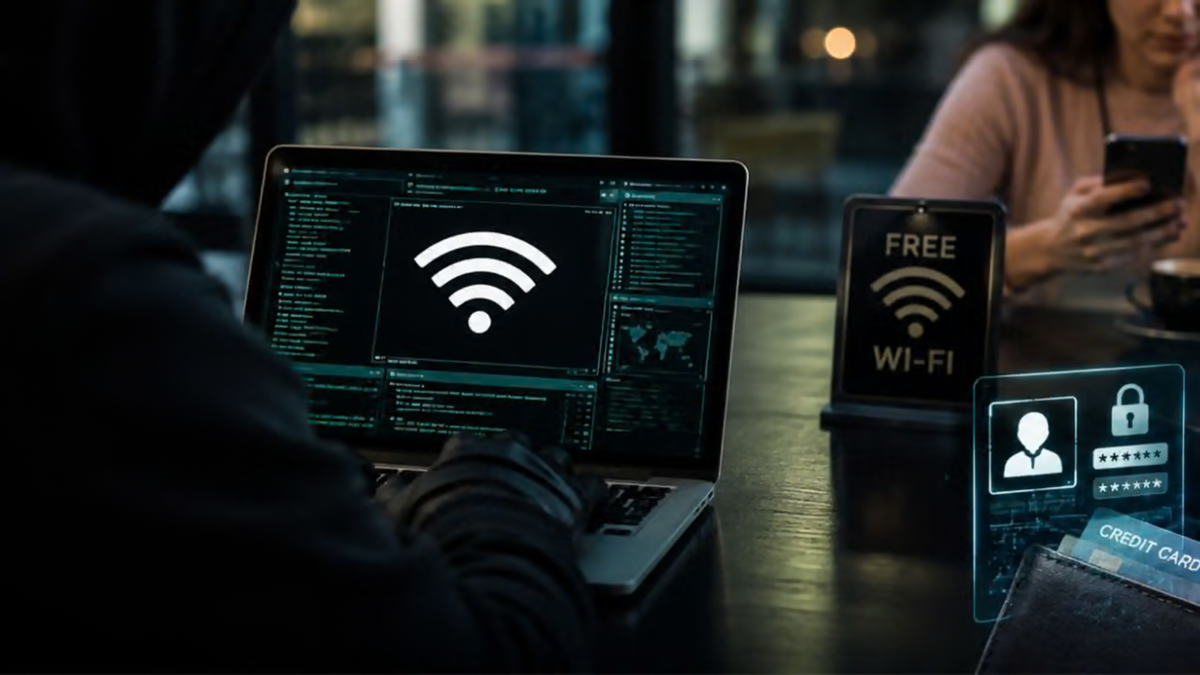
When using a smartphone, we often overlook several small details—one of which is leaving the phone’s Wi-Fi enabled at all times. Many people don’t bother to turn it off even when leaving home, assuming it makes no difference. However, when Wi-Fi is left on, the phone may continuously scan for nearby networks. This can increase risks to your privacy, especially when accessing the internet in public places.
Today, our phones contain everything from private conversations to banking details and other sensitive information; therefore, ensuring their security is crucial. Making it a habit to turn off Wi-Fi when leaving home can help reduce the risk of connecting to unwanted or potentially malicious networks. Let’s look at why you should be cautious about keeping your Wi-Fi enabled constantly.
Reducing the risk of connecting to unknown Wi-Fi networks
When your phone’s Wi-Fi is on, it keeps searching for available networks. In some cases, if you have connected to a network previously, your phone might automatically reconnect to it. While convenient, this feature can sometimes become a liability.
Public spaces like cafes, airports, railway stations, and shopping malls often offer various public Wi-Fi networks, some of which may have weak security. Connecting to such networks increases the risk that your online activities could be targeted. Although not all public Wi-Fi networks are insecure—and the use of protocols like HTTPS can provide better data protection—it is still wise to avoid connecting to unknown networks.
Beware of fake Wi-Fi networks
Cybercriminals may create fraudulent Wi-Fi hotspots with names that mimic legitimate ones to deceive users. For instance, you might encounter a fake network at an airport labeled "Airport Free Wi-Fi" or at a hotel named something like "Hotel Guest Wi-Fi."
If you accidentally connect to such a network, you could be redirected to a malicious website or a deceptive login page. Entering your email ID, password, or other personal information on such networks could lead to misuse. Therefore, always verify the correct name of a public Wi-Fi network before connecting to it. It is best to keep your phone’s Wi-Fi turned off when it is not in use.
Avoiding Wi-Fi Tracking
In some locations—such as malls, airports, and other public spaces—Wi-Fi signals can be used to monitor the movement of people. Certain systems analyze signals or identifiers from nearby devices to estimate where people are arriving from and where they are heading.
However, having your phone’s Wi-Fi enabled does not necessarily mean your location can be easily tracked. Modern smartphones include various security measures designed to limit such tracking. Nevertheless, keeping Wi-Fi turned off while you are out can help reduce unnecessary network scanning and certain forms of tracking.
Benefits for Battery Life
Wi-Fi is used not only for accessing the internet but also for scanning for nearby networks. If a phone is constantly scanning for networks, it can lead to increased battery consumption. This can affect background processes and the overall battery life throughout the day.
The extent to which Wi-Fi drains the battery depends on the phone model, its settings, and how it is used. Consequently, turning off Wi-Fi will not necessarily boost a phone's speed; however, keeping it disabled when you do not need the internet is a good habit to adopt.
In summary, turning off Wi-Fi when you leave home is a simple yet effective security measure. Additionally, avoid connecting to unknown networks, use trusted connections when handling sensitive information, and ensure that your phone’s security settings remain up to date.
Disclaimer: This content has been sourced and edited from TV9. While we have made modifications for clarity and presentation, the original content belongs to its respective authors and website. We do not claim ownership of the content.
