
'Stop using Google and Chrome immediately', Why did Apple issue this warning to people, and what are they afraid of?
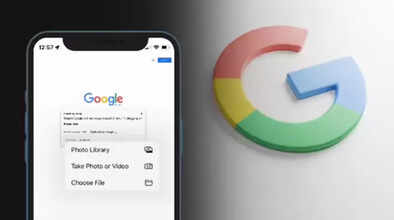
Apple has explicitly told its iPhone users to stop using the Google Chrome browser. The company says that Chrome does not protect your privacy, while its own Safari browser fully protects your privacy. Now Apple has also included a warning about a covert technique called "fingerprinting" in its statement.
What is fingerprinting?
A Forbes report (Ref.) explains that fingerprinting is a tracking method that collects small details about your phone, such as screen size, fonts, and battery level, to create a unique identifier for you. It cannot be turned off, and unlike cookies, there is no opt-out option. This year, Google lifted its restrictions on this technology, so it is on the rise again.
How does Safari protect you?
Apple says that Safari hides your phone's real information and presents a generic profile. This makes millions of phones look the same, and trackers cannot identify you. Safari also uses AI to prevent tracking, private browsing remains completely private, and location data is not collected. Apple claims that Chrome fails in all these aspects.
Be careful with Google apps too.
Even if you use Safari, Google can still track you. Most people use Google Search as the default search engine in Safari. At the bottom of every search page, Google displays a large blue button that says "Try Google App." If you accidentally touch it, you are taken directly to the Google app. According to Apple's warning, the Google app collects even more data than Chrome and links it to your name. So never press that blue button.
Chrome is the most widely used browser
More than 3 billion people worldwide use Chrome. Despite repeated warnings, people continue to prefer it. If you intentionally want to use Chrome or the Google app, that's your decision, but first, understand what will happen to your privacy.
What should you do? Apple says the easiest way is to simply use Safari. Never tap the blue button at the bottom when searching on Google, and if you truly want privacy, switch your search engine to DuckDuckGo or another private search engine. Your privacy is in your own hands.
Disclaimer: This content has been sourced and edited from Navbharat Times. While we have made modifications for clarity and presentation, the original content belongs to its respective authors and website. We do not claim ownership of the content.
