
Smartphone: Your smartphone battery will last all day, just turn off these two battery-draining settings..
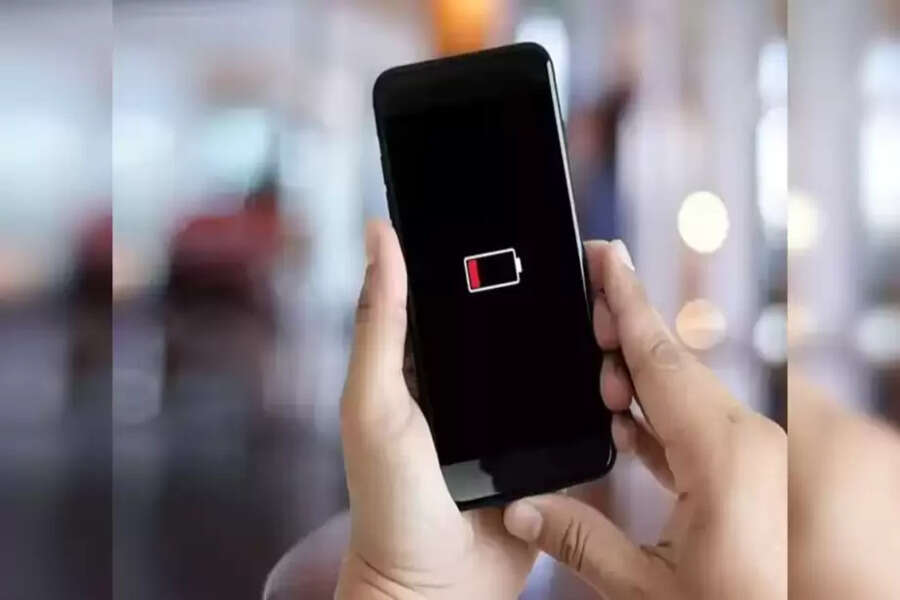
If your smartphone isn't lasting all day and the battery drains in just a few hours, the reason might be hidden from you. Many phones constantly run Wi-Fi and Bluetooth scanning in the background, which rapidly depletes the battery. Importantly, this scanning continues even when Wi-Fi or Bluetooth is turned off. By disabling the correct settings, you can significantly extend your battery life without using any apps. Here's how to do it.
Background Scanning Drains Battery
Your smartphone's Wi-Fi, Bluetooth, and other sensors are constantly working in the background. They continuously search for nearby networks and devices, even when the screen is off. This process intensifies in areas with weak network coverage, increasing battery consumption. Sometimes, it also consumes data without the user's knowledge. All these processes run continuously, which is why your phone's battery drains quickly.
Why Deep Sleep Mode is Important
Deep sleep mode is like a resting state for your phone. When you're not using your phone, unnecessary apps and background processes are completely stopped. This reduces the load on the processor and battery. However, if Wi-Fi and Bluetooth scanning remain active, the phone cannot enter deep sleep mode, and the battery continues to drain unnecessarily.
How to Disable These 2 Settings on Android Phones
The process is simple on Android smartphones. Go to the Settings app, then to Location, and open Location Services. Here you will find the options for Wi-Fi Scanning and Bluetooth Scanning, which you can turn off. After disabling them, the phone will no longer unnecessarily search for networks in the background. This allows deep sleep mode to function more effectively, and battery life improves significantly.
How iPhone Users Can Save Battery
Saving battery on an iPhone is almost as simple. Go to Settings, open the Privacy and Security section, and tap on Location Services. Under System Services, you can disable the Networking and Wireless option. Even after turning this off, Wi-Fi and Bluetooth connections will work normally. The only difference is that background scanning stops, and the battery stops draining unnecessarily.
Disclaimer: This content has been sourced and edited from TV9. While we have made modifications for clarity and presentation, the original content belongs to its respective authors and website. We do not claim ownership of the content.
