
Smartphone: Which mode is best for saving phone battery? Most people remain confused..
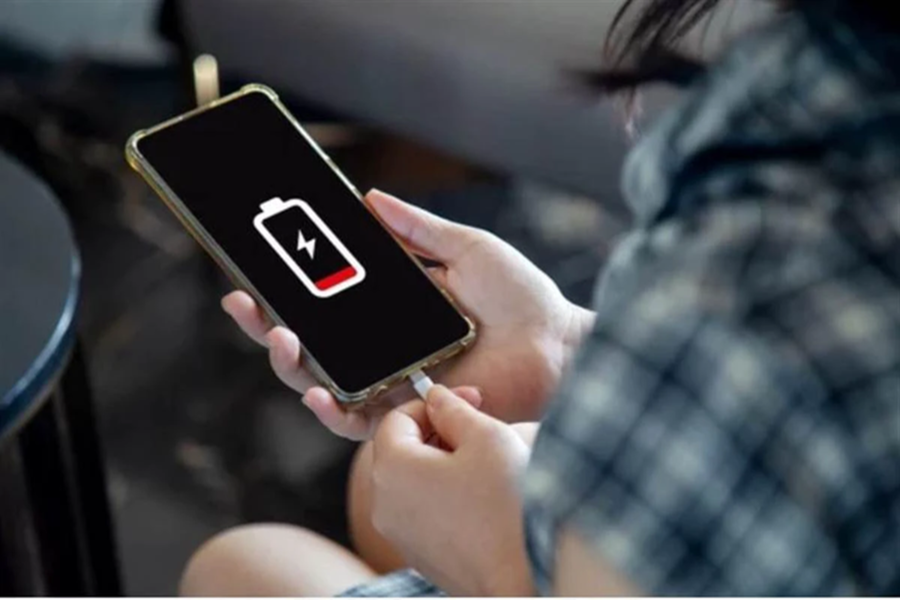
Nowadays, smartphones have become an integral part of our lives. From social media to office work and online classes, a wide range of tasks have become dependent on our phones. Consequently, the biggest inconvenience arises when the mobile battery begins to drain rapidly.
In such situations, many people utilize various settings to conserve battery life; however, the question remains: which mode actually saves the most battery? Let's explore this in detail today.
**Battery Saving Mode**
Nowadays, almost every Android device and iPhone features a "Battery Saver" or "Low Power Mode." As soon as this mode is enabled, the device significantly reduces unnecessary activities running in the background. Additionally, the auto-refresh feature for apps is disabled. Furthermore, the screen brightness is lowered, and the processor speed is limited. In this way, this mode proves most effective in controlling battery consumption.
**Dark Mode is Also Excellent**
Moreover, if you own a phone equipped with an OLED or AMOLED display, "Dark Mode" can also be highly effective in conserving battery power. In this mode, the screen turns off numerous pixels, resulting in lower power consumption. Additionally, during nighttime hours, this mode is considered to be gentler on the eyes.
**Airplane Mode**
If you do not require calls or internet access for a certain period, "Airplane Mode" can be a significant aid in saving battery life. When this mode is active, services such as mobile networks, Wi-Fi, and Bluetooth are disabled, causing the device's battery to drain at a much slower rate. This mode can prove extremely useful while traveling or when you are in an area with poor network coverage.
**Which Mode is the Best?**
If you wish to conserve battery during normal daily usage, "Battery Saver Mode" is the optimal choice. However, if you require extended battery backup, utilizing "Airplane Mode" in conjunction with other settings can be highly effective. You can also conserve battery power by enabling "Dark Mode" on your device and keeping the screen brightness at a lower level.
Disclaimer: This content has been sourced and edited from Amar Ujala. While we have made modifications for clarity and presentation, the original content belongs to its respective authors and website. We do not claim ownership of the content.
