
Smartphone Tips: Transform Your Old Smartphone into Live Surveillance Camera Instantly..
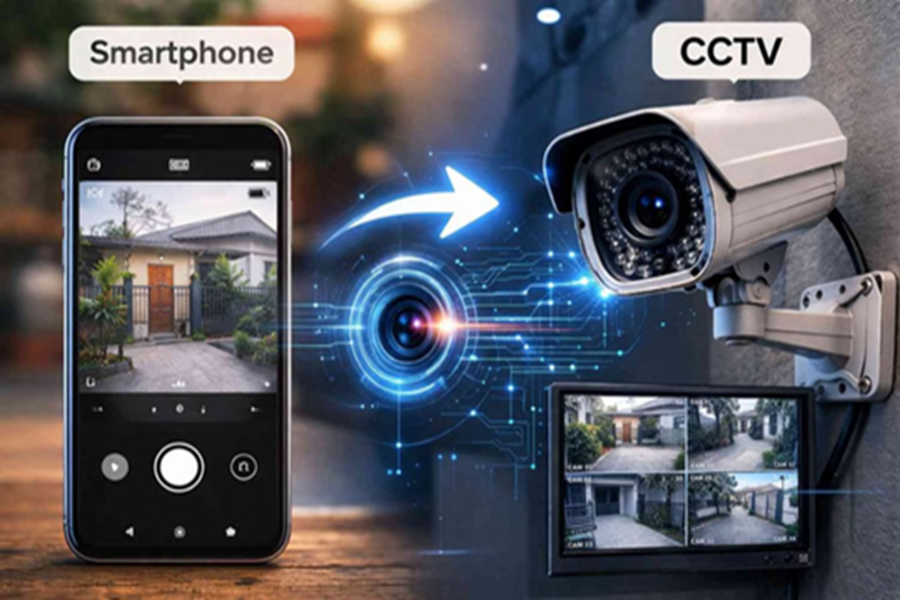
Turn an Old Smartphone into a Security Camera: There is no longer a need for expensive CCTV systems to ensure home security. With just an old smartphone, Wi-Fi, and a free app, you can live-monitor your home from anywhere. Learn how this DIY security hack works—completely free of cost.
By utilizing the high-quality camera and Wi-Fi capabilities present in old smartphones, they can be repurposed into security cameras. With the help of apps like Alfred Camera or Manything, you can access features such as live feeds, motion detection, and night vision right from the comfort of your home. This not only saves money but also transforms an otherwise idle phone into a useful gadget.
DIY Security Camera App: How to Set It Up and What Are the Benefits?
The setup process is very simple. To begin, connect your old phone to Wi-Fi and place it near a charging point.
App Selection: Install a security app—such as Alfred Camera—on both your old phone and your current (new) phone.
Connection: Log in to both devices using the same email account.
Set Modes: Configure the old phone to operate in "Camera Mode" and the new phone in "Viewer Mode." Your live surveillance system is now ready to go.
Why Is This Hack So Effective?
Your old phone can perform all the same functions as expensive dedicated security cameras:
Motion Detection: Receive instant alerts whenever any movement is detected.
Night Vision: Surveillance remains possible even in low-light conditions.
Cloud Recording: Your video data can be securely stored.
Baby or Pet Monitor: It serves as an excellent tool for keeping an eye on children or pets.
Tips for Optimal Performance
Power: Keep the phone plugged into a charger to ensure it remains powered on 24/7.
Stability: Position the phone in a location that provides a clear view of the entire room or the doorway.
Unwanted Apps: Close any unnecessary apps running in the background of the phone to ensure smooth and consistent performance.
Disclaimer: This content has been sourced and edited from TV9. While we have made modifications for clarity and presentation, the original content belongs to its respective authors and website. We do not claim ownership of the content.
