
Smartphone Tips: Is your phone's camera lagging? Try these 5 ways to fix it..
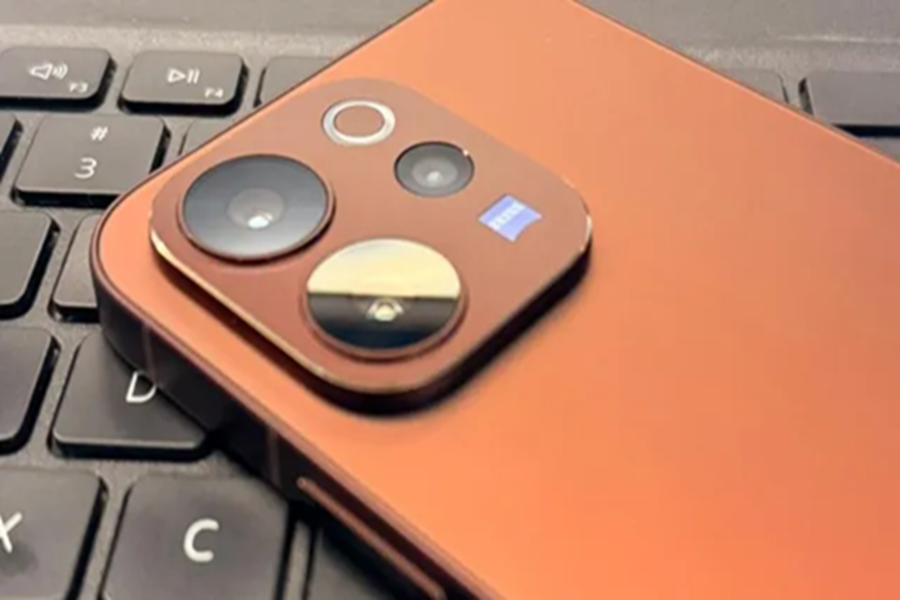
The smartphone camera has become a crucial part of every user's life. Whether it's posting on social media, vlogging, or simply enjoying photography, the phone's camera is a vital tool for all these tasks. However, sometimes, prolonged use can cause lag. Sometimes, the camera app freezes, or photo capture is delayed.
In such conditions, taking clear and fast photos becomes difficult. If your phone's camera is lagging, today we'll share five effective ways to fix it. These can help you fix it immediately. Let's explore them...
Restart the Phone
If your phone's camera lags significantly, restart the phone. Sometimes, the camera app slows down due to background processes or temporary bugs. In such cases, a restart refreshes the files, and the camera starts running smoothly again.
Clear the Camera App's Cache
Overflowing cache files can also slow down the camera app. Clearing the cache loads the app freshly. You can clear this by going to Settings > Apps > Camera > Storage > Clear Cache.
Phone Storage
If you're using a phone with low storage, this can have a significant impact on the camera. Saving photos can take time, while video recording may even stutter.
Update Software
If your phone's camera is lagging a lot, it could be due to a lack of software updates. System updates often improve the camera processing engine. Not installing the latest update can cause lag.
Turn Off Background Apps
You may also experience camera lag if you have multiple apps running on your phone at once. Running too many apps can fill up RAM, slowing down camera processing. Therefore, clear Recent Apps before using the camera.
Disclaimer: This content has been sourced and edited from Dainik Jagran. While we have made modifications for clarity and presentation, the original content belongs to its respective authors and website. We do not claim ownership of the content.
