
Smartphone Tips: Is your old phone hanging frequently? Boost its speed with these settings—without spending a single penny..
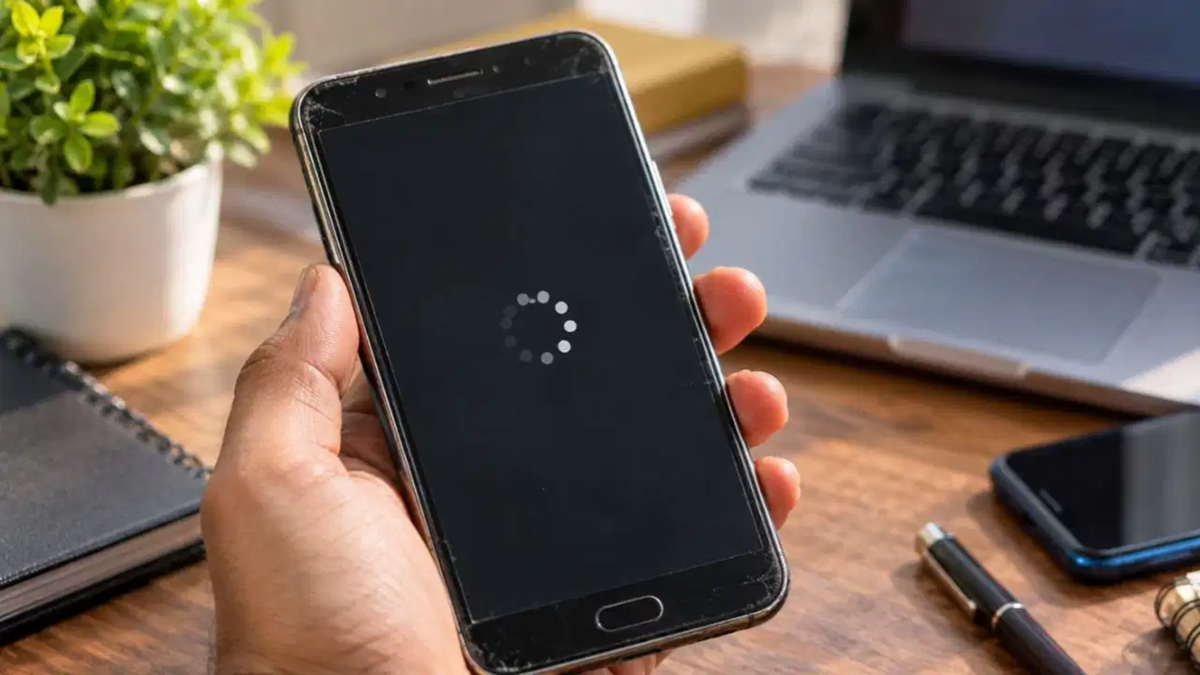
Smartphone Tips: Smartphones have become an integral part of our daily lives. From the moment we wake up until we go to bed at night, most of our tasks depend on them. However, as a phone ages, its performance tends to slow down. It may start hanging frequently, and opening apps can take longer. Frustrated by these issues, many people consider buying a new phone. Yet, purchasing a new device isn't always necessary; you can often restore your old phone's speed by adjusting a few simple settings. If your phone is running slowly, you can boost its performance without spending a single penny by following these effective methods.
Remove Unnecessary Files and Cache Data
The primary reason for a phone slowing down is the accumulation of 'cache data' from apps. As we use various apps, junk and temporary data accumulate in the phone's internal storage. Over time, this data builds up to such an extent that it puts significant pressure on the phone's processor, causing it to lag.
Dedicate 30 Minutes to Yourself Each Morning—Habits to Keep You Healthy and Fit
To address this, go to your phone’s ‘Settings’ and navigate to the ‘Storage’ or ‘Apps’ section. You will see a list of all the apps installed on your device. Go into each app individually and select ‘Clear Cache.’ Additionally, use your phone’s built-in ‘Phone Manager’ or a reliable third-party cleaner app periodically to delete junk files, which will help keep your storage clean.
Remove Unused Apps
We often download apps that we might only use once or twice a year. We tend to forget about them, yet these apps continue to run in the background. These unnecessary apps continuously consume both your phone's RAM and battery in the background. This directly impacts the phone's speed, causing it to become sluggish.
To restore your phone's speed, carefully review your list of apps. Uninstall or disable any apps that you haven't used at all in the last few months. Taking this step will not only free up internal storage space but also significantly improve your phone's overall performance.
Never postpone software or app updates.
Many mobile users have a habit of ignoring software update notifications. Doing so is detrimental to your phone's health. Mobile companies periodically release updates to fix flaws, or "bugs." These updates often include performance optimizations, which are essential for ensuring your phone runs smoothly.
To keep your phone up-to-date, go to 'Settings,' then navigate to 'System' and select 'Software Update.' Check here to see if any new updates are available for your device. If an update is pending, install it immediately. Additionally, ensure that all your apps are kept up-to-date via the Google Play Store or the App Store.
Keep animations and your home screen minimal.
To make our phones look more attractive, we often set live wallpapers or clutter our home screens with numerous widgets and apps. While these may look appealing, they keep the phone's processor constantly occupied, which causes the device to slow down.
To ensure your phone runs exceptionally fast and smoothly, keep your home screen clean and uncluttered. Replace resource-heavy live wallpapers with simple, static ones. If possible, go to the 'Developer Options' on your phone. There, you will find an 'Animation Scale' setting; adjust it to 0.5x or turn it off completely. Once you change this setting, your phone will respond to commands much faster. Applying these simple yet effective tricks will significantly improve the speed of your older smartphone and completely resolve the issue of it frequently hanging.
Disclaimer: This content has been sourced and edited from TV9. While we have made modifications for clarity and presentation, the original content belongs to its respective authors and website. We do not claim ownership of the content.
