
Smartphone Tips: Dropped your smartphone in water? Here's how to fix it at home and avoid expensive repair costs..
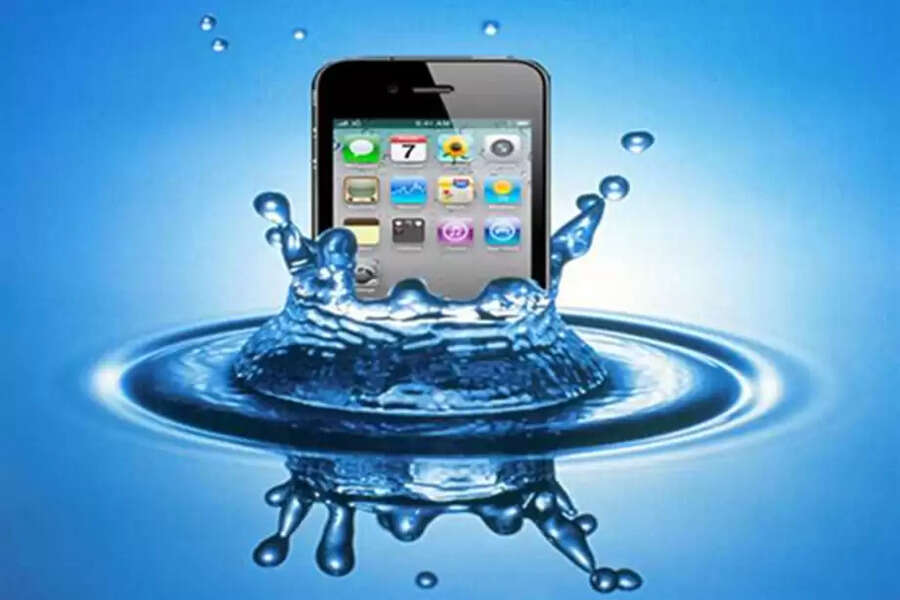
How to Fix a Water-Damaged Phone at Home: In today's world, a smartphone has become a necessity for everyone, but even a little carelessness can lead to it falling into water and getting damaged. Common problems include the phone shutting off, the screen going blank, or not charging after falling into water. In such situations, people immediately rush to a service center, but often the phone can be saved at home. If the right steps are taken at the right time, the smartphone can be saved from serious damage.
What to do first when your phone falls in water
As soon as your smartphone falls into water, the most important thing is to take it out immediately. If the phone is on, it should be switched off without delay to avoid the risk of a short circuit. If a charger, earphones, or any other accessory is connected, remove them immediately. The sooner the phone is powered off, the less damage will be done to the internal circuits.
The right way to dry your phone
To dry the phone, wipe off the water from the outside with a cloth or tissue. After that, placing the phone in a well-ventilated and dry place is best. Many people use a hairdryer, but the hot air can damage the internal parts of the phone. Therefore, letting the phone dry naturally is considered safer. Also, the phone should not be placed in direct sunlight.
The truth about putting your phone in rice
It is often advised to put a wet phone in rice. Rice can help absorb moisture, but it's not a guaranteed solution. If the phone has been in water for a long time, simply putting it in rice won't remove all the moisture. However, it can be a temporary solution for a phone that has only been briefly exposed to water. In such cases, if no other means are available, putting the phone in rice becomes the most important step.
Take precautions before charging.
Even after the phone is dry, you shouldn't make the mistake of plugging in the charger immediately. Do not charge the phone for at least 24 to 48 hours. If there is still moisture in the phone and you charge it, the battery and motherboard can be damaged. Before charging, it is essential to ensure that the phone is completely dry.
When should you go to the service center?
If your phone is not turning on, the screen has blemishes, there is water visible in the camera lens, or there is no sound coming from the speaker, then going to the service center is the best option. Water damage can cause internal corrosion to gradually worsen. In such cases, a professional inspection is the only way to find the right solution. Delaying this increases the risk of the phone being completely damaged.
Disclaimer: This content has been sourced and edited from TV9. While we have made modifications for clarity and presentation, the original content belongs to its respective authors and website. We do not claim ownership of the content.
